or
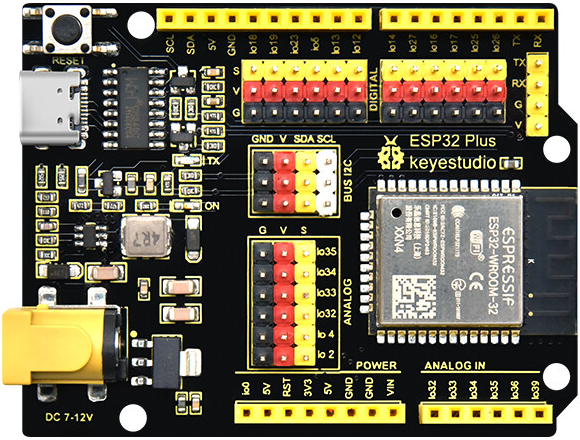
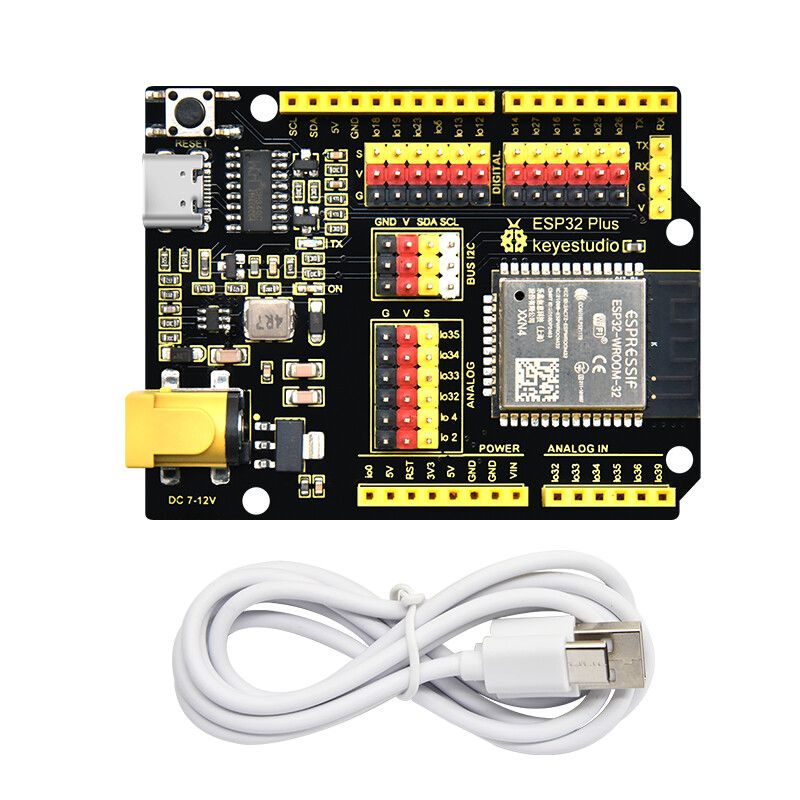
KS5016 Keyestudio ESP32 PLUS Development Board - Keyestudio Wiki
A google search of the form “fritzing part KS5016 Keyestudio ESP32 PLUS Development Board”
find this post which should do what you want.
Peter
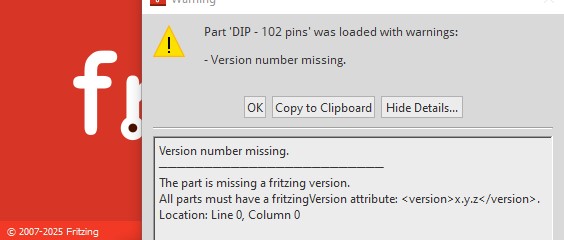
Welcome aboard! There are some problems with your part however (illustrated below.) First and foremost a correct part already exists and is listed two posts above as keystudio-KS5016.fzpz. Clicking on that (or doing a google search of the form “fritzing part keystudio-KS5016” which is the best way to find existing parts would find it.) That said on to the problems in your part. First on Fritzing 1.0.5 (the current version) I get this error when attempting to load the part:
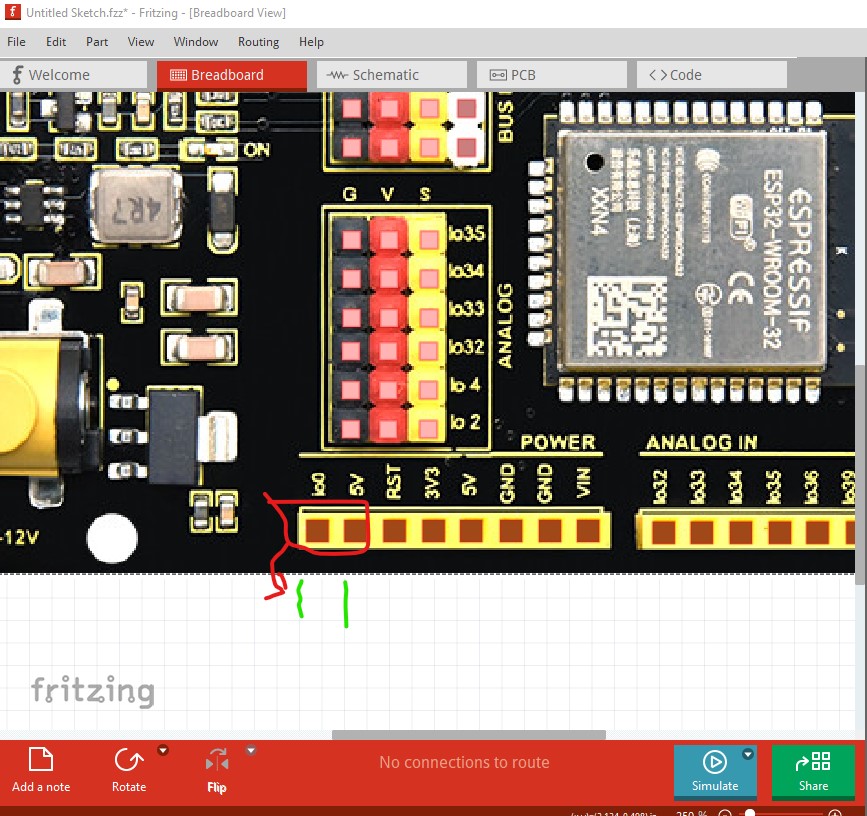
clicking OK loads the part fine but is annoying. Once the part is loaded there are further errors. The pins are not aligned on 0.1in boundaries as they should be (because the part is the wrong size a we will see in a bit.)
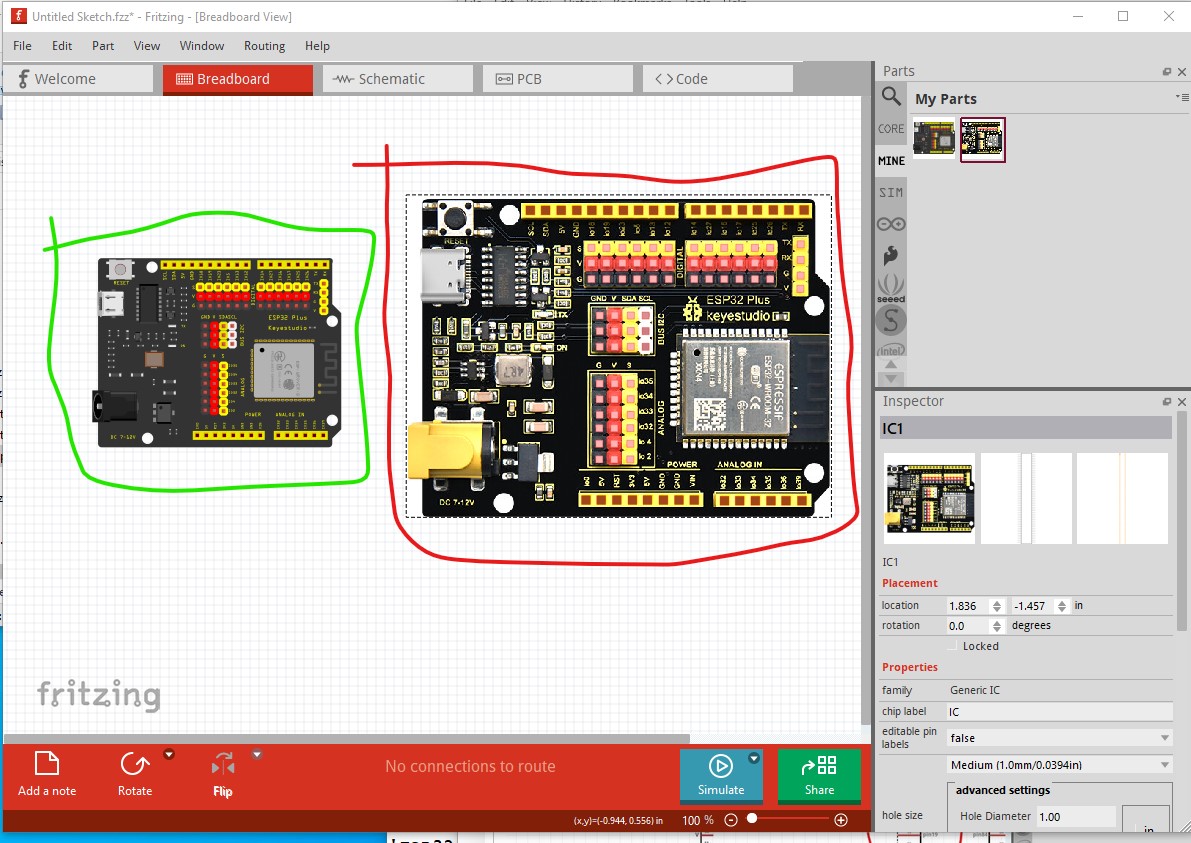
This part on the right is the (mostly) correct part from the post 2 above loaded in to Fritzing with your part beside it on the left. The correct part is the physical size of the board in the real world (as parts should be), your version is too large.
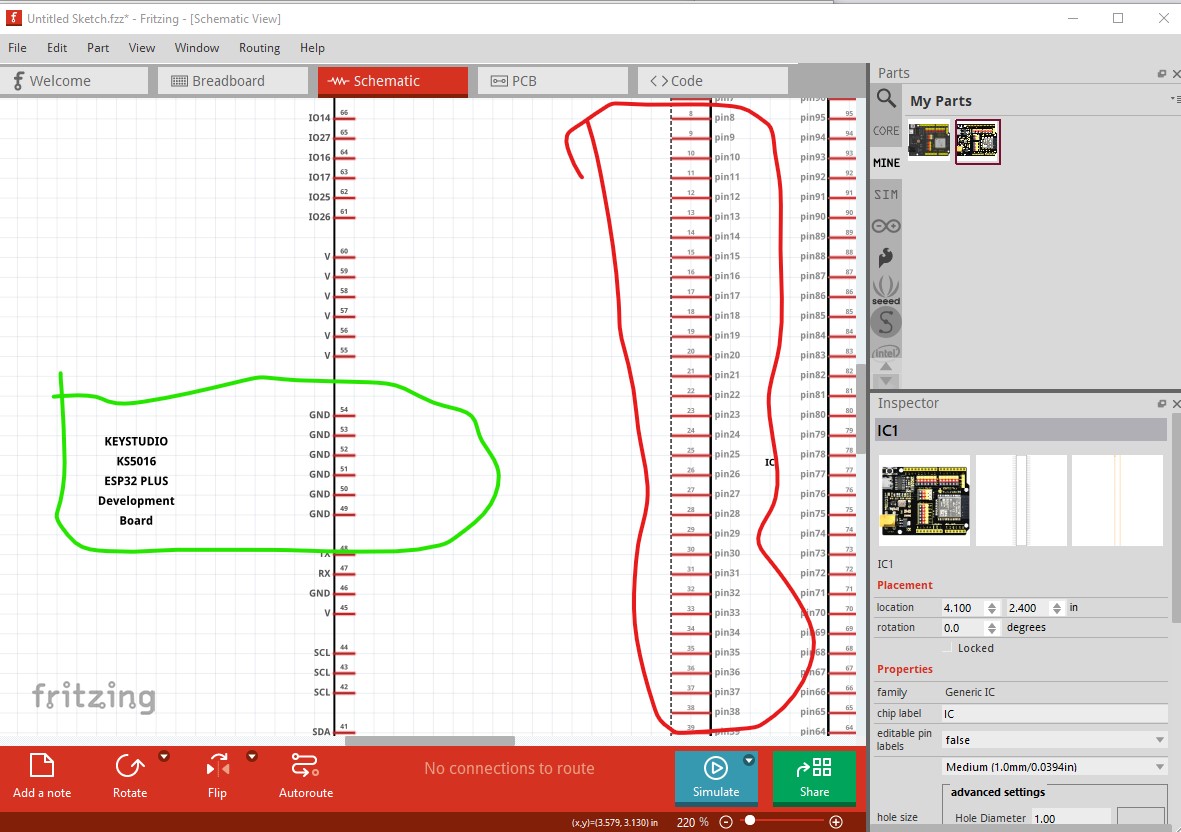
Changing to schematic view looks much different. The pins should be correctly labeled with the pin name (I usually lay them out to match the physical board, but the schematic purists which I am obviously not  ) prefer an abstract view, I would rather be able to match the schematic to the physical device usually. Either form should be acceptable. If you use Inkscape there is also an extension that will create correct schematics from supplied parameters (covered in the tutorials later)
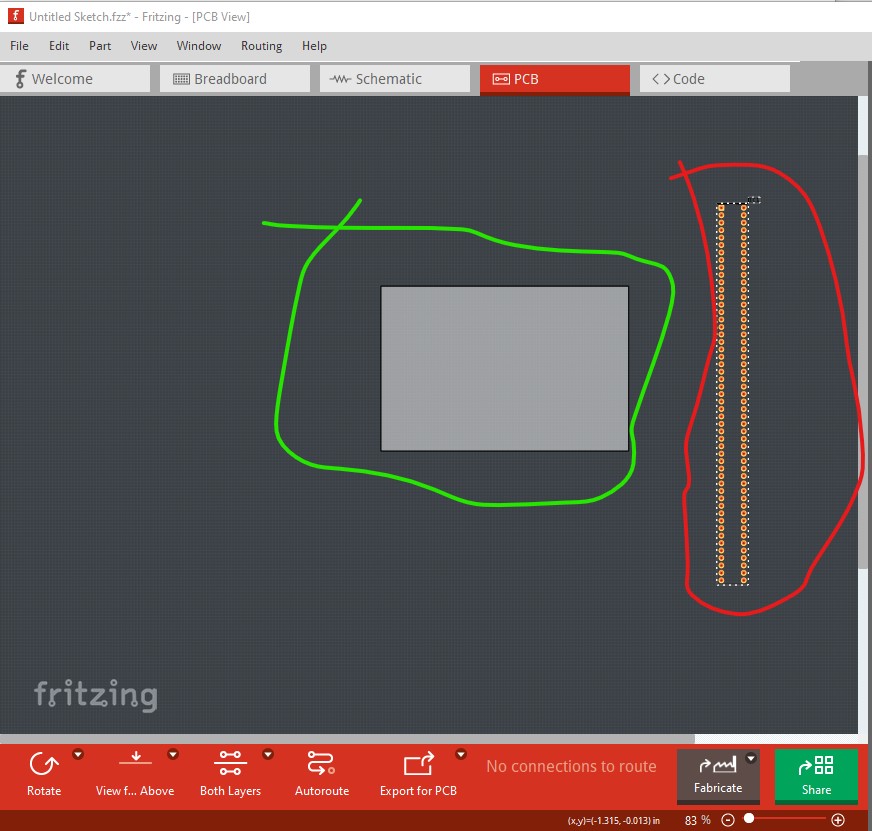
In this case pcb view should be suppressed as it is not useful (which is somewhat difficult to do and can not be done in parts editor!)
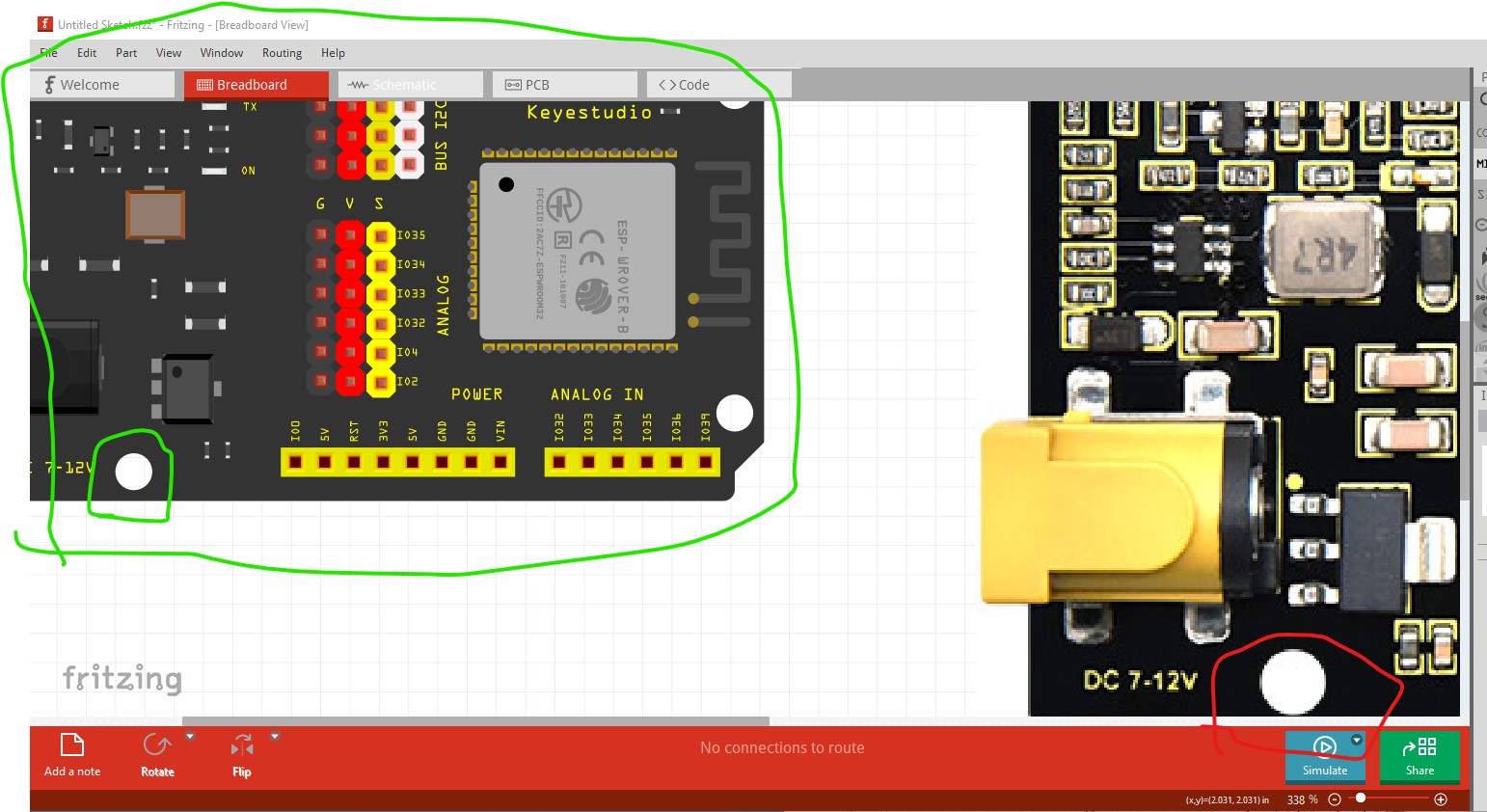
It is preferable (although images will work mostly fine and are sometimes a good choice) to use vector graphics as is done in the original part. The reason is that svg graphics scale correctly when zoomed in on, while images do not (the fixed size image is zoomed causing pixelization). This is the correct board and yours zoomed in in breadboard. Note the mounting hole is correctly round in the left part but pixelated and indistinct in the right hand part
Making parts (as I expect you have found) is difficult and if you only need one or two it is much easier to request a part and let one of us who make parts make it for you. If you would like to learn to make parts (and I heartily encourage it, as we need more people willing and able to make parts as there are currently only a couple of us left.) these two tutorials will help (you may have already seen them as they get posted here a lot!):
I lately learned there aren’t links to the videos in Old_Grey’s tutorial so you need to do a google search for the title and then they come up on YouTube.
Hope this helps.
edit:
I just replaced the original part with one with a correct version number so 1.0.5 no longer complains about an invalid version number.
Peter
Thank you very much!