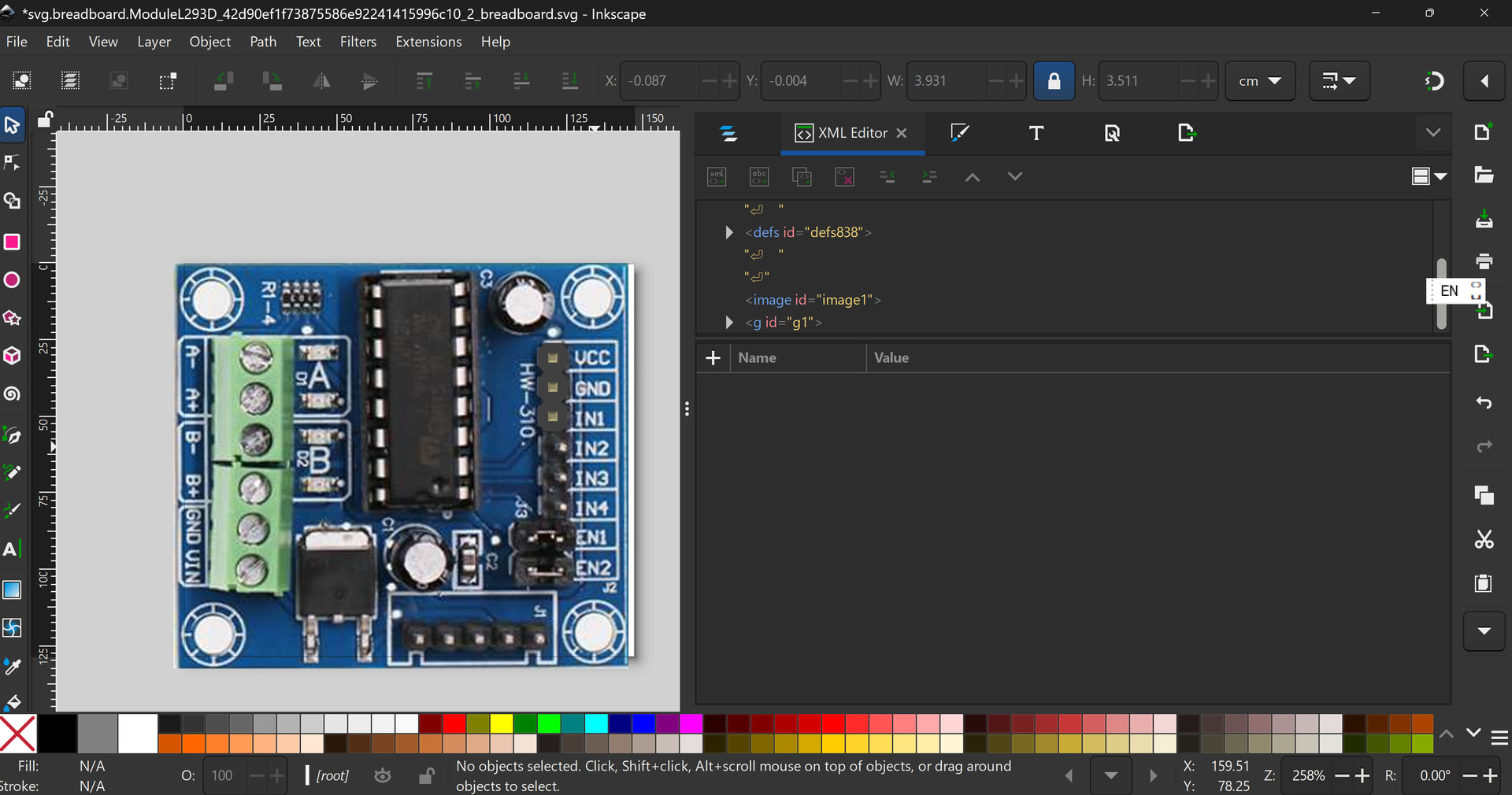
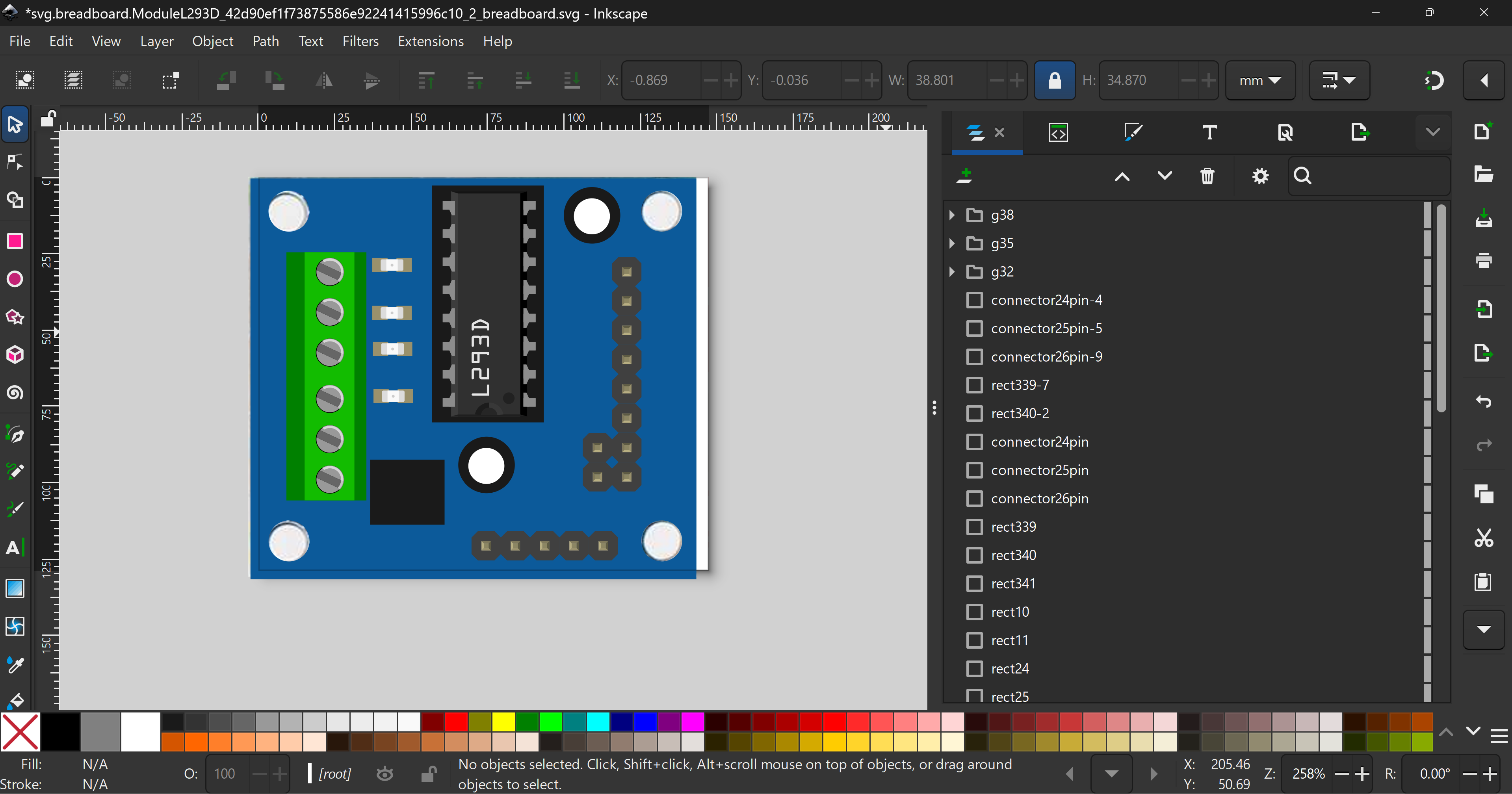
Hi guys, I was looking for this L293D Motor drive Module DKARDU part in fritzing but I could not find that. I made my own part.
L293D Module.fzpz (27.3 KB)
Hi guys, I was looking for this L293D Motor drive Module DKARDU part in fritzing but I could not find that. I made my own part.
L293D Module.fzpz (27.3 KB)
Hi @lufdate Thanks for your contribution! I’ll check the part for u
Hi @lufdate great work on your part! Upon just a quick look I do suppose u need help in the PCB? Don’t worry, I can help you. It requires special “declarations” in the .fzp file, so it’s ok
OK @lufdate Here’s the fixed part and why
Pro tip 1: You don’t have to always draw elements from scratch – use what Fritzing has for you!!
You can use the L293D chip from Fritzing itself
L293D.fzpz (6.6 KB)
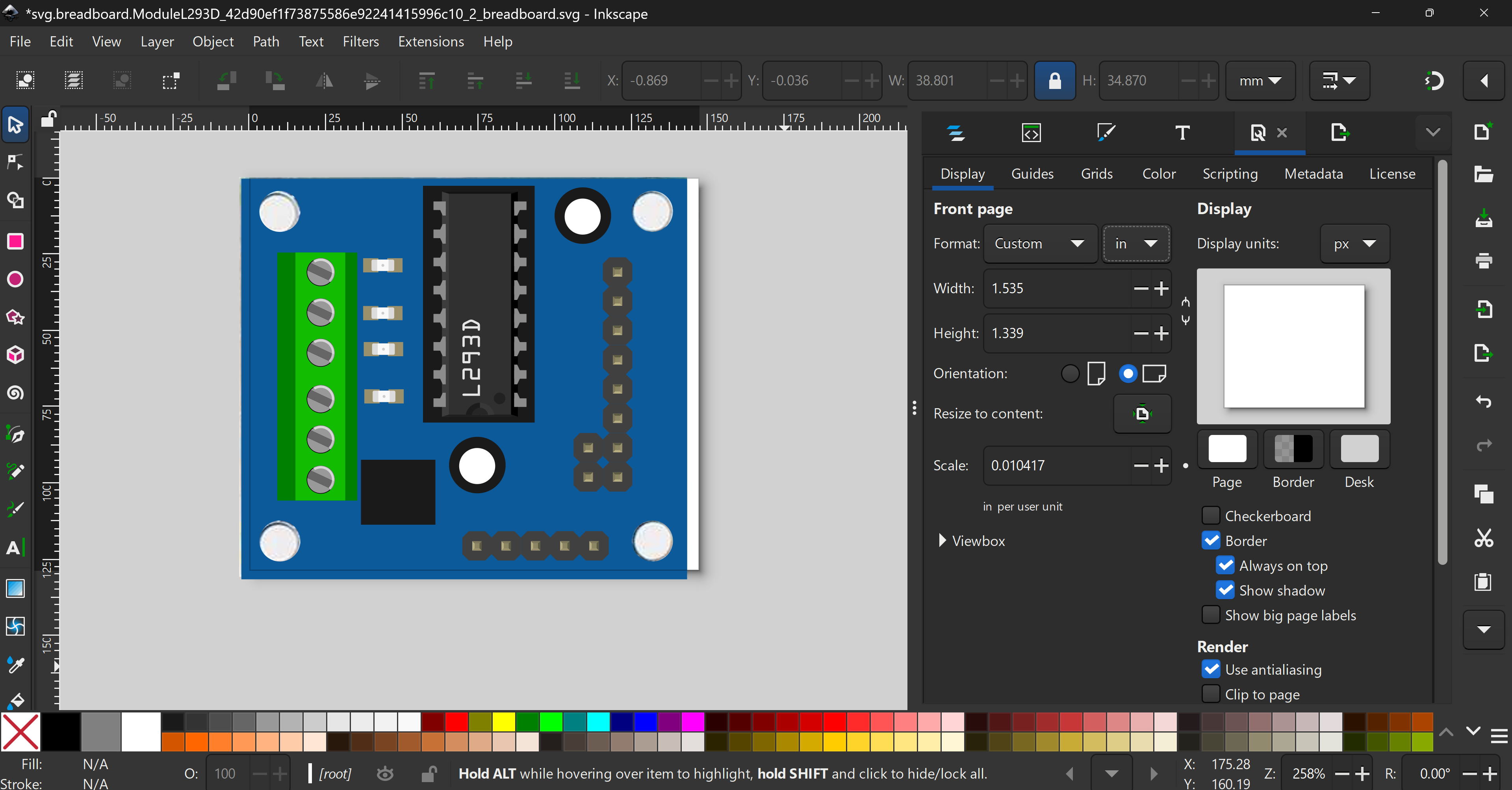
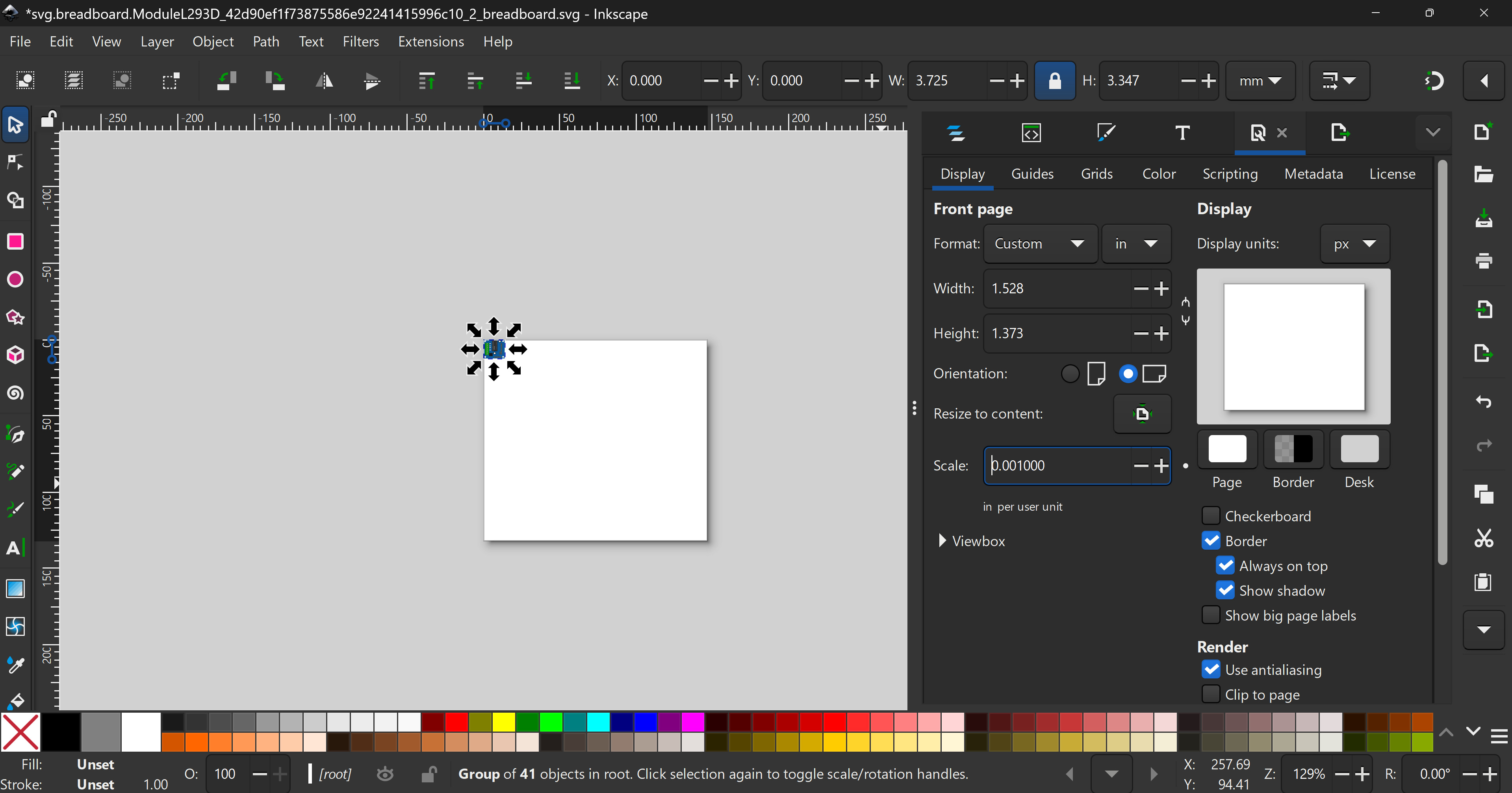
IIt is also not recommended to use PX for SVG scaling – this creates inconsistencies across SVG editors. Use 0.001in scaling always, as stated in the parts standards
Pro tip 2: Start with top view raster images
This is usually the easiest way to make a part. You also need to lay some generic 0.1in headers on the image to see if the raster image is scaled correctly.
Keep laying out the connectors. Preferably you can keep the pin sequence like this to align with schematic standards
You can then also borrow some elements from the fixed Cytron Rekabit I sent u
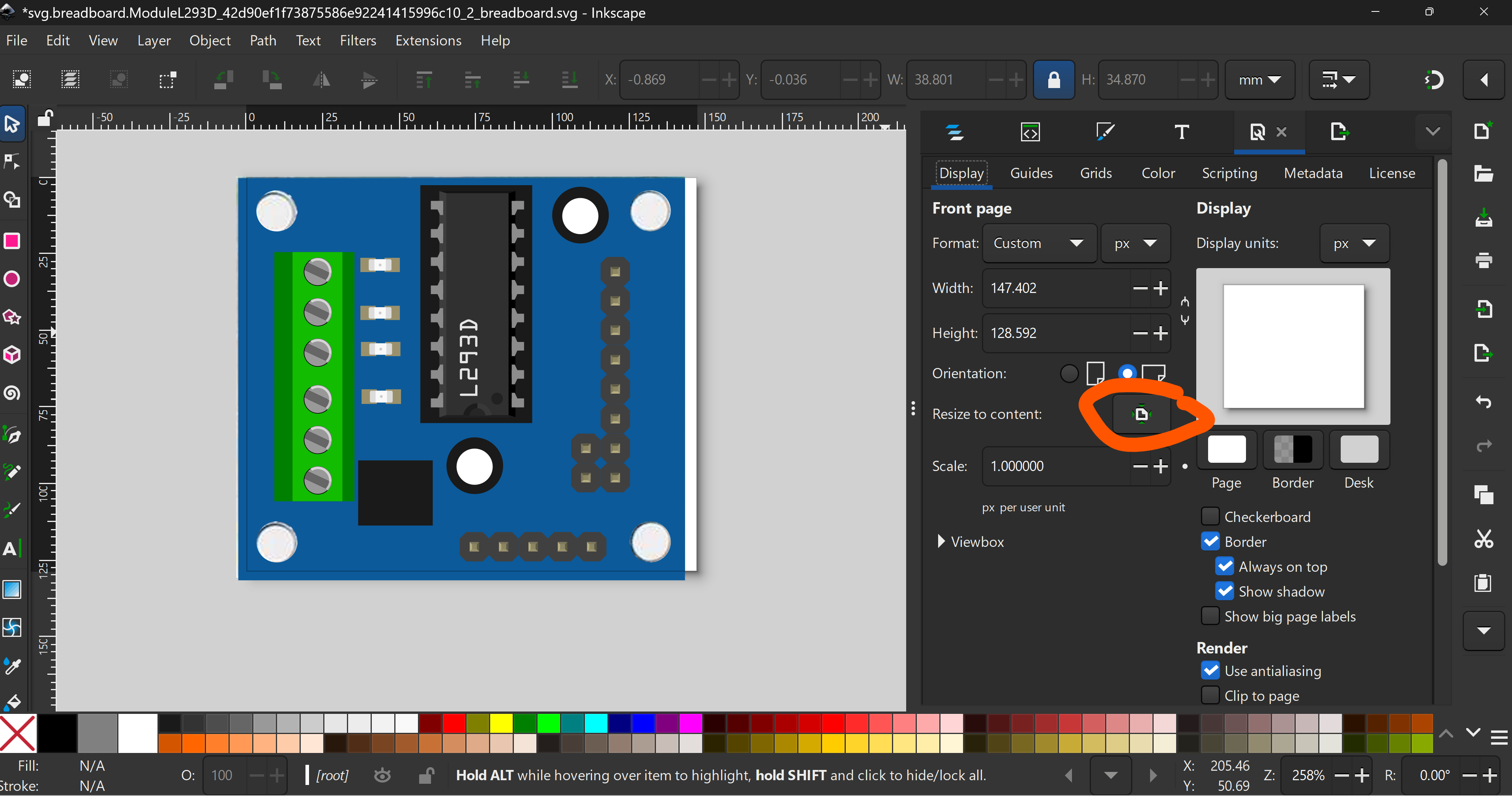
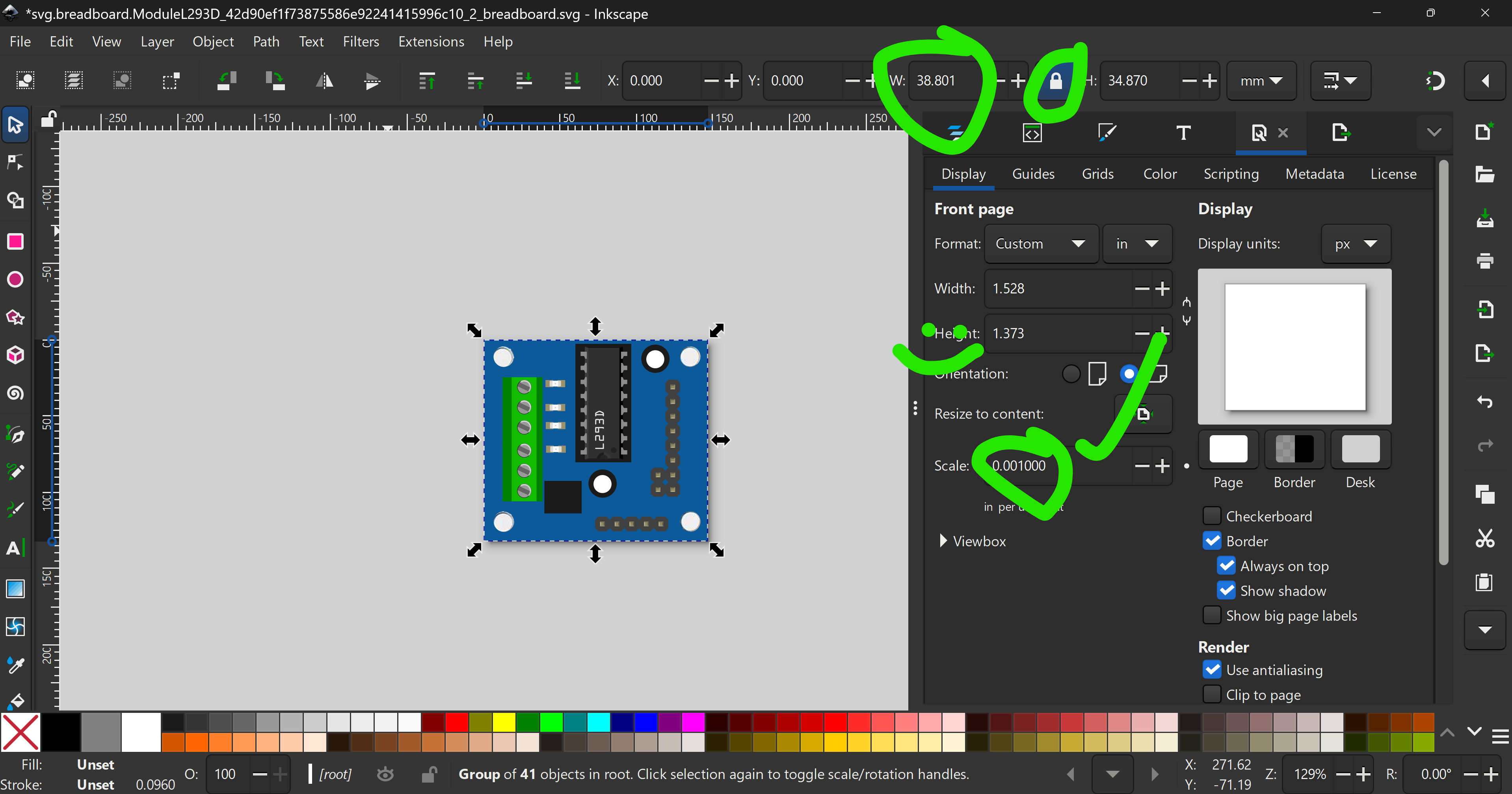
After placing you can get somethig like this. Then, you have to reset the viewbox,
You should also never use PX. In the standard, the scalibf should be 0.001in. To fix,
Now ungroup to remve transforms
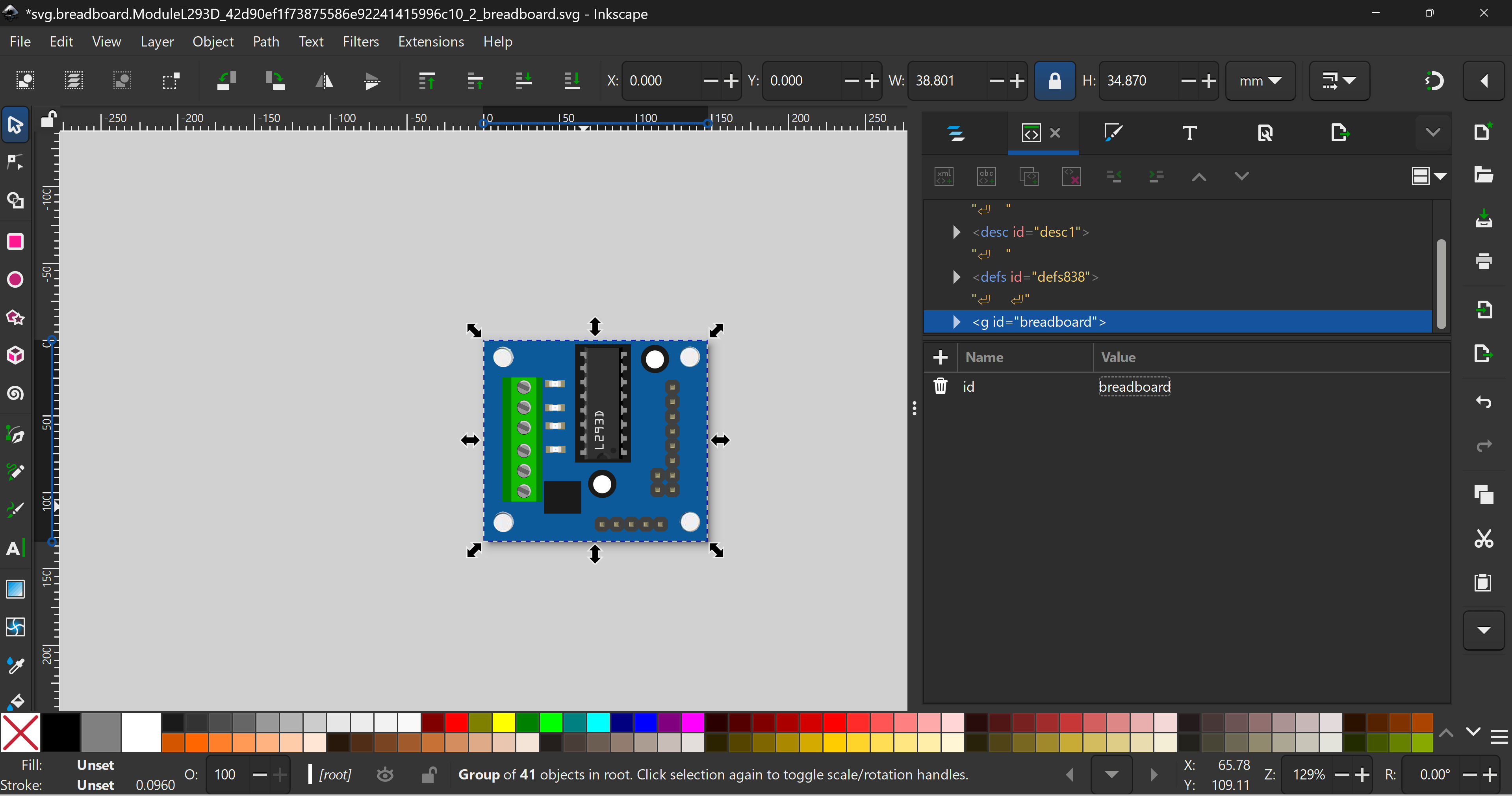
and then regroup and rename ti “breadboard”
Don’t forget to remove the raster image!
Note: I temporarily disabled the download
OK for this you can just derive from the breadboard SVG.
Hi @RAPTOR7762 thanks for your detailed explanation. I’ll use that advice for my next design.
You;re most welcme. By the way, I have released some tutorials