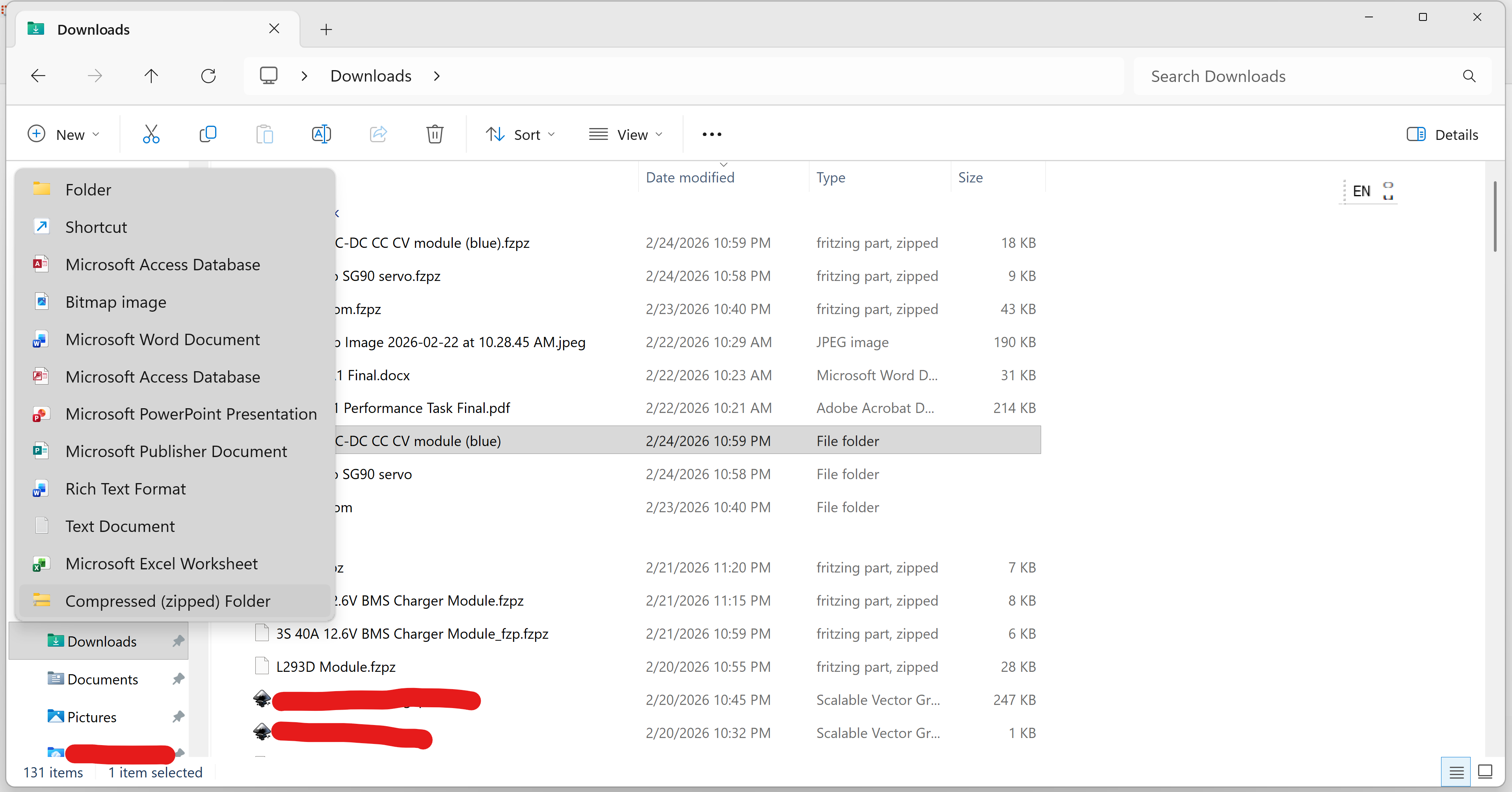
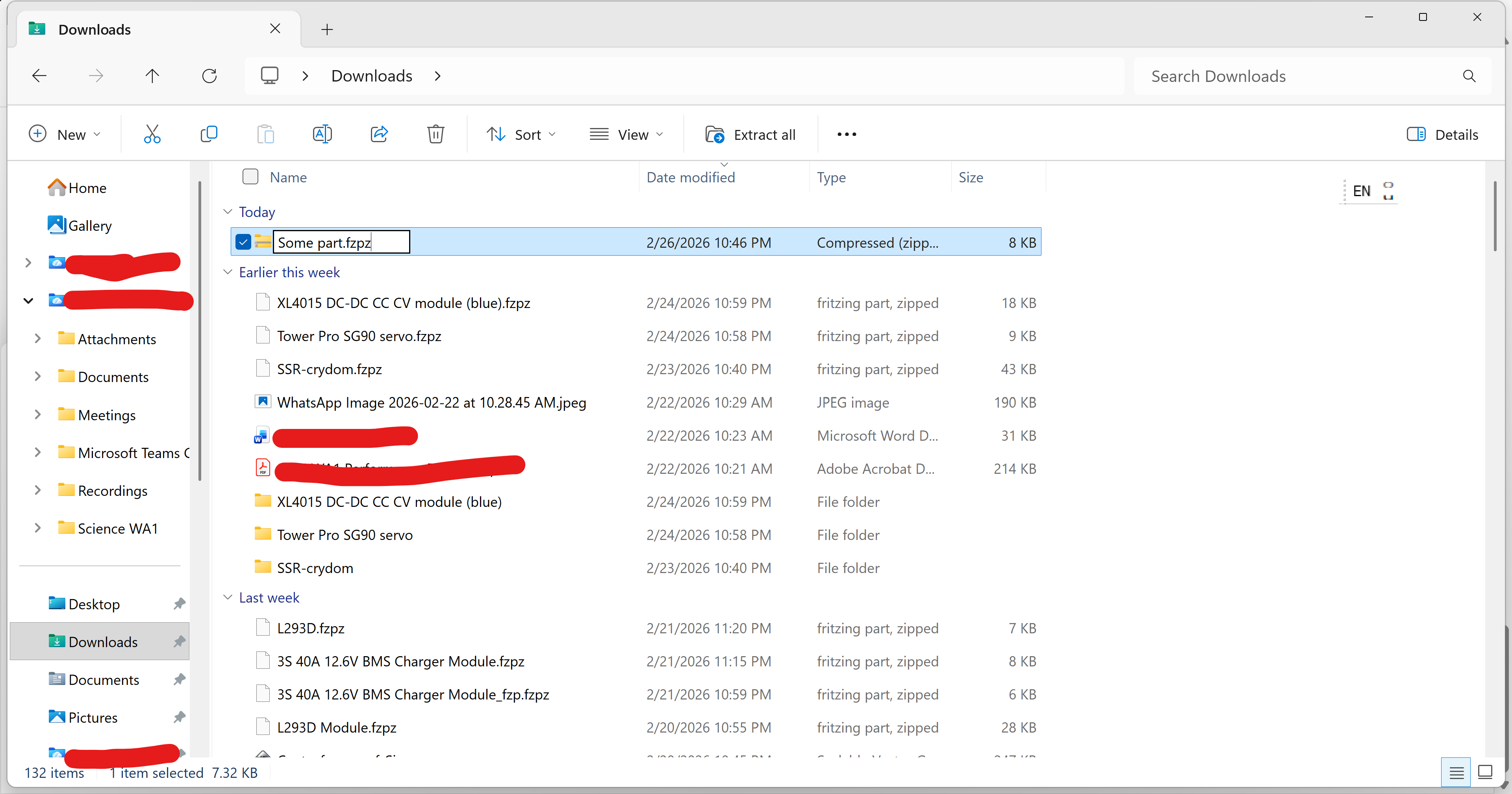
Hm… opening the fzpz in Fritzing (drag and drop) will unpackage it, and exporting a part in Fritzing will package it. I guess the instructions would be shorter this way, even considering most users already have 7zip or similar?
Does that mean that with 1.0.7, one way to create an fzpz would be to create that module id directory, put the individual files there, then do an export from Fritzing?
My personal process to create a part used to be to create a working directory (outside of fritzing), put the svg and xml files there, zip that to the .fzpz, then import for testing. Manual cleanup of the files in various directories when something went badly wrong, when the simple part delete did not work. A single folder will simplify that, but limits sharing of files between parts. A manually created part could for example use a core footprint file.
OK as you know… The tutorial is a few months old, and sometunes, if I understood you correctly, extra data might be churend out when Fritzing imports a part => especially for exporting the SVGs after importing. Not many users have that SVG skill, so so far this works the best
For now this will only affect fzpz: Two fzpz that both contain a SVG with the same name will keep their copy of that SVG, and not overwrite each other anymore.
Parts can still reference core part SVGs, but I’d avoid that. Disk space or bandwidth is not an issue at all (we are talking about a few kB). Why not copy a version to your fzpz?
name conflicts between SVGs of different fzpz files should not happen anymore.
name conflicts between SVGs of an fzpz and a core SVG still can happen (I’d say this is a huge bug, but as you point out, can also be a feature)
Edit: Besides SVG from core parts, there are also SVG dynamically generated from the parts factory. For the later, I think a valid point for using shared SVGs would be that they have names which encode the outcome. For example
“generic_ic_dip_v2_8_300mil_bread.svg”
would always be
Even if the graphics would change, you can still expect it to be a valid DIP with 300mil space and 8 connectors.
So, in that case, I’d agree you can rely on the name of the SVG.
Creating or not creating a copy is not “just” about disk space or bandwidth. A separate copy of a file needs to be maintained separately. If a core file is referenced, that extra potential maintenance goes away. If the core file is “stable”, then a copy and the original are the same. However, if the core file every needs adjustment, any corrections will automatically ripple through to the parts that are using it. If the goal is “lock in” to a personal version, then sure, take a copy. If the goal is to stay consistent with core parts, use a reference.
I’m a programmer. I believe in DRY for both code and data.
This is getting off topic. My point was that Fritzing can package and unpackage fzpz files, and manual zipping is quite error prone. It is easy to package an fzpz with a SVG name duplicated from the core files, or override SVG from a different fzpz. Fritzing 1.0.7 will try harder to prevent this.
So I question if instructions about 7zip should be in a tutorial. I wouldn’t put it there, but I am not the one writing it. Just my 50cents.
My perspective. Any tutorials for generic tools like 7zip should be somewhere else. Point to youtube or other resource. Only Frizting specific details belong in Frizting websites and repos. The only part that belongs here is a note about convincing the software to create .fzpz file, which may mean renaming after creation. That is an OS and local environment specific detail.
7zip is not the only tool that can be used. I am using Fedora linux, and my tools set is different.
I mean my tutorials are with Windows. As for those tools ok you can use windows tools to unzip or 7zip. Mostly my procedure is by and large the same as Peter Van Epp’s, but with some major modifications due to updates in technology