USB-C Connector mounting hole

Good day,

I was unable to find a USB-C connector in the Fritzing parts library, so I wanted to try creating one myself.

Unfortunately, I am not sure which conventions apply to pads in the PCB view. Are the following assumptions correct?

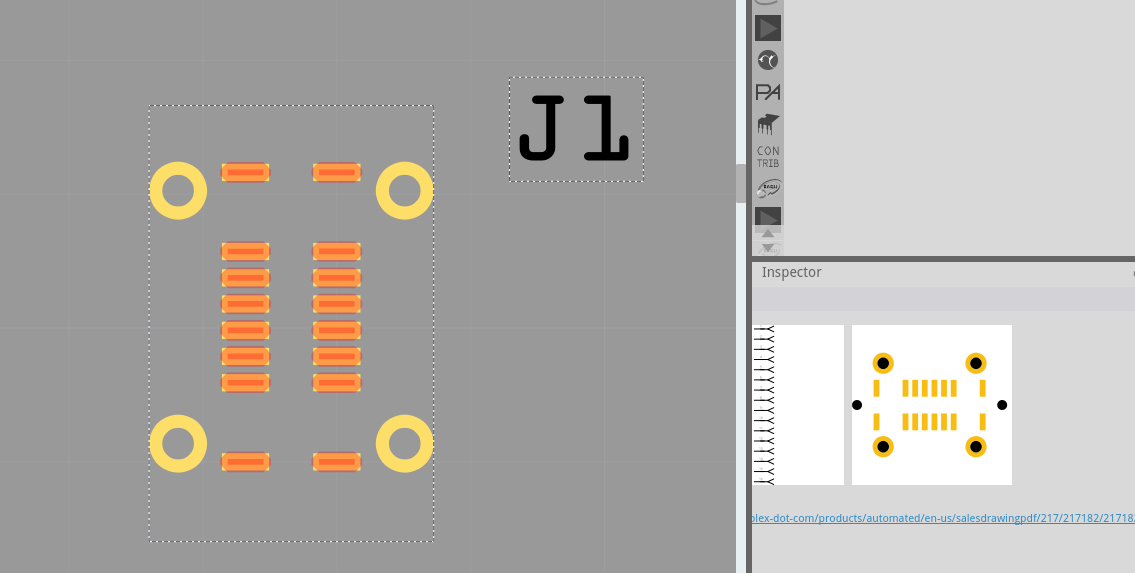
  • SMD pads have the ID connectorXpad, are filled with #f7bd13, and are included in copper0.

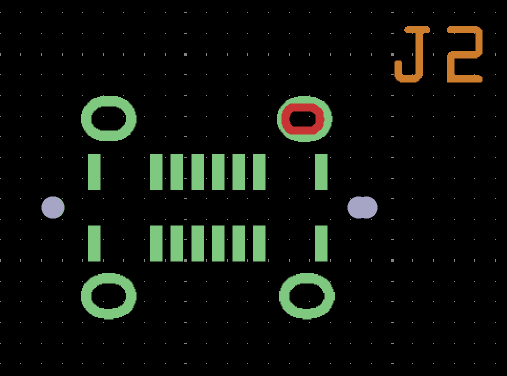
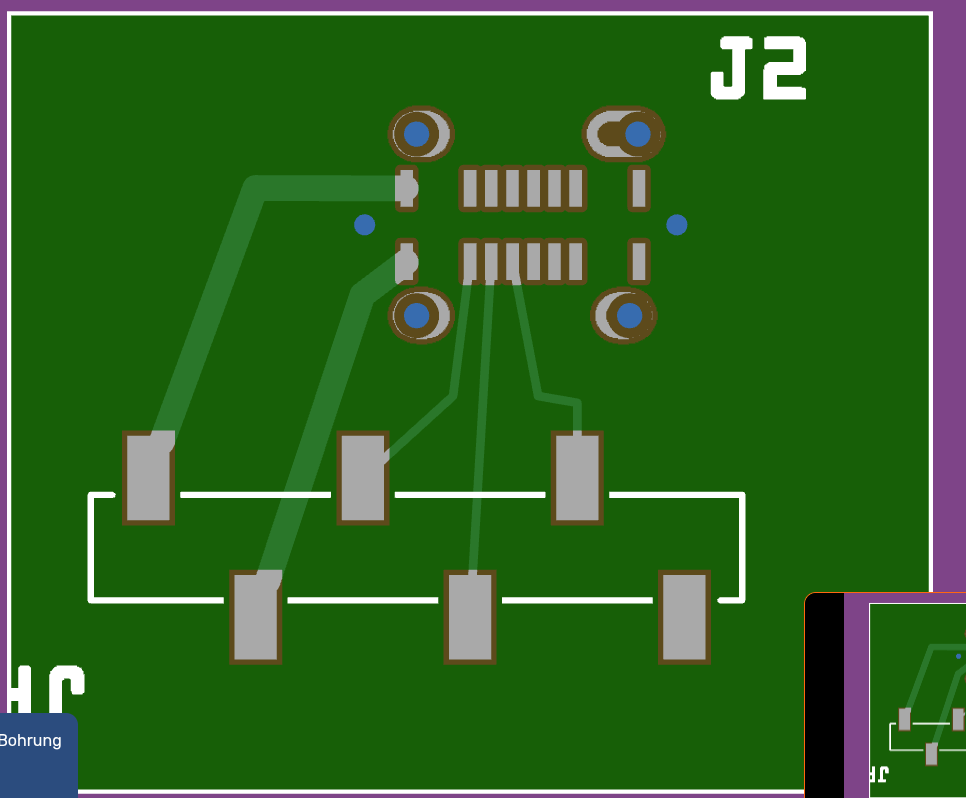
  • Pads used for mounting a connector are oval shapes filled with #f7bd13. They are also in the copper0 layer and have the ID connectorXpad. On top of them lies an oval shape filled with “black”. This oval shape has the ID connectorXdrill.

  • Holes that need to be drilled for screw mounting are only a black shape (oval or circular), but still within the copper0 layer.

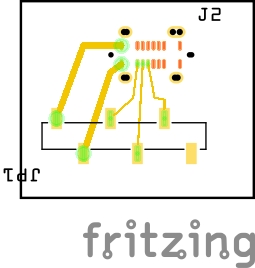
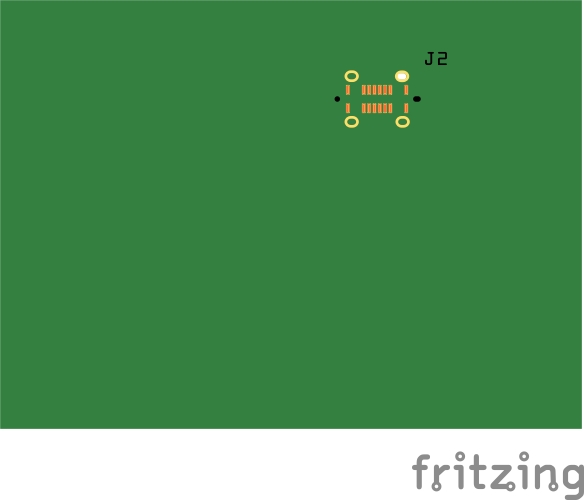
I am attaching my draft for the footprint.

footprint_usb_1_1

Is the reference for the part file format still up to date?

Gruß Harald Rau!

1 Like

Current state
circular shapes in the copper layer will be drilled. So you could build an oval by “nibbling” – put several overlapping circles next to each other. Depending on the diameter, the FAB would
automatically use this method anyway, because openings below a certain diameter can’t be CNC-routed (the drill bit would be too thin for the sideways load).

Oval drills like in your SVG are currently not directly supported by the gerber export. The closest workaround (and what most FABs would do anyway) is to nibble the oval with overlapping circular drill hits.

Regarding your SVG conventions, your assumptions are mostly correct:

  • SMD pads: id=“connectorXpad”, fill #f7bd13, in copper0 – correct.
  • Through-hole pads: copper shape with id=“connectorXpad” plus a black shape on top with id=“connectorXdrill” – this is the right idea, but note that currently only circles are recognized as drill holes by the
    gerber exporter. Your elements with id=“connectorXdrill” won’t produce drill hits in the current version.
  • Mounting holes: a black circle in copper0 will produce a drill, yes.

Also: your silkscreen layer is spelled skillsreen – should be silkscreen.

Edit: For completness, board outlines support negative shapes. The board should be defined clockwise. Anything counter-clockwise is then a hole and will be drilled our cut out.

Future plans
The idea is to add explicit drill and cut attributes to the SVG part format (for example
fritzing:drill and fritzing:cut attributes , similar to the ‘drill’ attribute currently described at the end of the spec. This would allow something like:

  <svg xmlns="http://www.w3.org/2000/svg"                                                                                                                                                                            
       xmlns:fritzing="http://fritzing.org/xmlns/0.1" ...>                                                                                                                                                           
    <g id="copper1"><g id="copper0">
      <!-- Plated oval slot -- routed to final shape -->                                                                                                                                                             
      <rect fritzing:drill="plated"                                                                                                                                                                                  
            x="46.772" y="179.13" width="33.465" height="23.622"                                                                                                                                                     
            rx="12" ry="12" />                                                                                                                                                                                       
                  
      <!-- Non-plated mounting hole -->                                                                                                                                                                              
      <circle fritzing:drill="non-plated" cx="10" cy="106" r="10" />
                                                                                                                                                                                                                     
      <!-- Board cutout -- tool follows the outline -->                                                                                                                                                              
      <rect fritzing:cut="true"                                                                                                                                                                                      
            x="20" y="20" width="50" height="30" rx="5" ry="5"                                                                                                                                                       
            stroke-width="1.88" fill="none" stroke="black" />                                                                                                                                                        
    </g></g>
  </svg>                                                                                                                                                                                                             

The key distinction: fritzing:drill removes material inside the shape (for holes and slots), while fritzing:cut removes material along the shape outline (for board cutouts, using stroke-width as the kerf). Both
support circles, rects, paths, and arbitrary shapes. The attribute can be set on a element and is inherited by all children.

Non-circular drill shapes would be exported as Excellon rout commands (M15/M16 rout mode)

This is still in the spec/planning stage – not yet implemented.

There is also the issue that ids need to be unique, which is makes using ids for fritzing layers (copper0, copper1, … ) a bit convoluted. So, I don’t think we’ll use id=“drill” like I think I suggested earlier.

Thank you,

that helps me a lot.

I also found a part from Peter where he used the nibbeling. He also used the mounting holes with the id=nonconnX. That also created holes in the Gerber view. If I saw it correctly, the holes (nibbeling) do not touch each other in the example. That would then require later manual reworking.

Does the overlapping of the holes cause no problems during milling? The overlap should certainly be smaller than the radius of the hole, right?

I will incorporate the hints and create the USB-C connector.

Thank you once again!

Best regards, Harald!

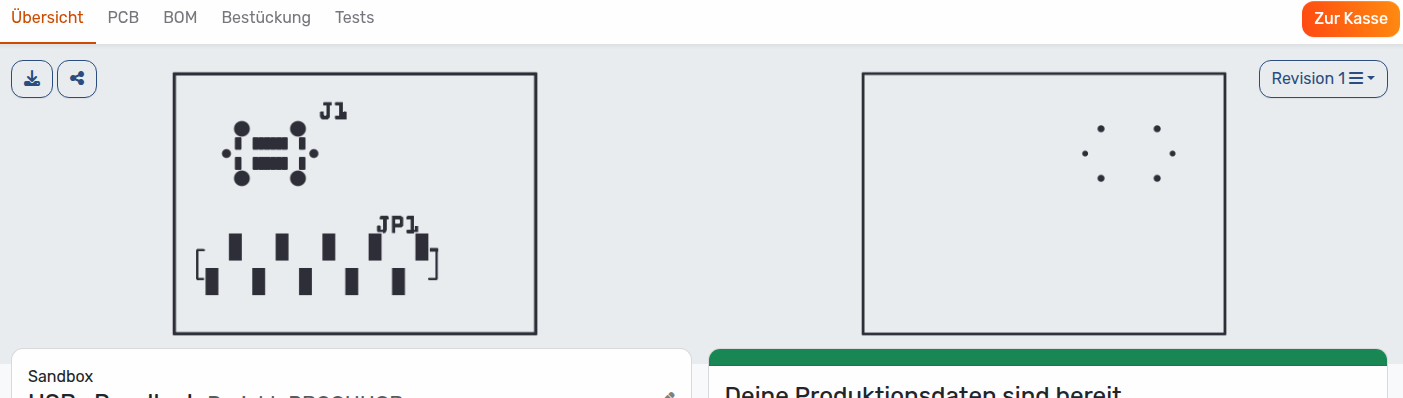
Aisler mentions USB-C connnectors as an example for nibbling:

However, in that case, the factory decides about the drill distance, and the gerber file (Fritzing) should just specify the slot.

It looks quite smooth in the picture, so maybe their process works with a overlap bigger than the radius.