Try this:
MCP4728.fzpz (8.5 KB)
Try this:
MCP4728.fzpz (8.5 KB)
!!! Top !!! the part fits 100%!!
Thanks…I’ll post the finished analog control board later
Thanks and have a great week!!!
Hey, what a great find…
so theoretically your component passed but practically it still needs to.
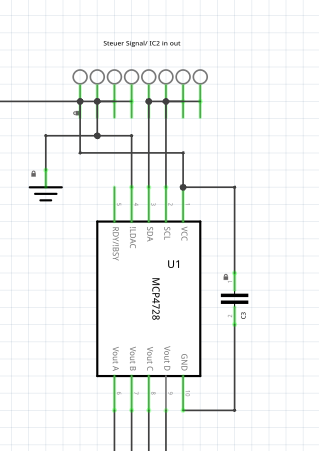
in the schematic it’s as it should be, however in the layout things get considerably mixed up…
have already tried for 3 days to connect the ICs correctly…nothing worked
took a closer look…
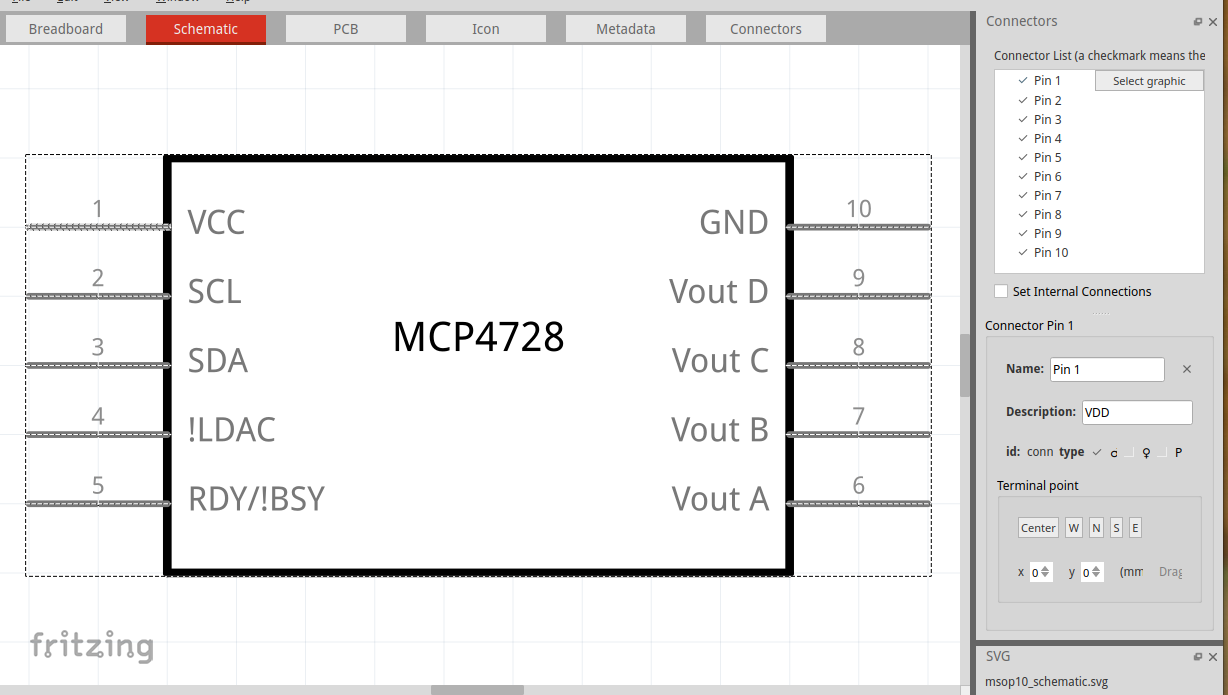
Pin 1 okay, Pin 2 also, then by all accounts 3 should come next…
but it doesn’t…it’s 4! after that 2X 5? then 6 okay, 3X8 and 10 — something didn’t go so well there, can you fix it yourself?
Can you please download it again, it’s been modified.
Otherwise, rearrange the schematic again in the PartEditor.
Top right, the list — there you can reassign the pins.
first he loads then he complains? the original file has been overwritten-.—
it was temporary again…but still…
MCP4728.fzpz (8.5 KB)
I adjusted the pins in the schematic…but the wiring
Pure chaos!! something doesn’t add up
Good morning Werner,
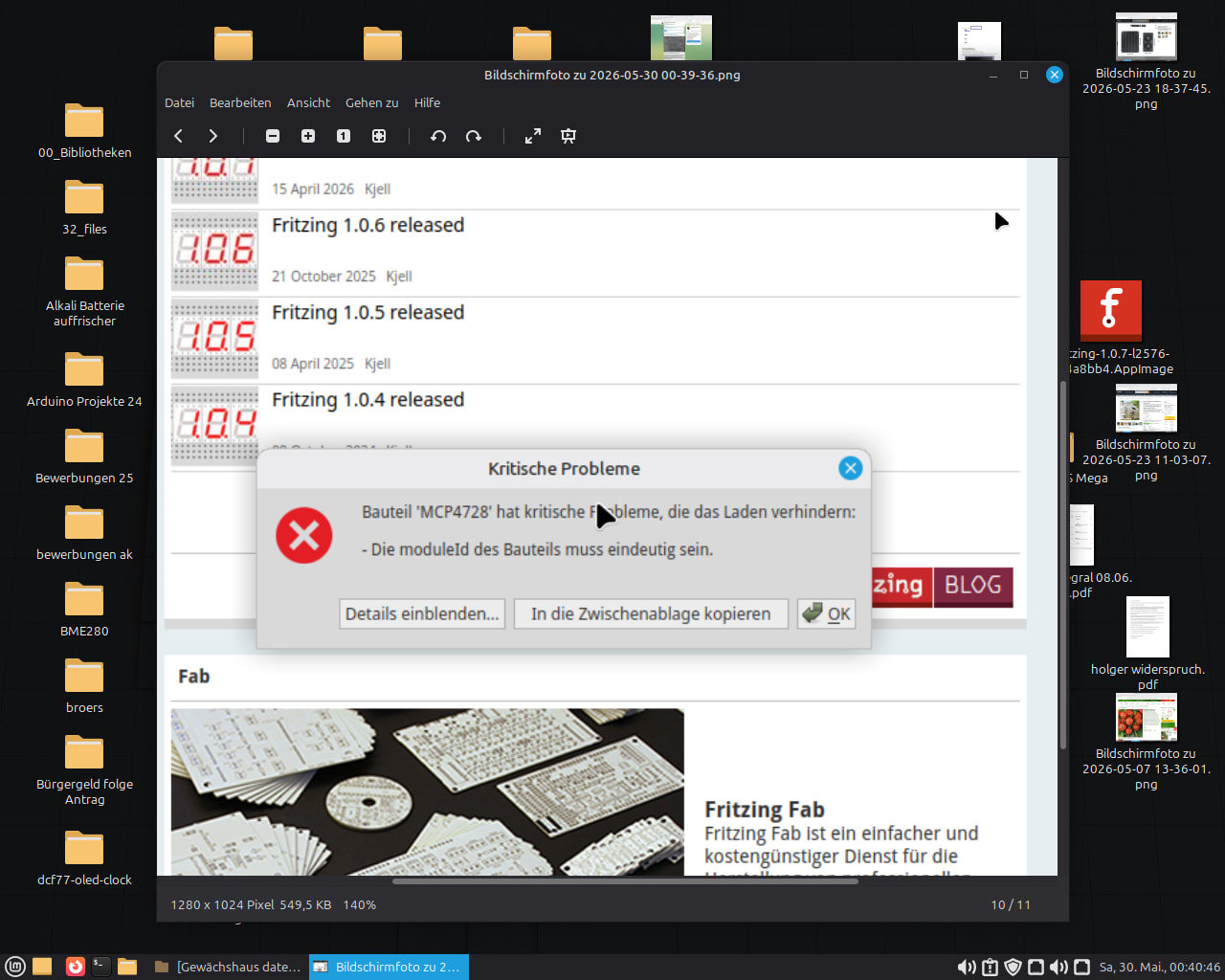
when you import a Fritzing part, it checks whether that part already exists. This means that a modified part must first be deleted in Fritzing before it can be imported. Each part has a unique ID, and as soon as a part with the same ID is imported, you get this error message.
You can of course also change the ID manually in the fzp file, but then you would end up with two similar parts.
<module moduleId="Referenz_1d978650a93382e5eca627dfa97f5fad_5" referenceFile="sparkfun-digitalic-max485-dil.fzp" fritzingVersion="1.0.6">
You can access this fzp file by extracting the fzpz file.
Best regards, Harald!
I copied the part from my secured PCB into my Parts…
however, as I said, in the Top drawing it’s only chaos in the board view! I’m currently laying out my Vorarlberg grapes, then I’ll try to adjust the footprint for the board. Hopefully the drawing won’t change after that?
have a nice Saturday
so I’m done with what I downloaded…I’ll probably have to throw it in the trash…
Changing the pins/connections either in the schematic or the board doesn’t work.
Either A the schematic is fine, or the board — every change to the connections no matter where
creates the opposite effect on the other one…
so a real disaster…still needs a bit of tweaking…
the practical test has not been passed…
but don’t stress yourself over it, it’s the weekend so you can relax…
that’s what I’m going to do now too
so I can wait…
have a great Sat./Sun.!!!
Hans Werner
If you send me your project, I should be able to fix the problem.
You can send it privately or publicly.
Since the component is not a standard component, it is now embedded in your project. If you modify the component yourself, that won’t necessarily be reflected in your project. It can usually be corrected within the project itself, though. But not necessarily with Fritzing.
make it public… then everyone benefits
so there it is…
AO-4 Analogausgangsmodul.fzz (31.4 KB)
hope it works
Attention, I forgot something…
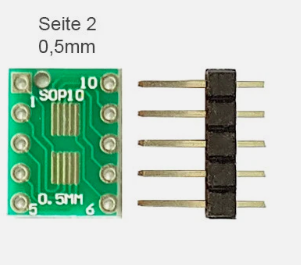
I wanted to put the MCP4728 / OPA197 on replaceable sockets = easier to repair…please note!!! = 2x5-pin headers / 12x 4-pin headers
good evening absolute legend,
yes! that hits the nail on the head!! that’s exactly how I wanted the thing.
I was actually going to design an adapter board myself,
but if it’s already available ready-made I’ll save myself the time…Why reinvent the wheel?! 
AO-4 Analogausgangsmodul.fzz (33.3 KB)
See if that’s better, I added a connector but didn’t connect it.
not much has changed…but never mind!
I’ll do something else…
Thanks anyway for your support and especially for sacrificing your precious Sunday…
Regards
Hans Werner
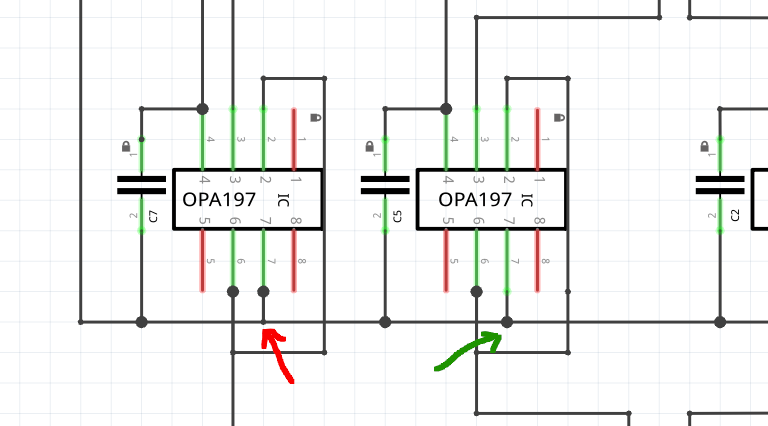
I had only isolated the MSOP10 and reconnected it without changing the rest too much. You had already corrected the pins, but not the connections. For example, the short circuits on SDA, SCL, or Vcc and GND — also visible in the image — were left as they were, because I don’t know exactly what you’re planning. I didn’t want to step on your toes.
You’ve created quite a few difficulties for yourself there
Green is how it should look, red is how it looks.
A thick node is a connection, a thin node is just a corner point.
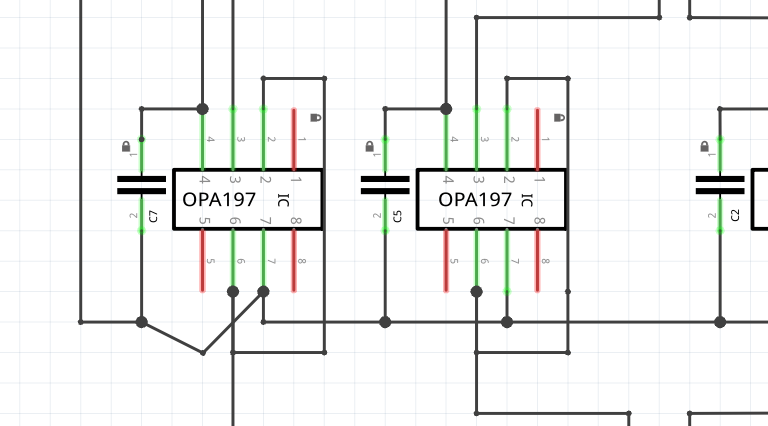
See what happens when I tug on it:
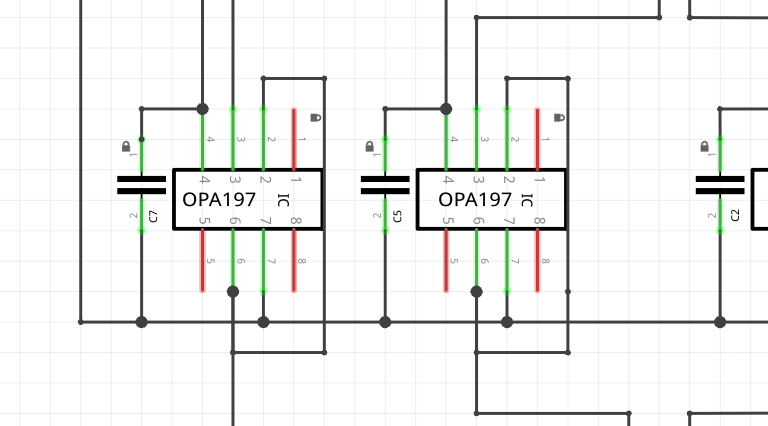
The easiest way to resolve glitches like this is to delete part of the line up to the next node:
Then drag the remaining line onto the corner point:
Voilà. If there’s no corner point where you want to connect, you’ll need to double-click on the line. This creates a corner point that you can then connect to.
yeah I know that myself… because everything kept clashing with each other I took a new approach… ordered some suitable SMD adapters from Amazon = new, simpler wiring, gonna have to redo everything anyway..
you live and learn.