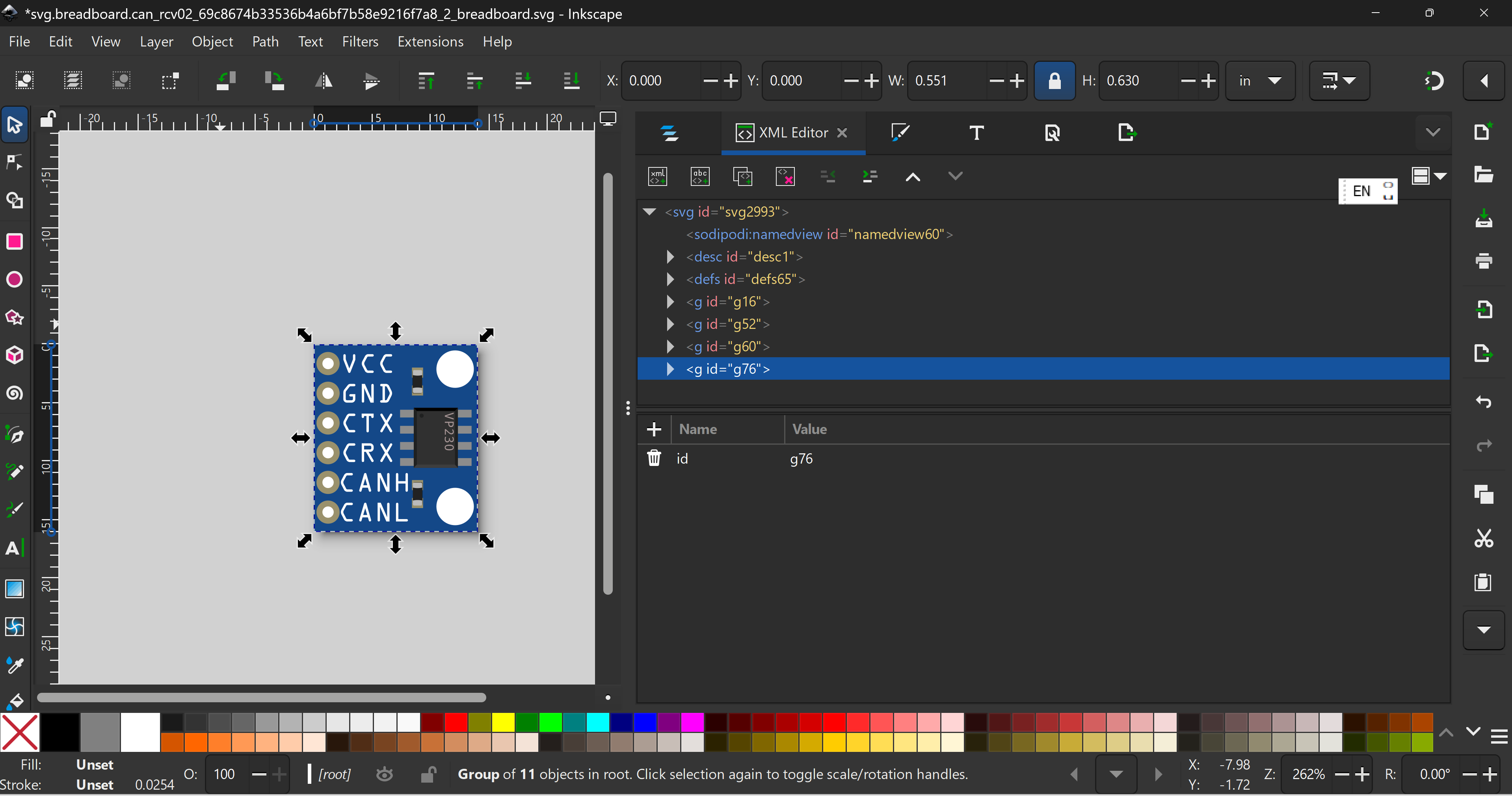
Only breadboard

SN65HVD230.fzpz (37.6 KB)
(edit: better type name in part)
SN65HVD230-fixed.fzpz (11.5 KB)
K I’m verifying the part now. Please wait for updates
SN65HVD230-fixed.fzpz (11.5 KB)
Hi @codeflsgruenneu Your part has a few issues
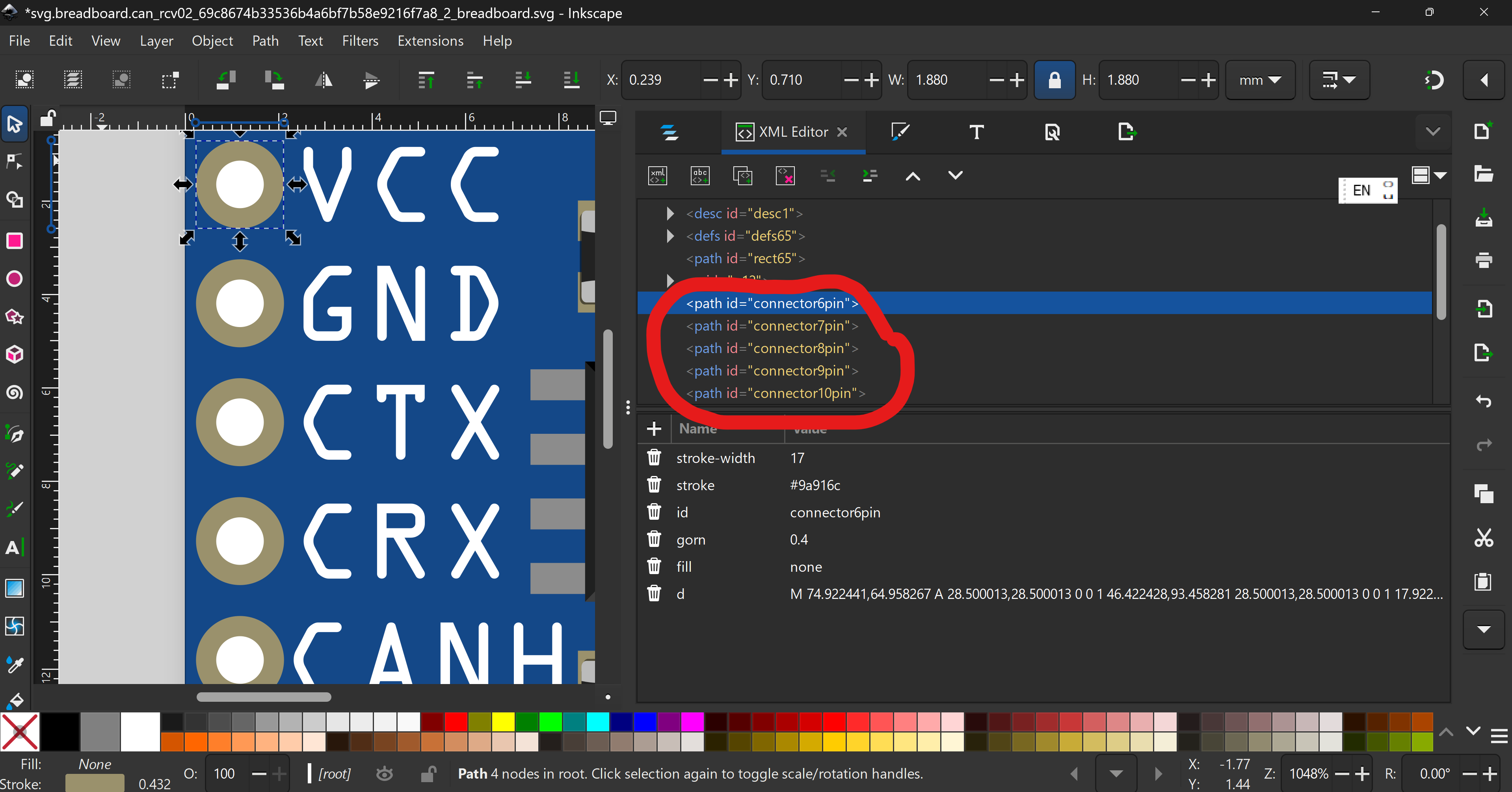
First, fix this
Things should start from 0 preferably (and strongly encouraged to)
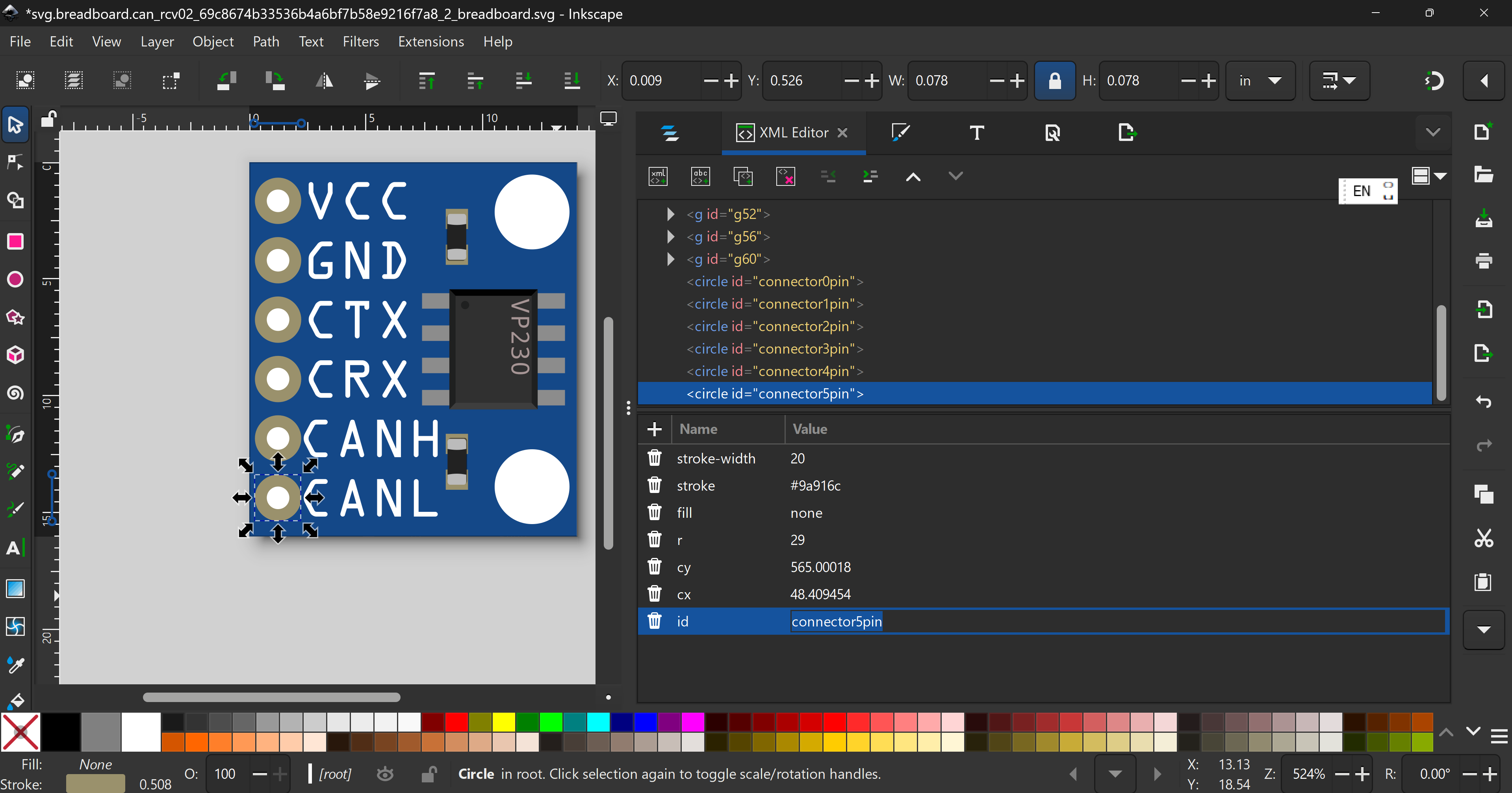
So, do connector0pin, connector1pin, etc,
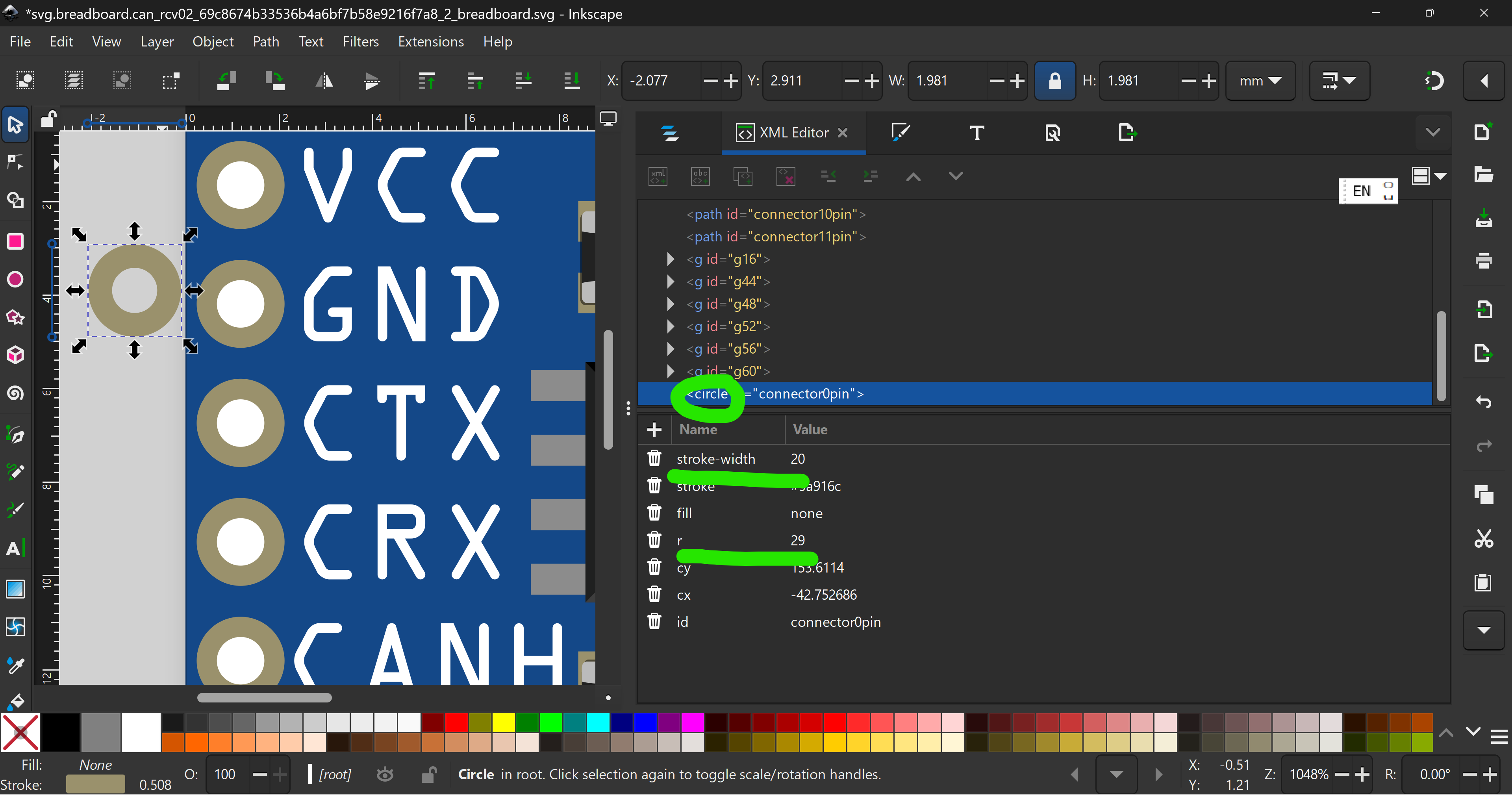
Next, connectors should not use paths unless absolutely absolutely. Replace with
This is the parts standard.
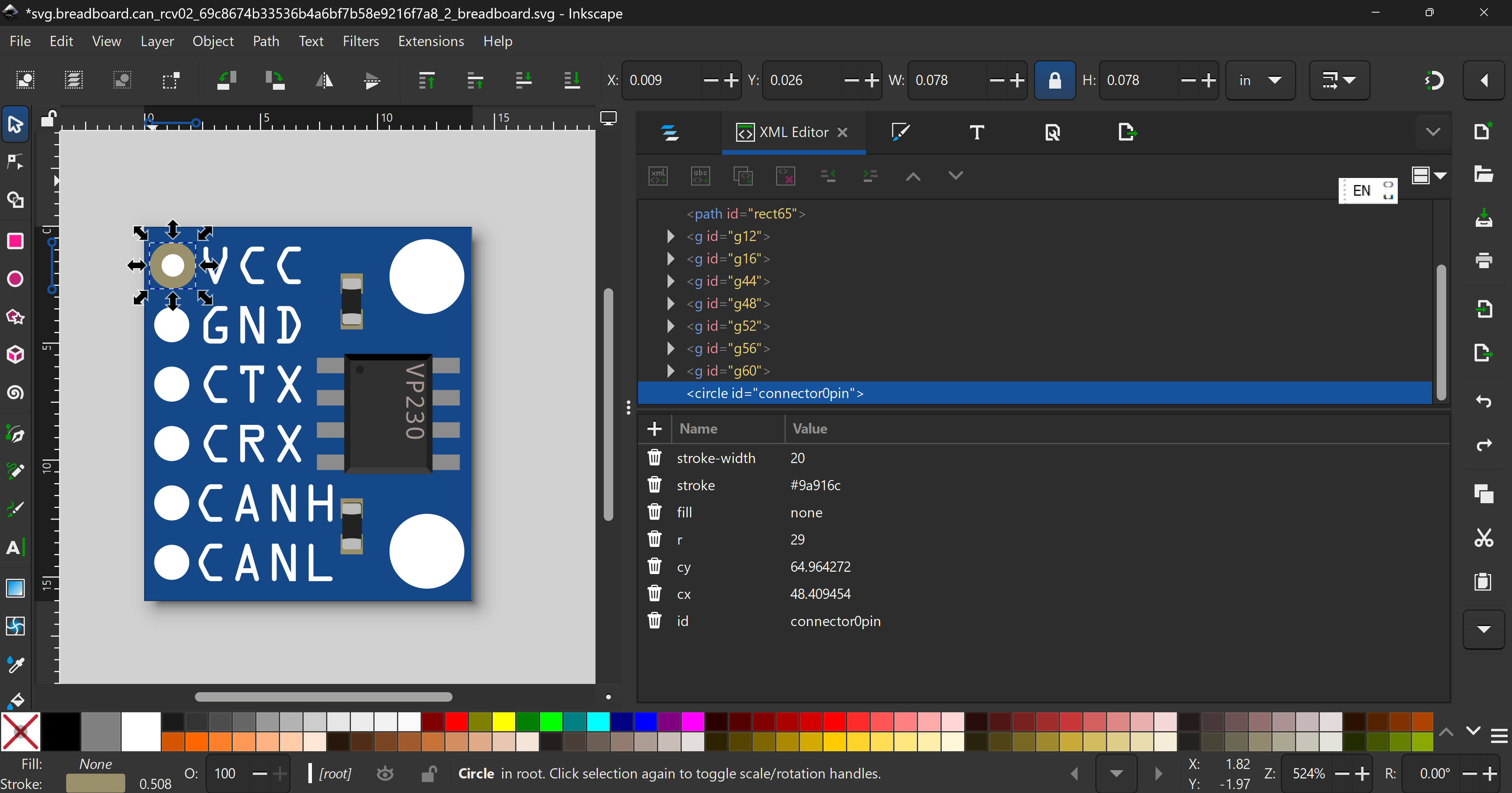
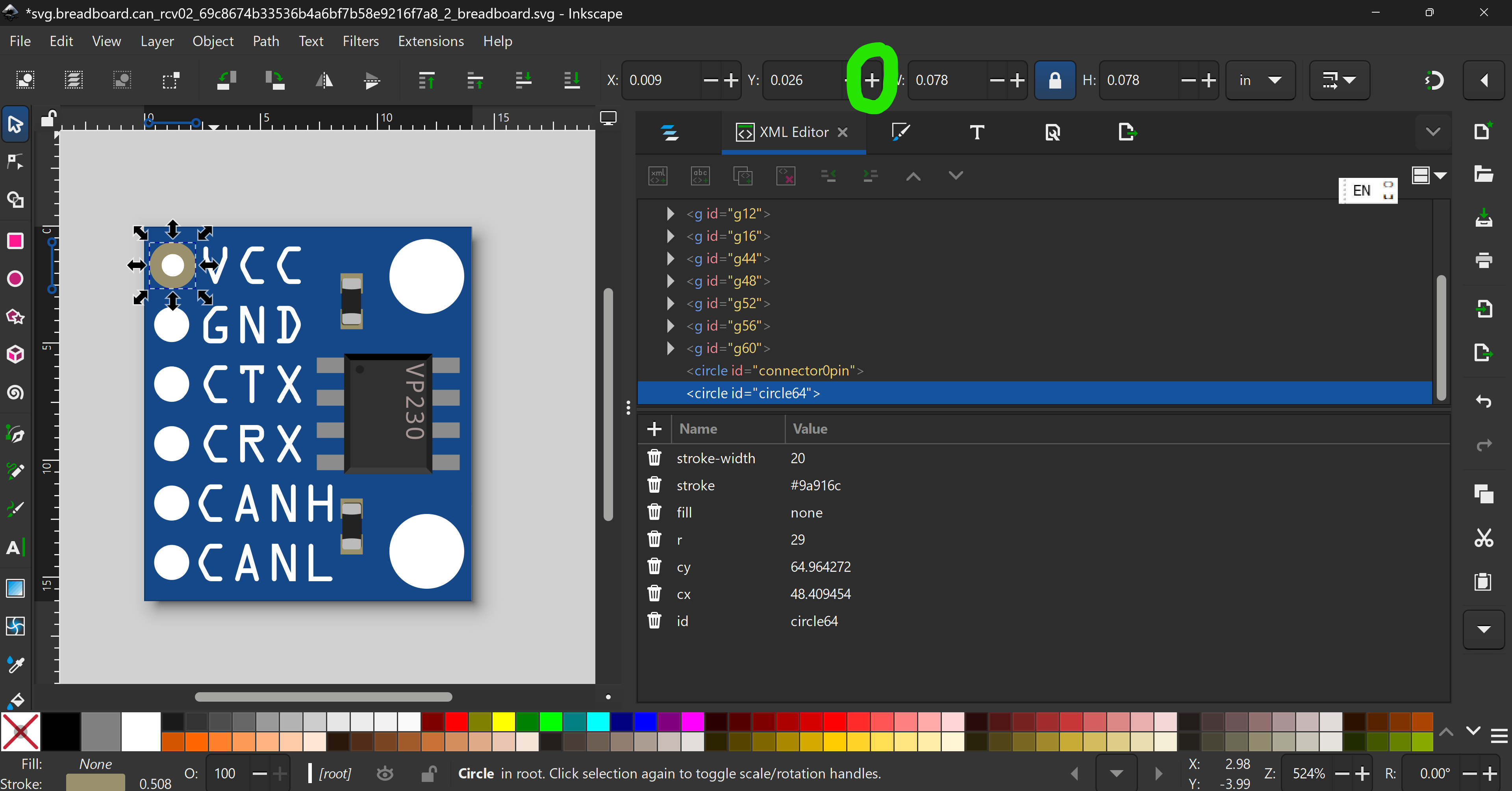
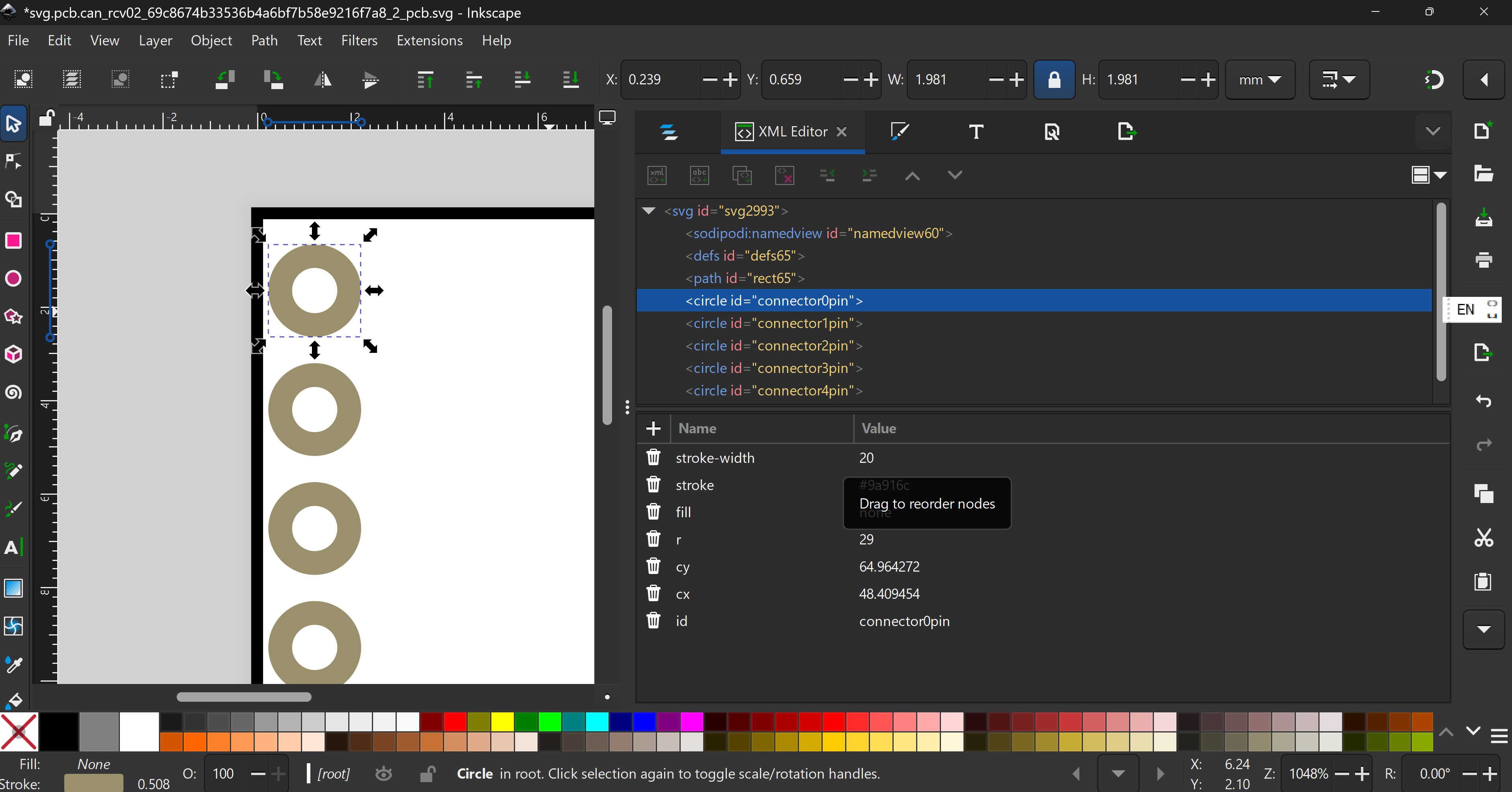
So starting with this circle (with existing paths deleted)
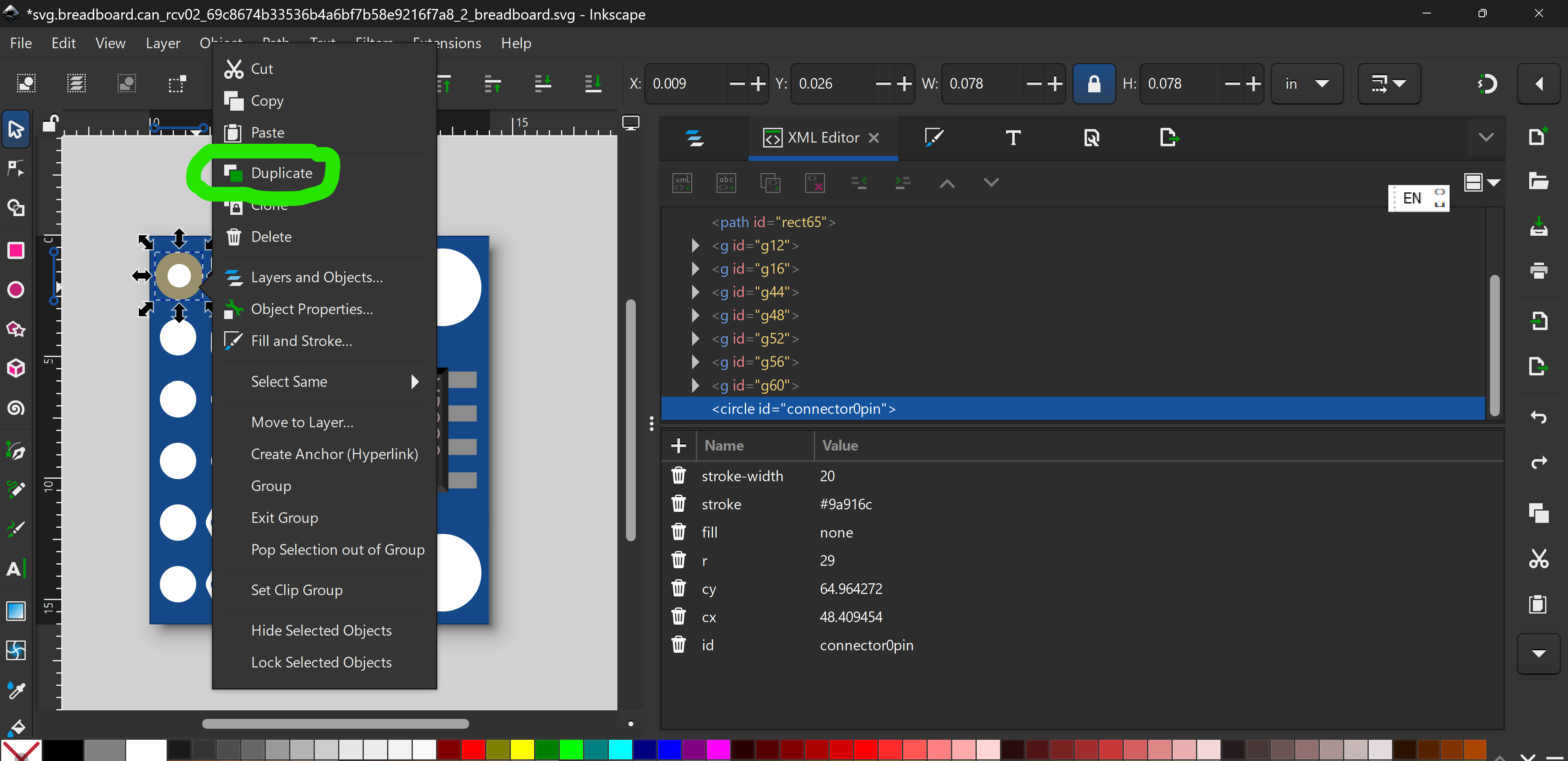
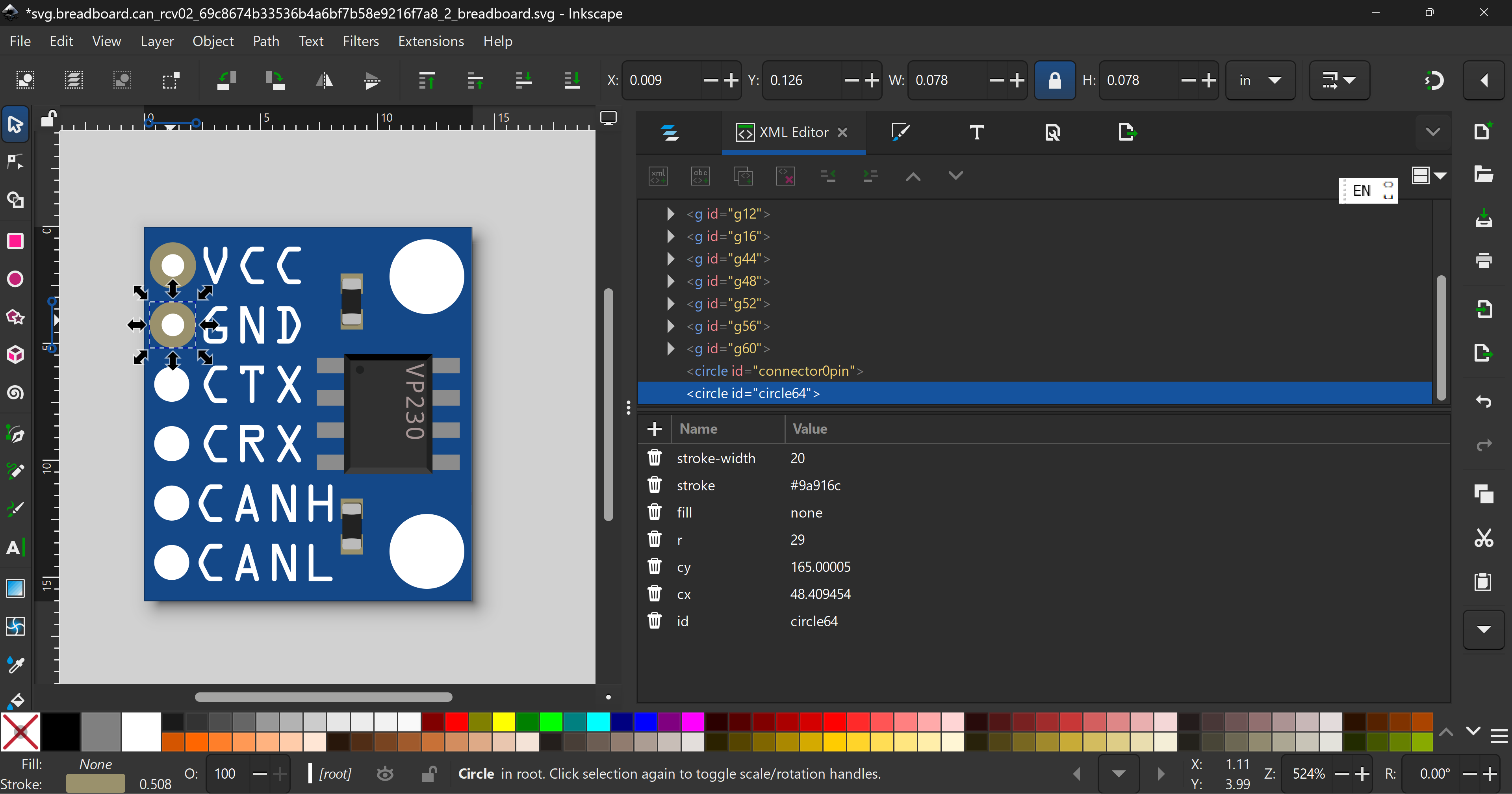
Right click → duplicate
then click
to get
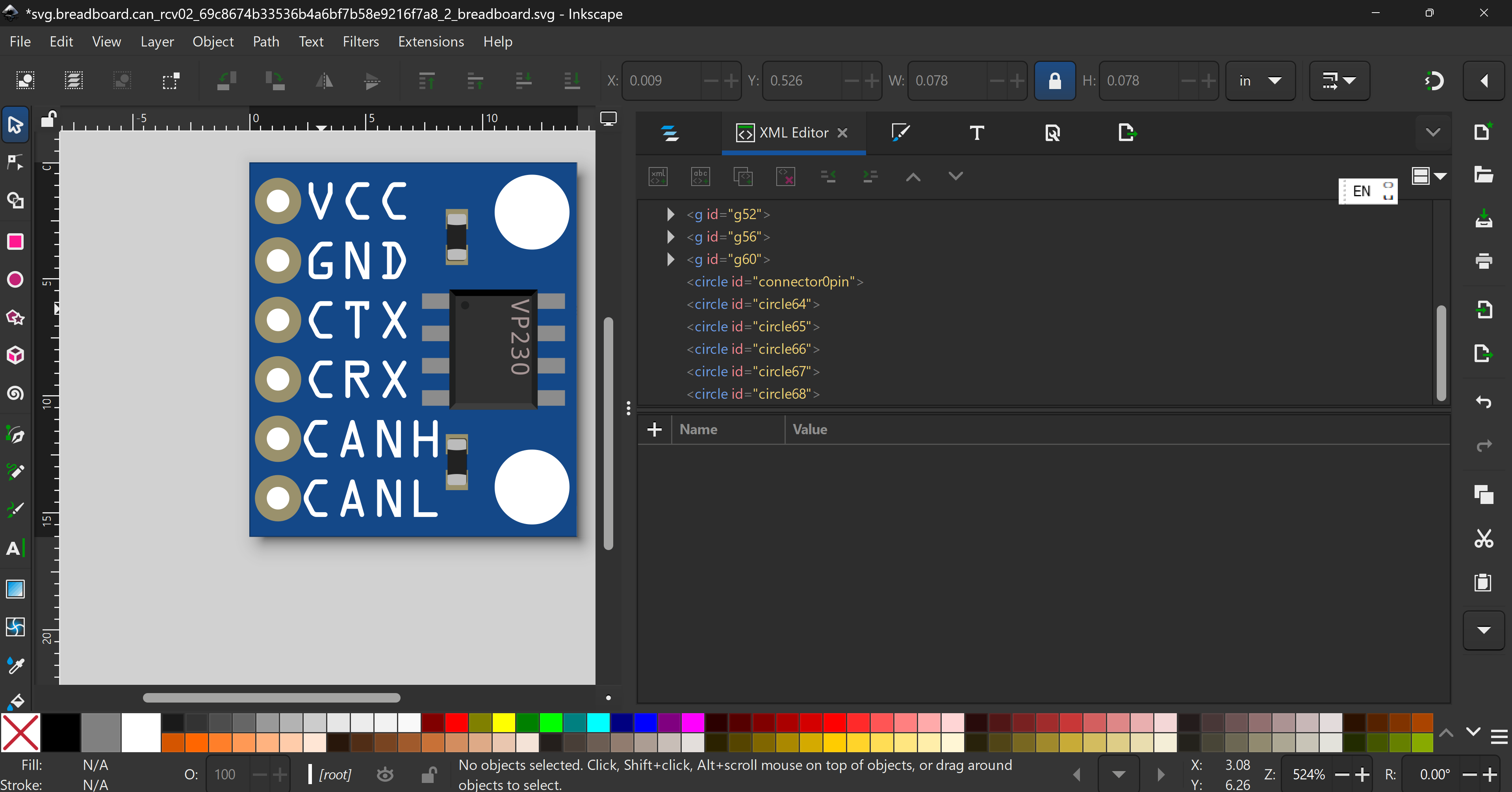
do the same 'till you get
Next rename all ids to
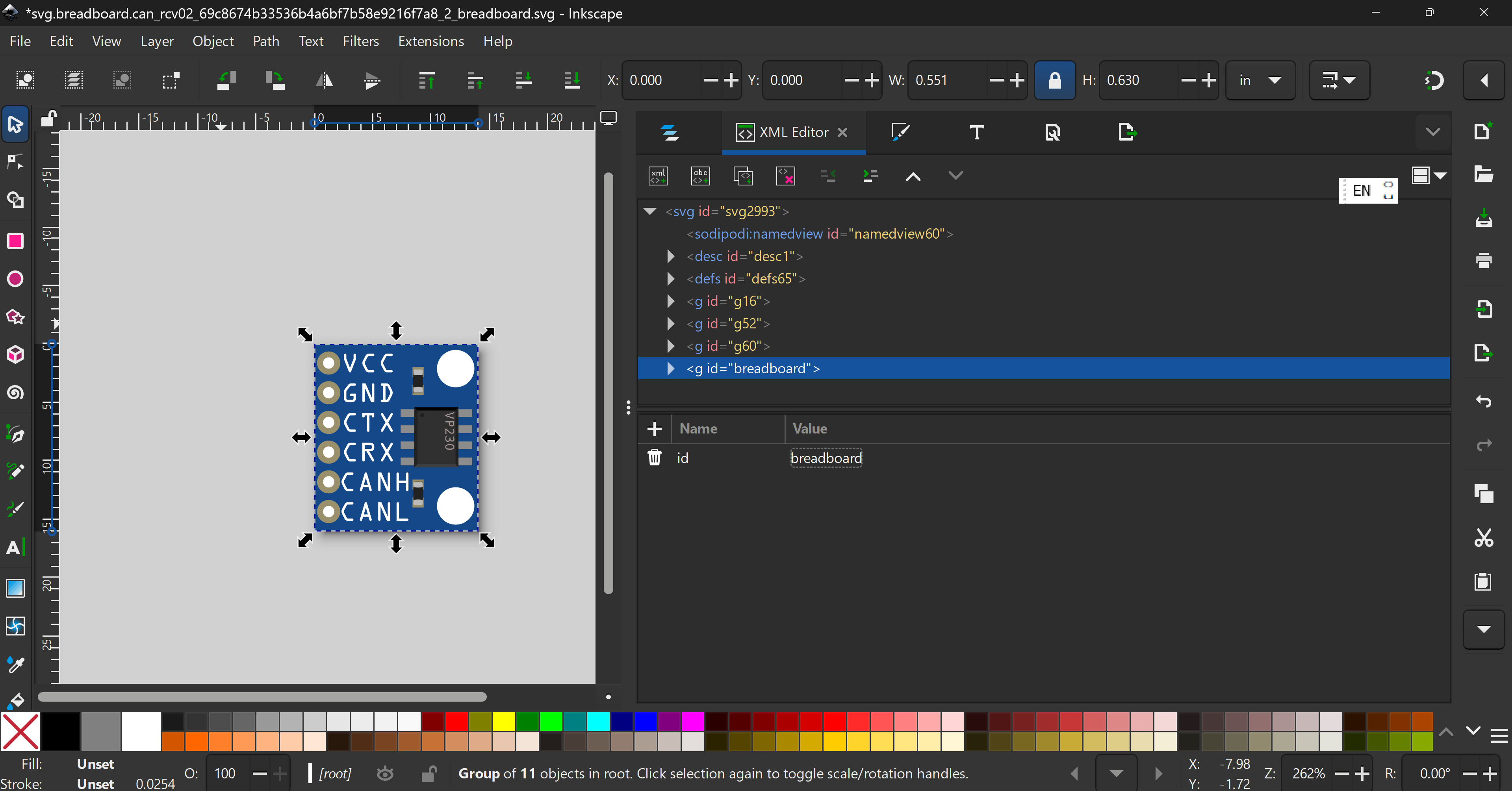
Finally, group everythig
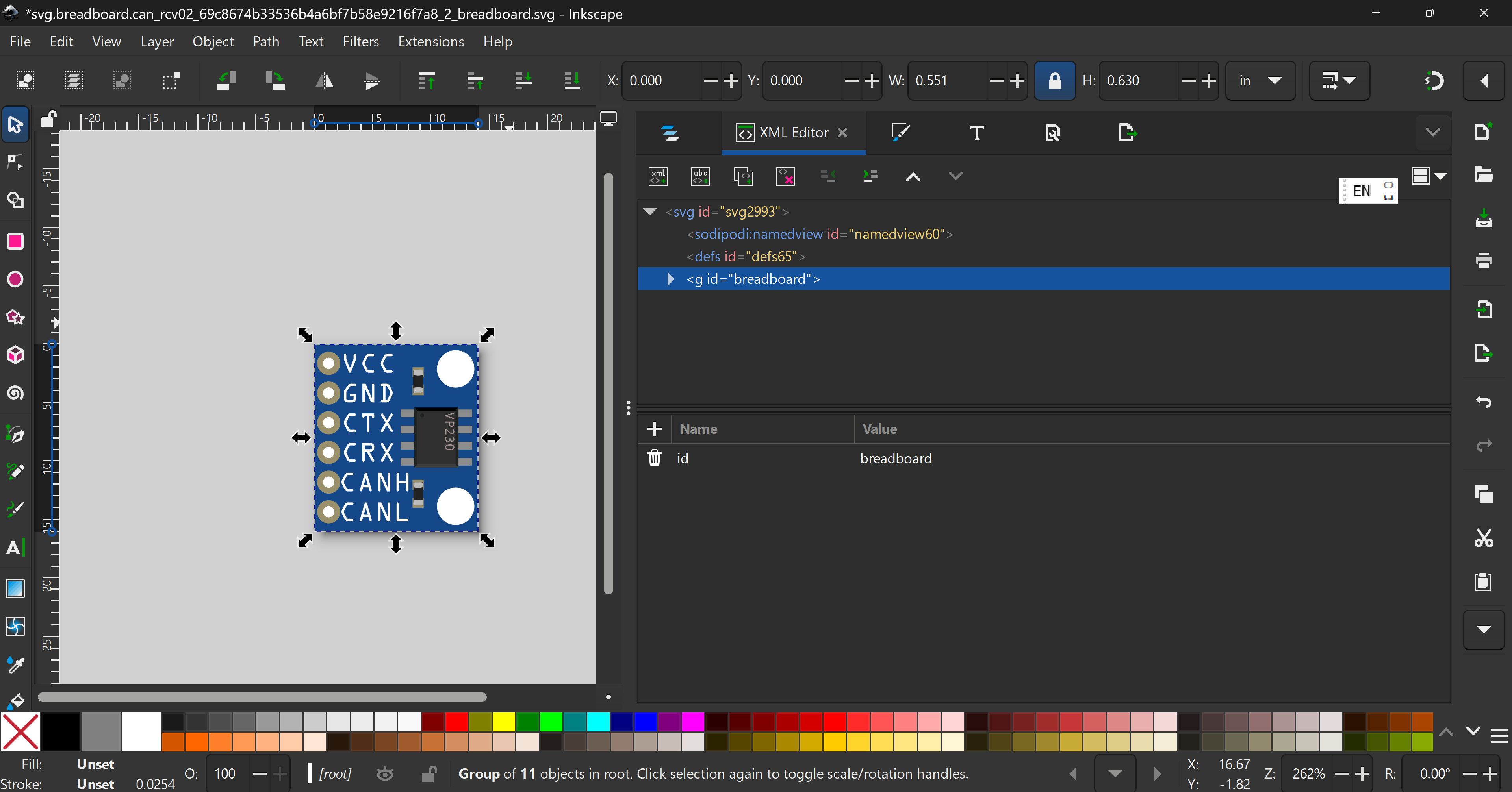
rename to breadboard
Delete the rest of the useless groups
and done.
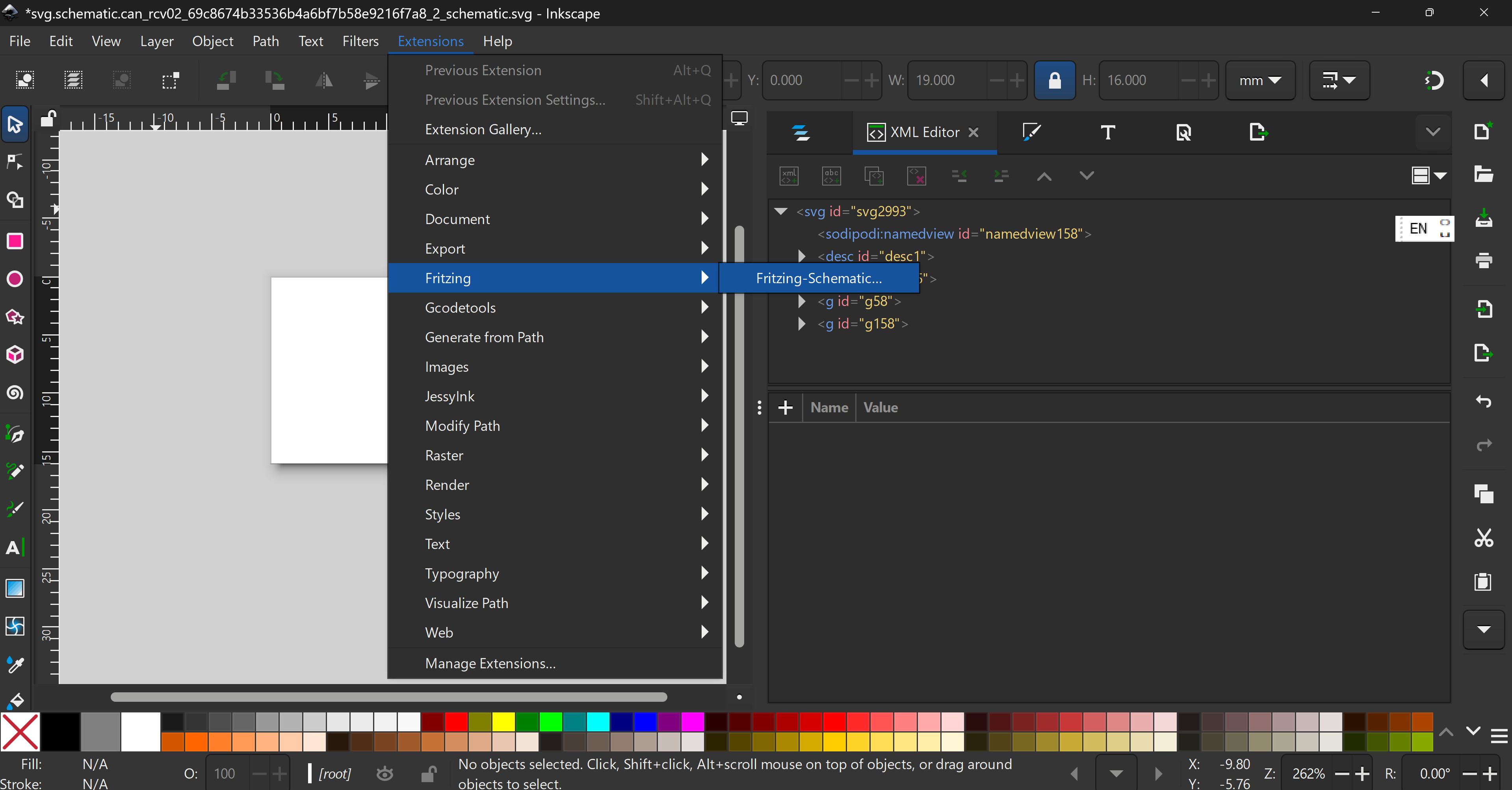
Redo with the Inkscape Schematic Extensiomn found here
When installed, delete the whole thing, and
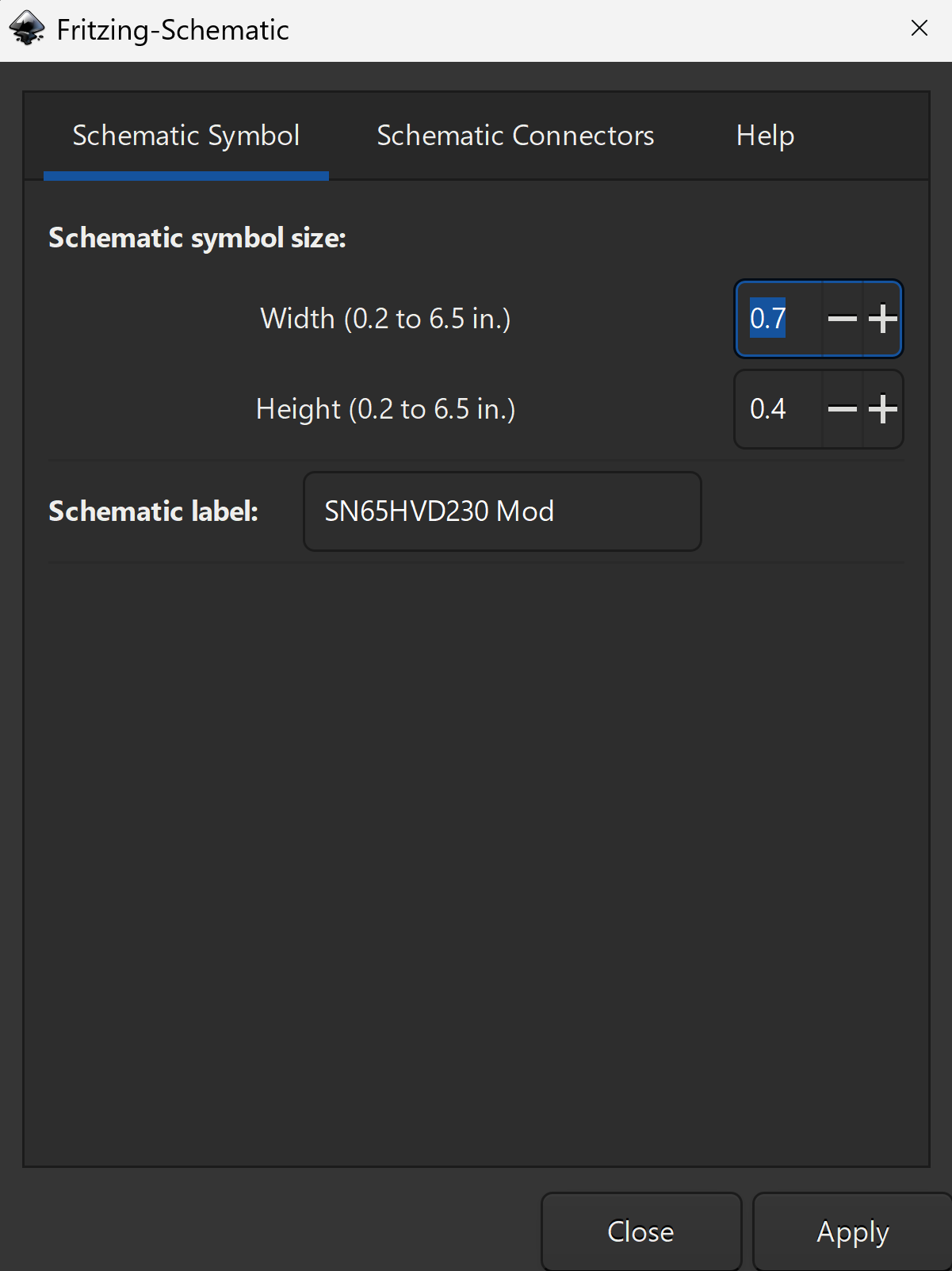
then set to
(copy exactly!)
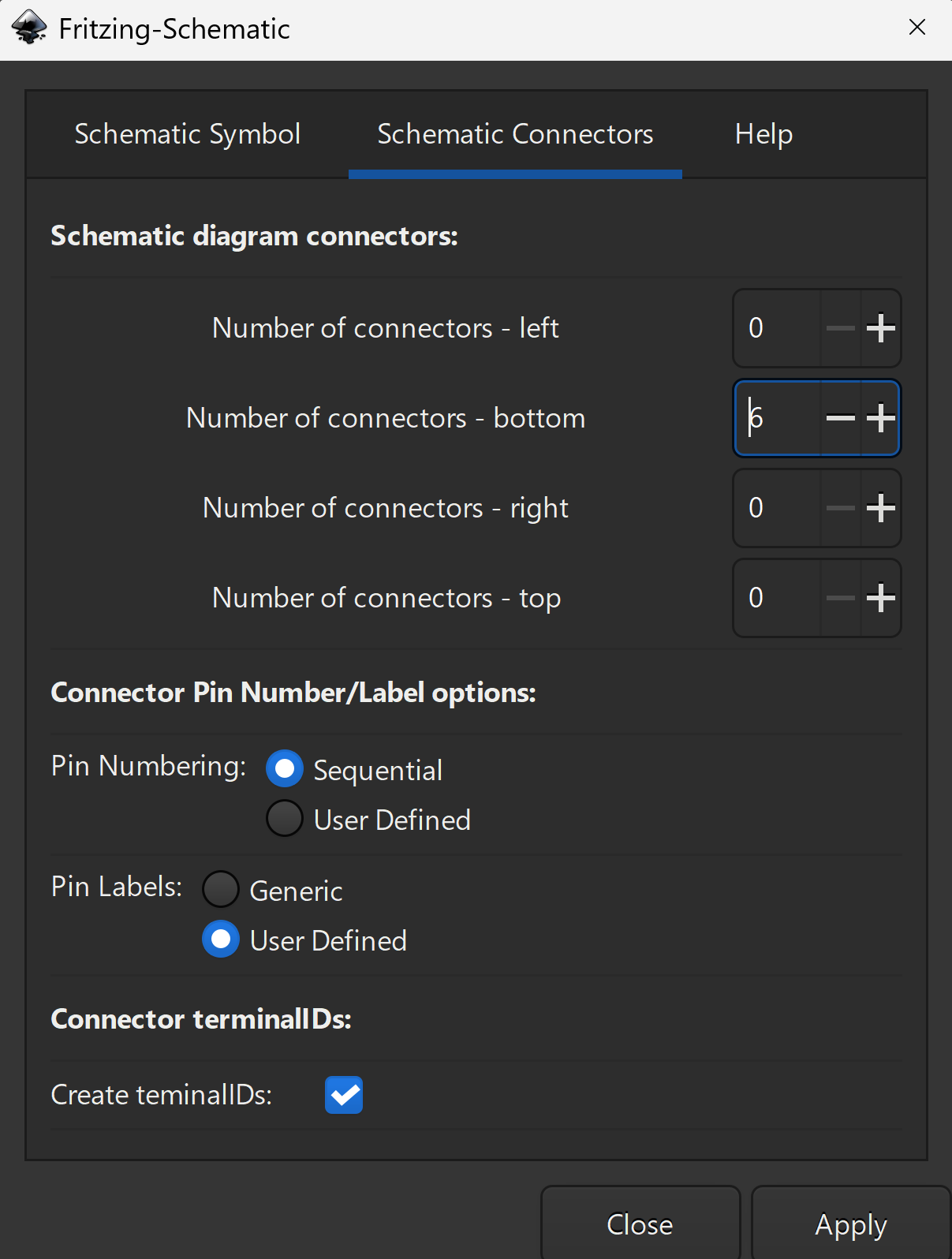
Click on apply and set to
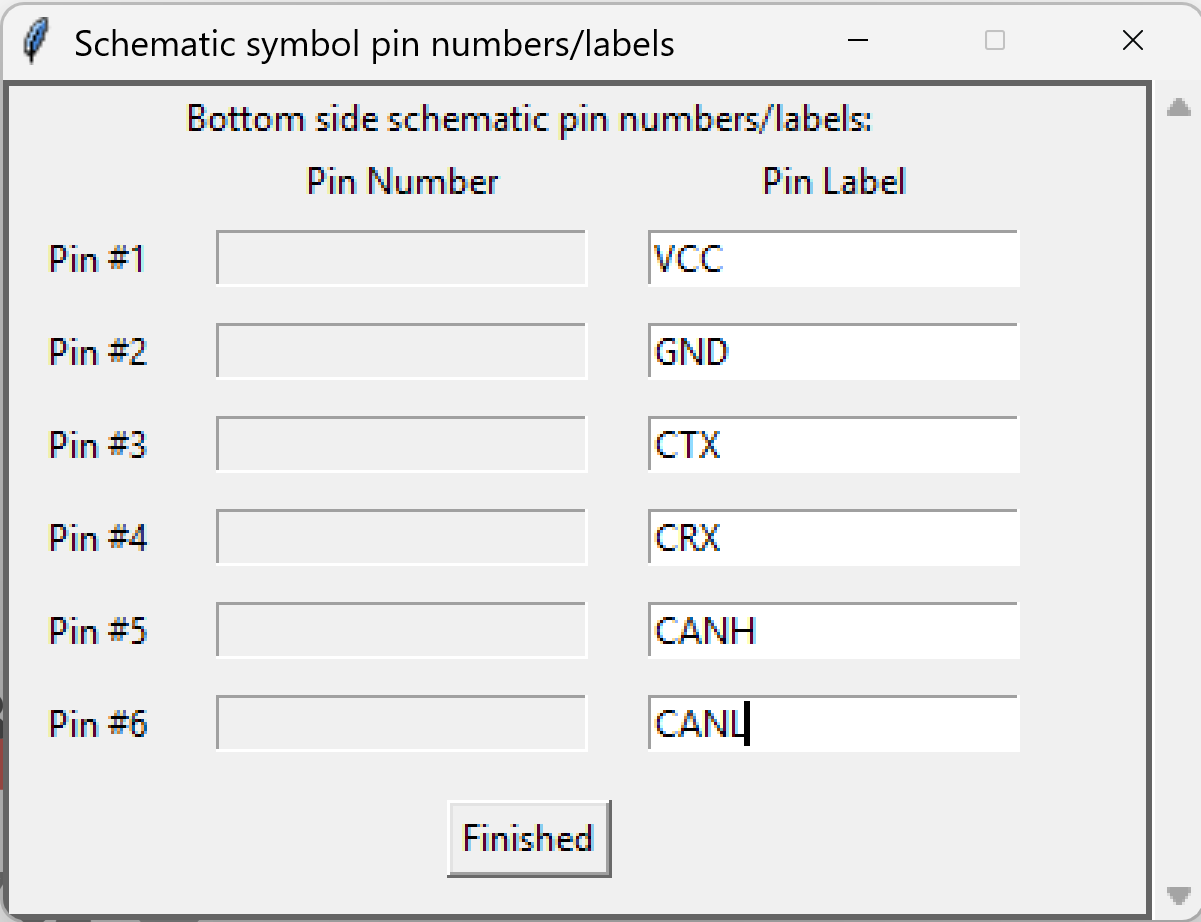
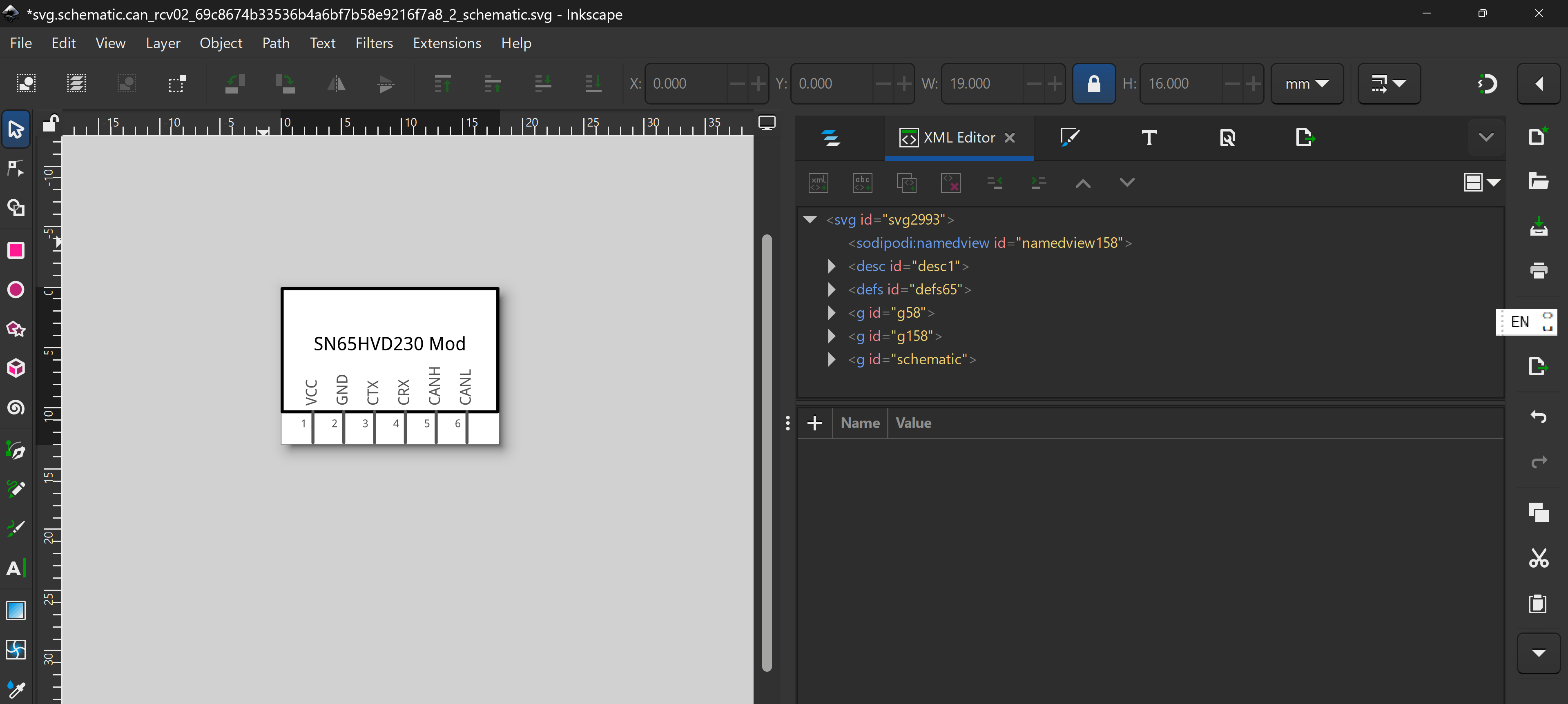
click on Finished to get
Save the file (my samle file here:)
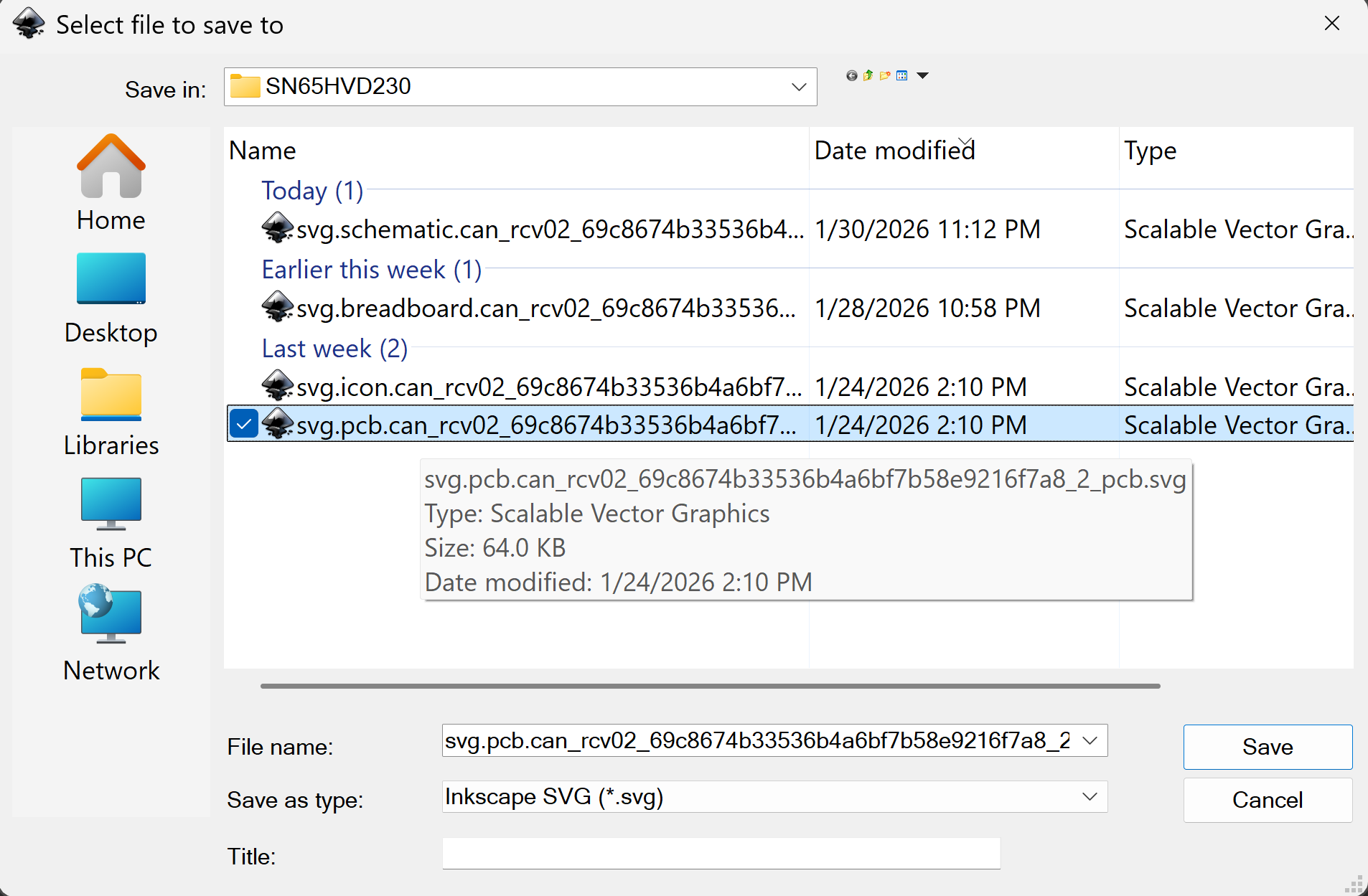
Starting from our breadboard view, click file → save as → click on the pcb file → replace
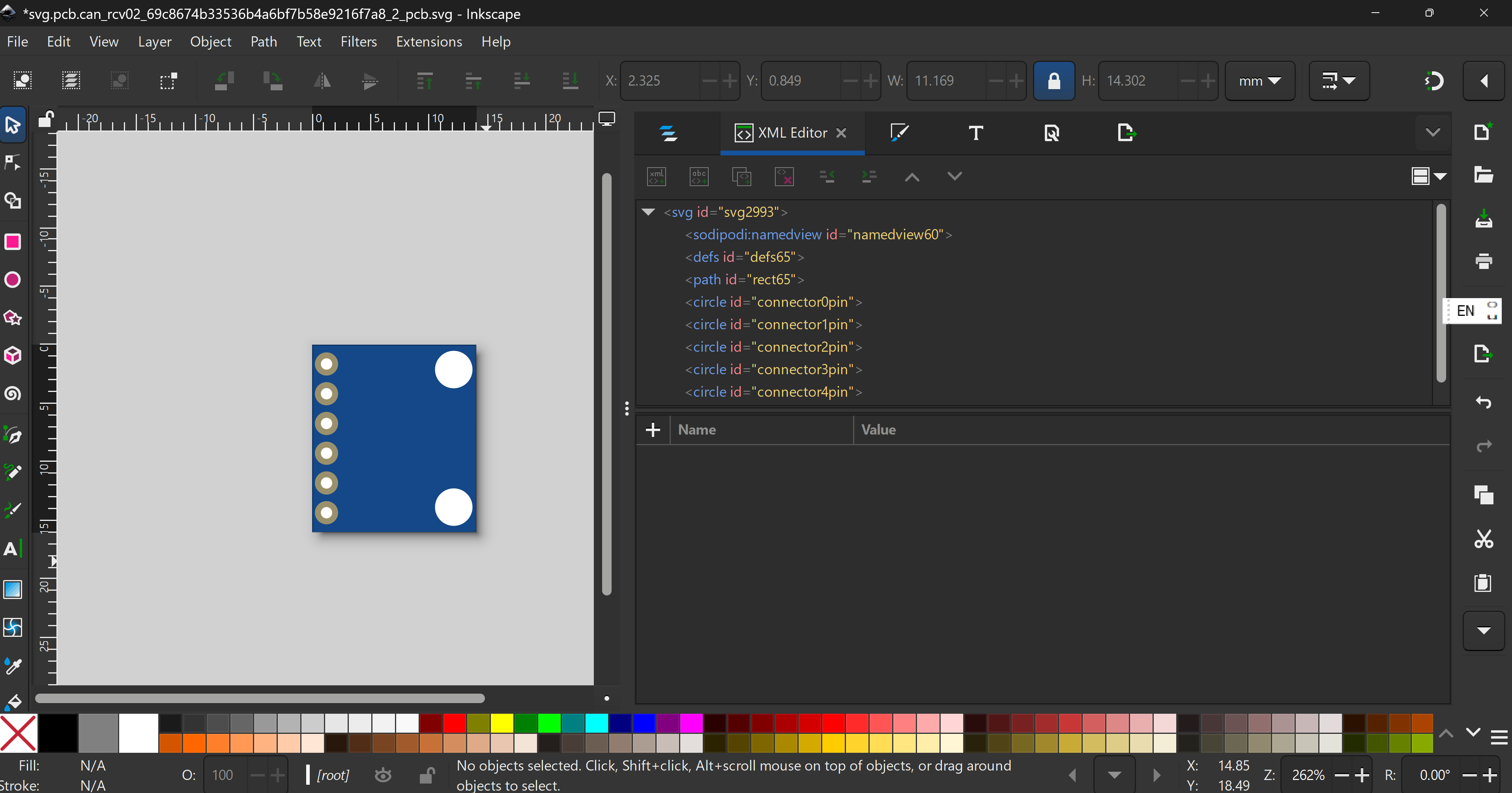
Then, ungroup the whole thing (ctrl/cmd + shift + g), delete all the subparts
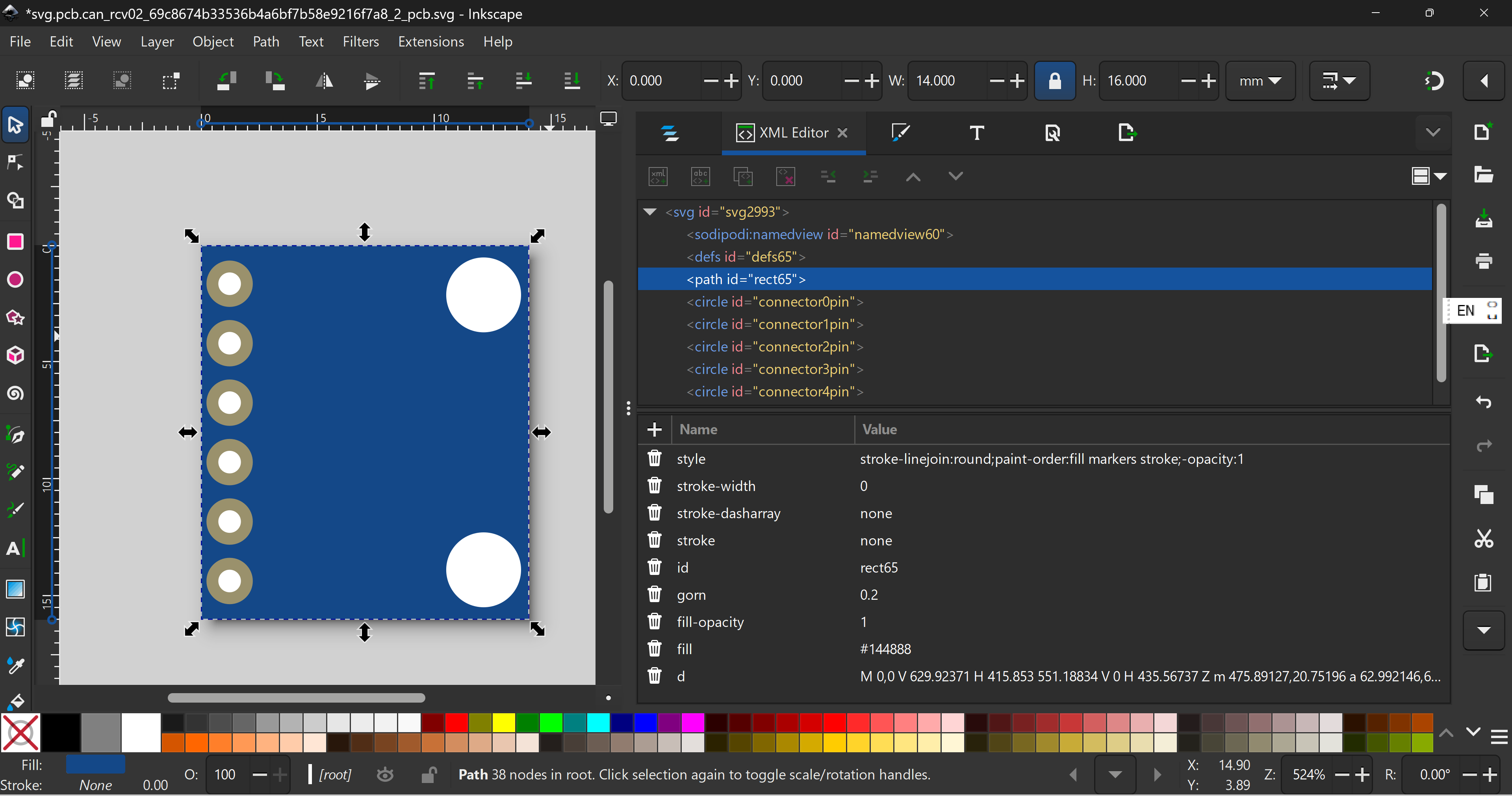
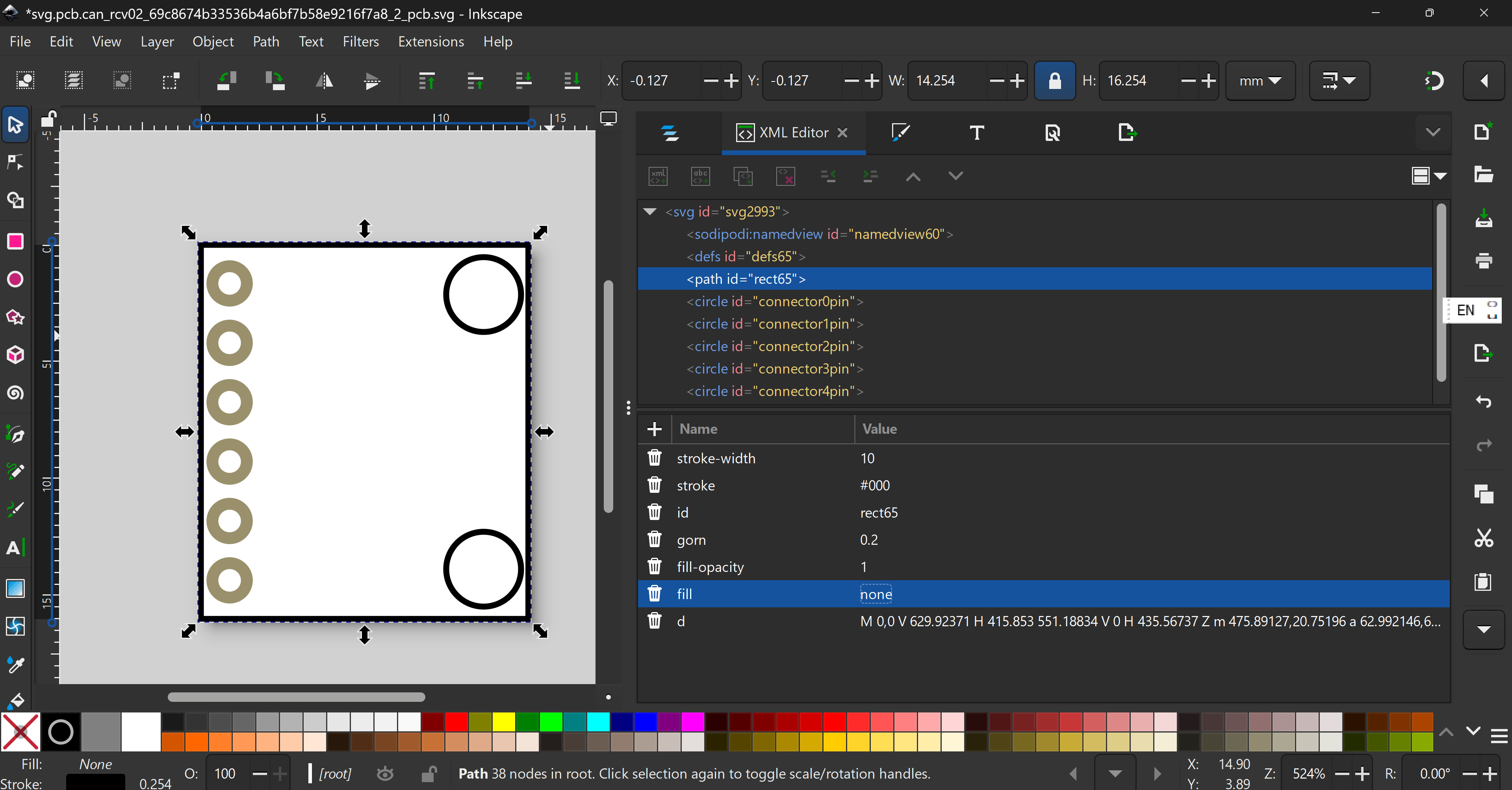
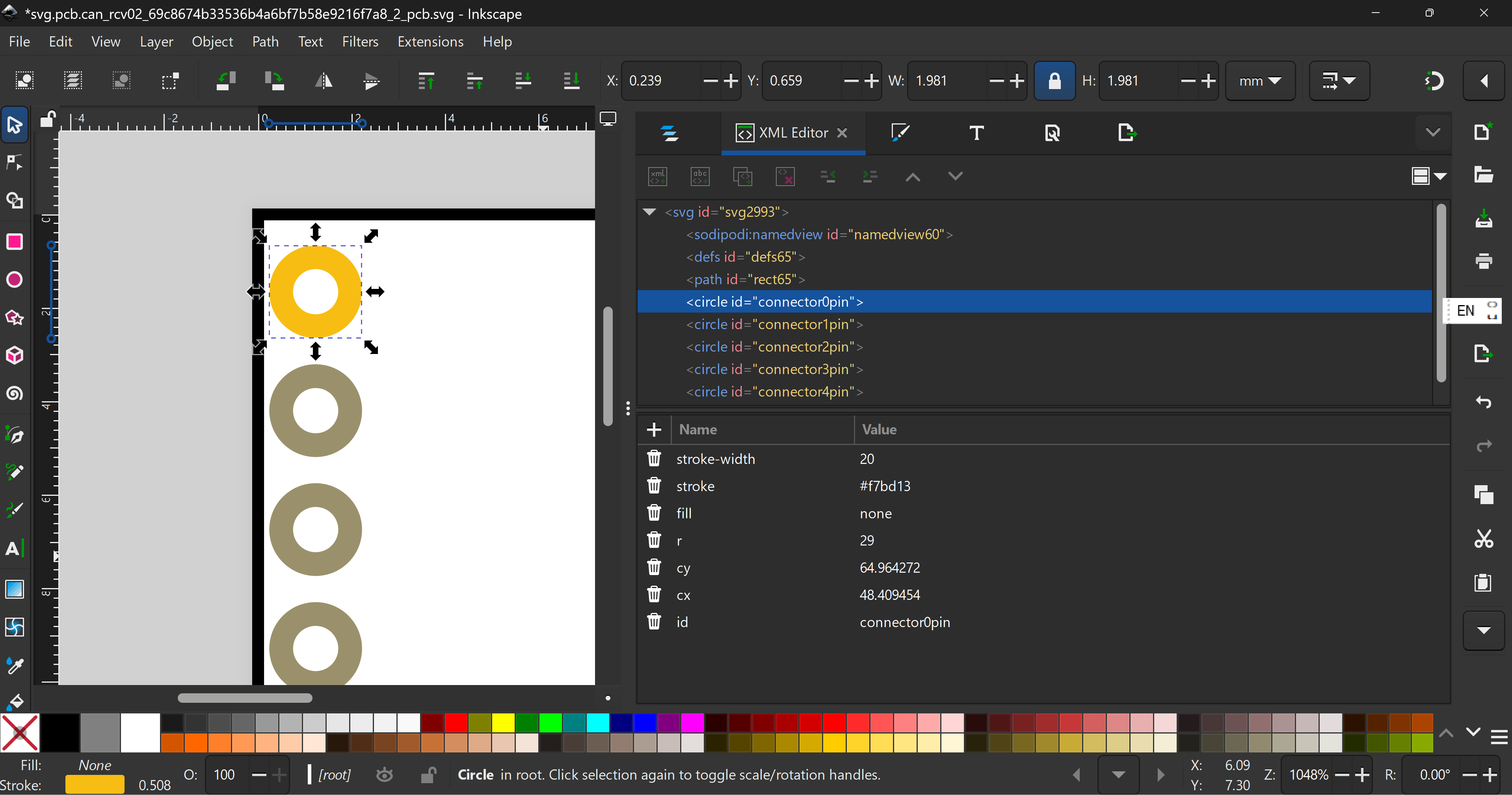
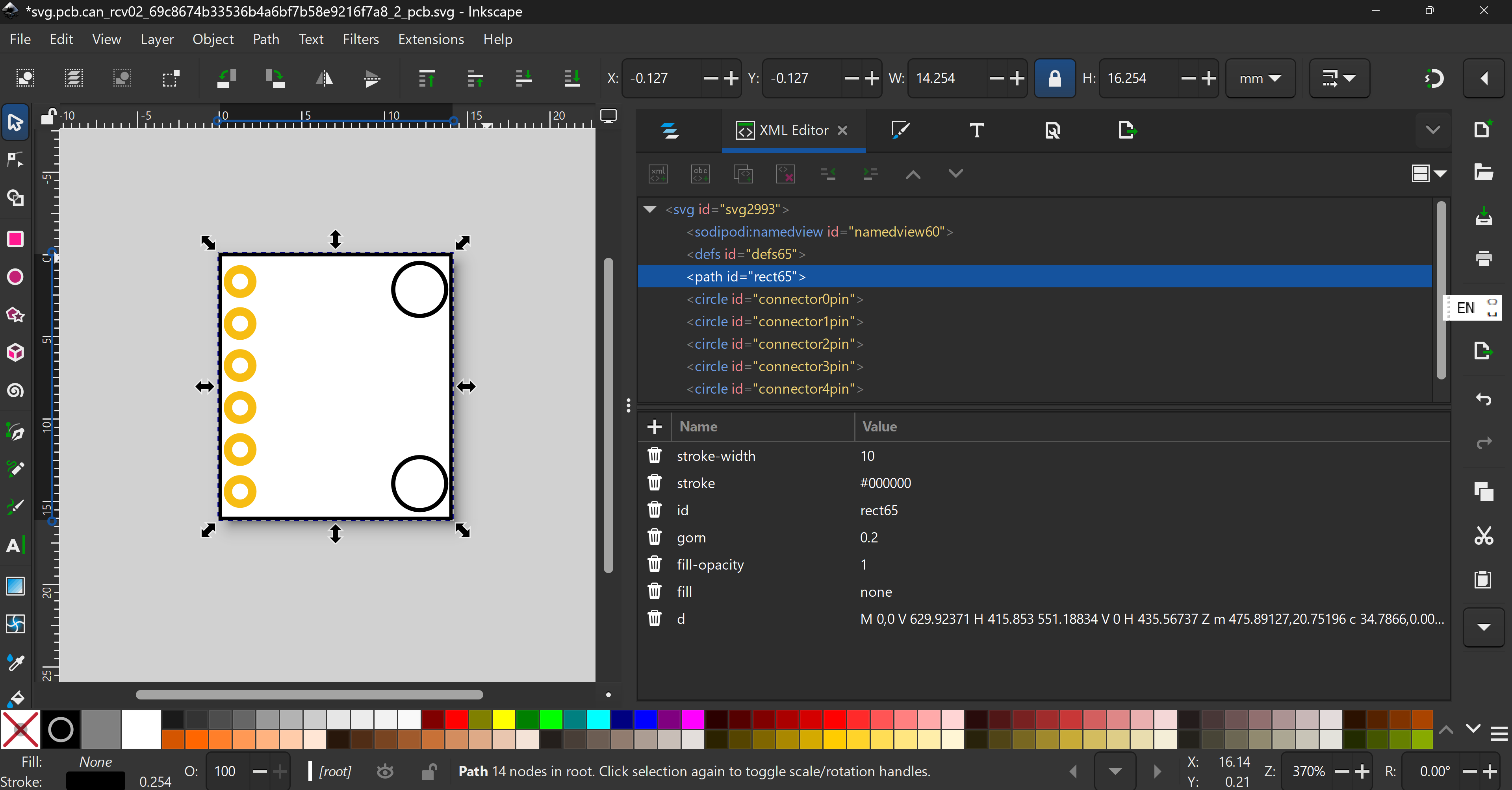
Next, select the board, change from
to
Next, select a connector, and change from
to
Do the same for all other connectors.
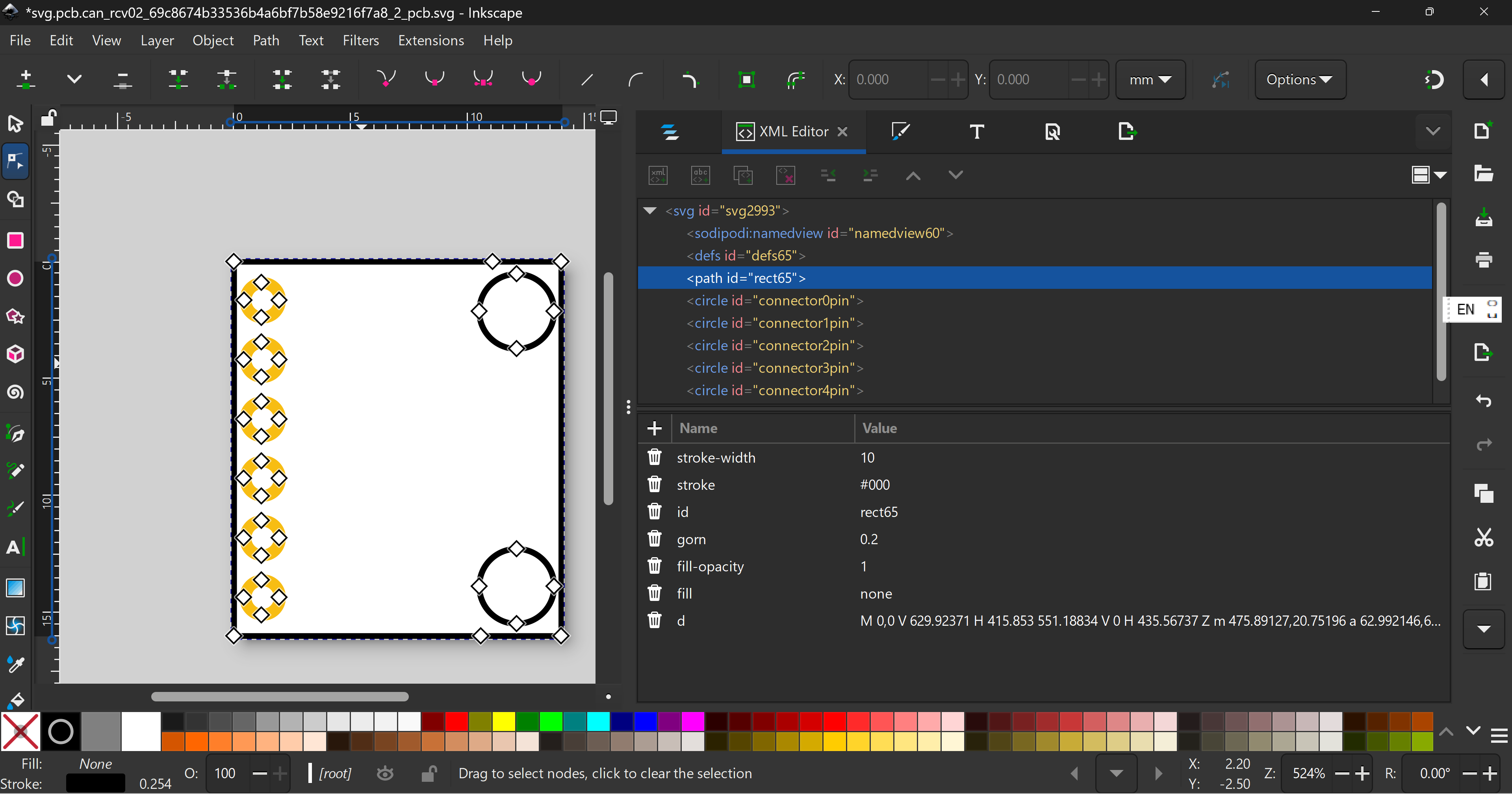
Now double click on the path to get
Select and delete
to get
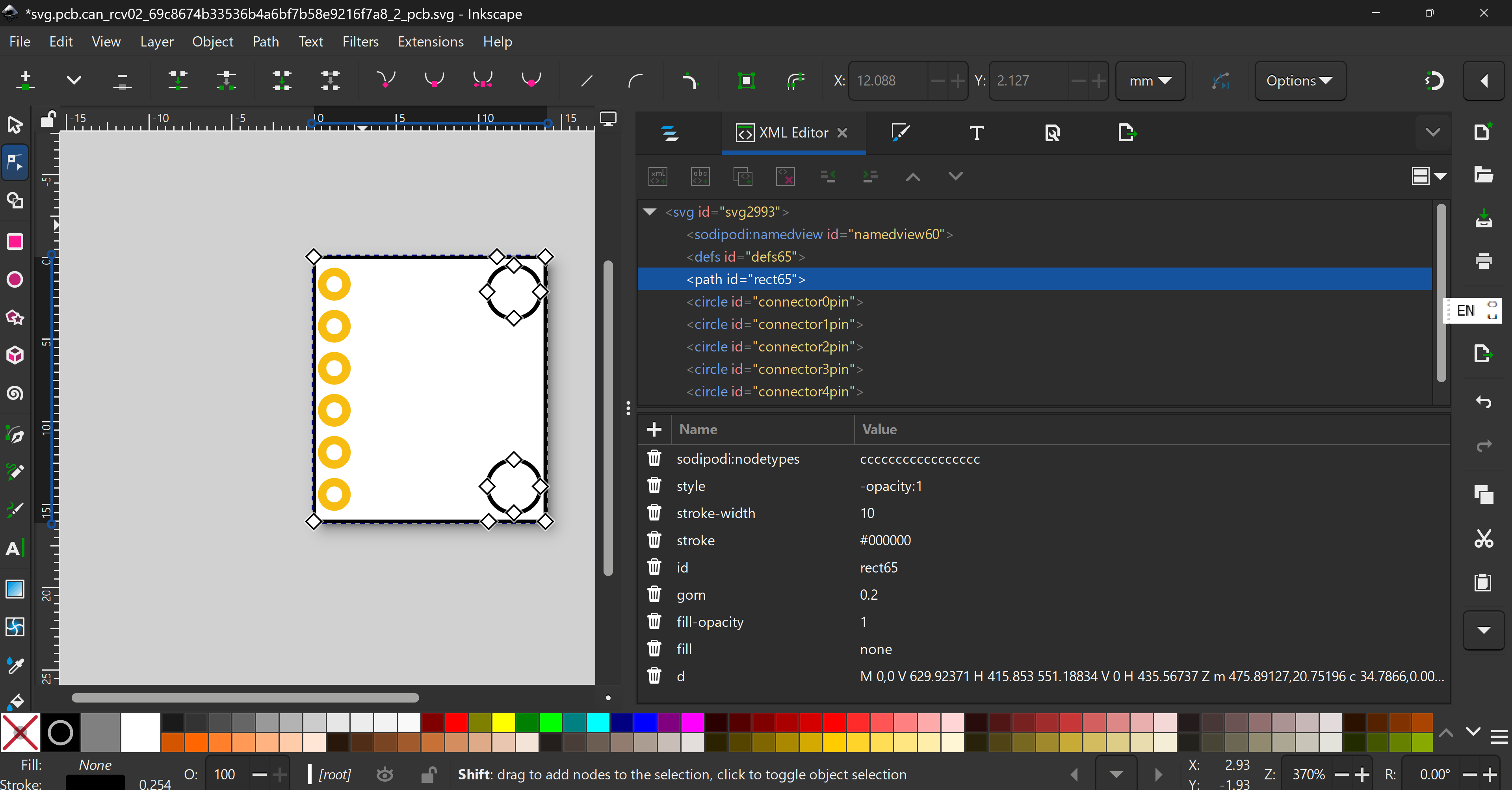
Remove all useless elements to get
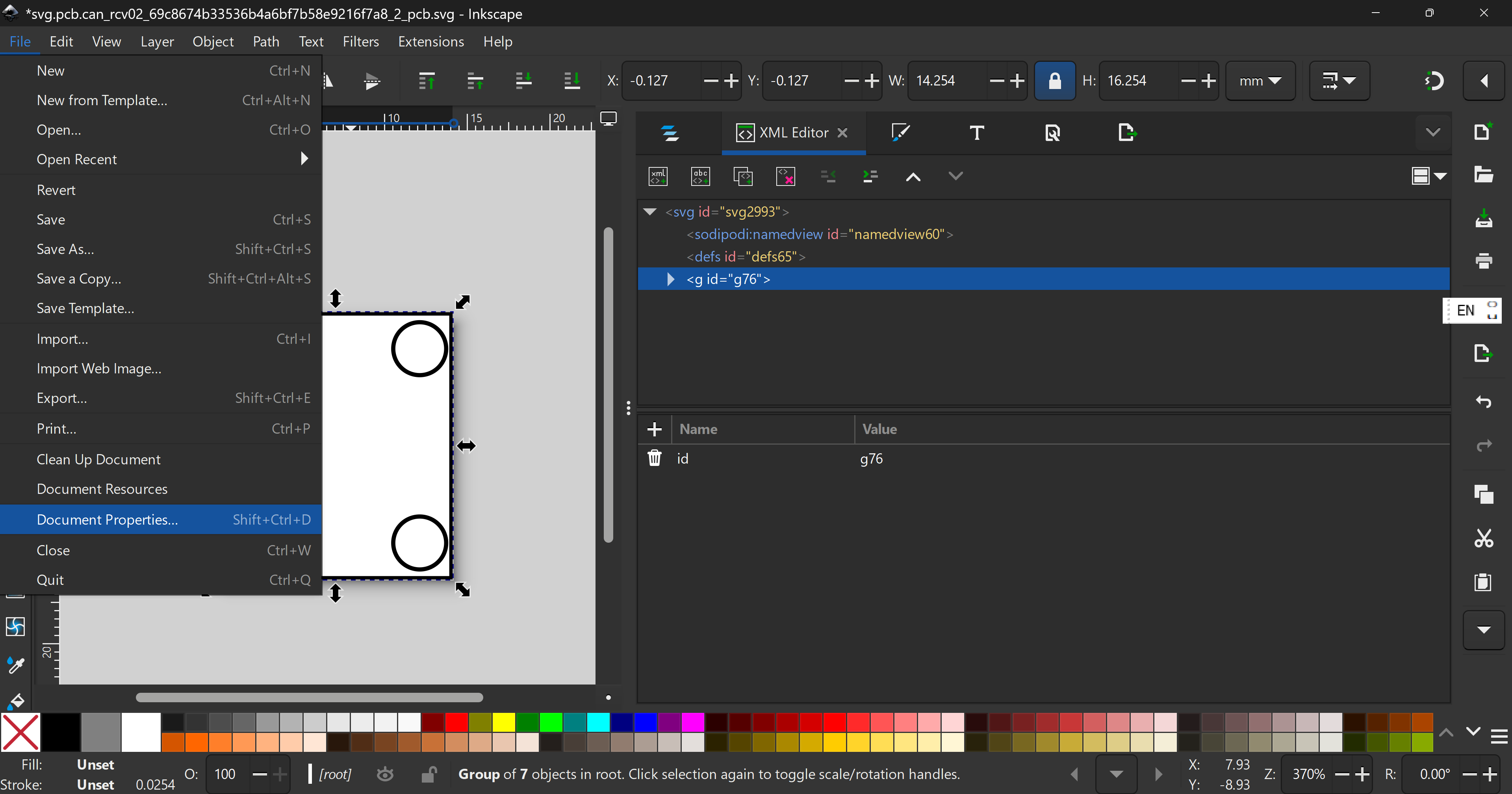
Next group everything, then go to File → Document properties
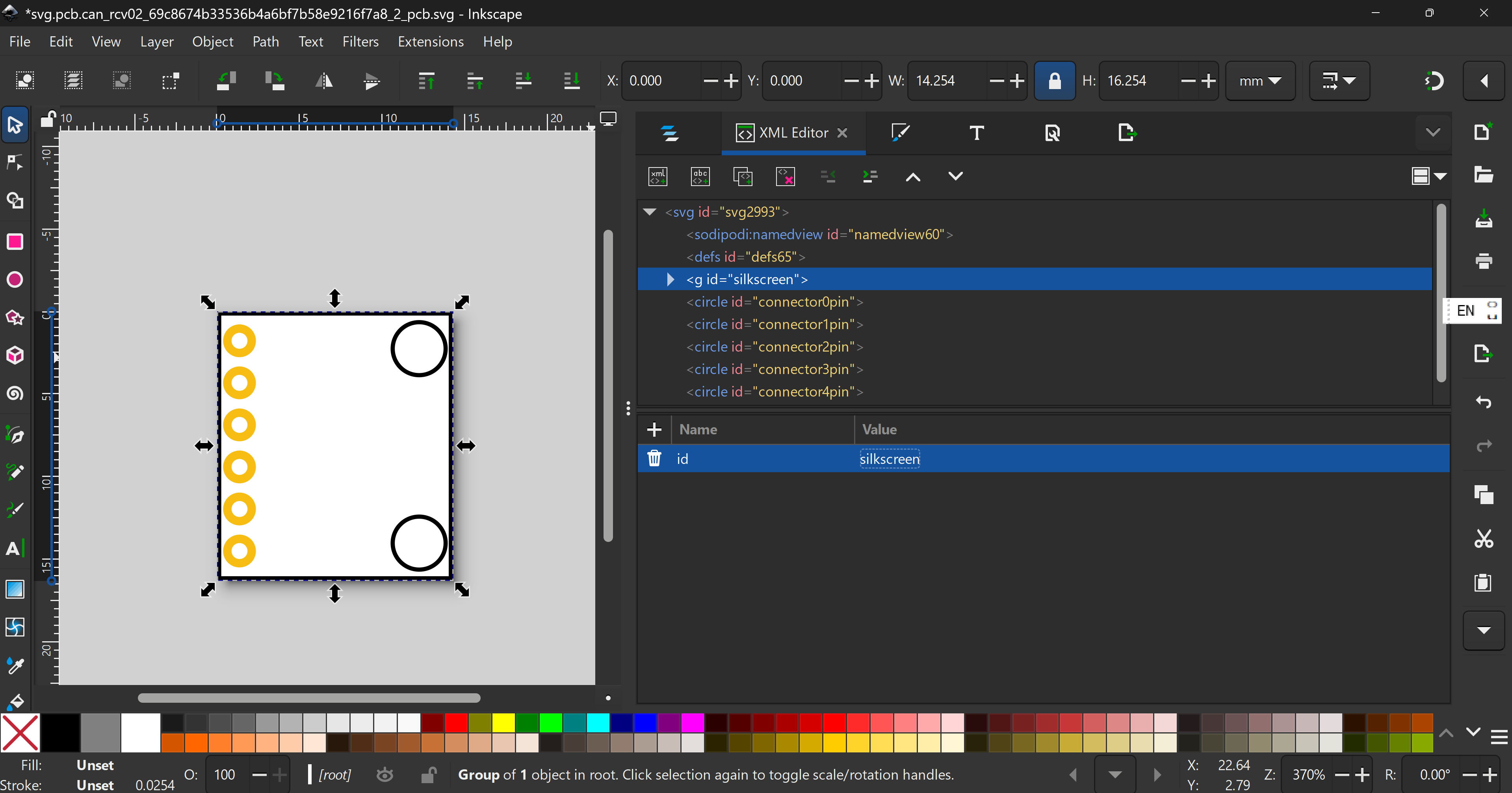
and click on this button  . Then, ungroup everything, group the path once and rename to “silkscreen”
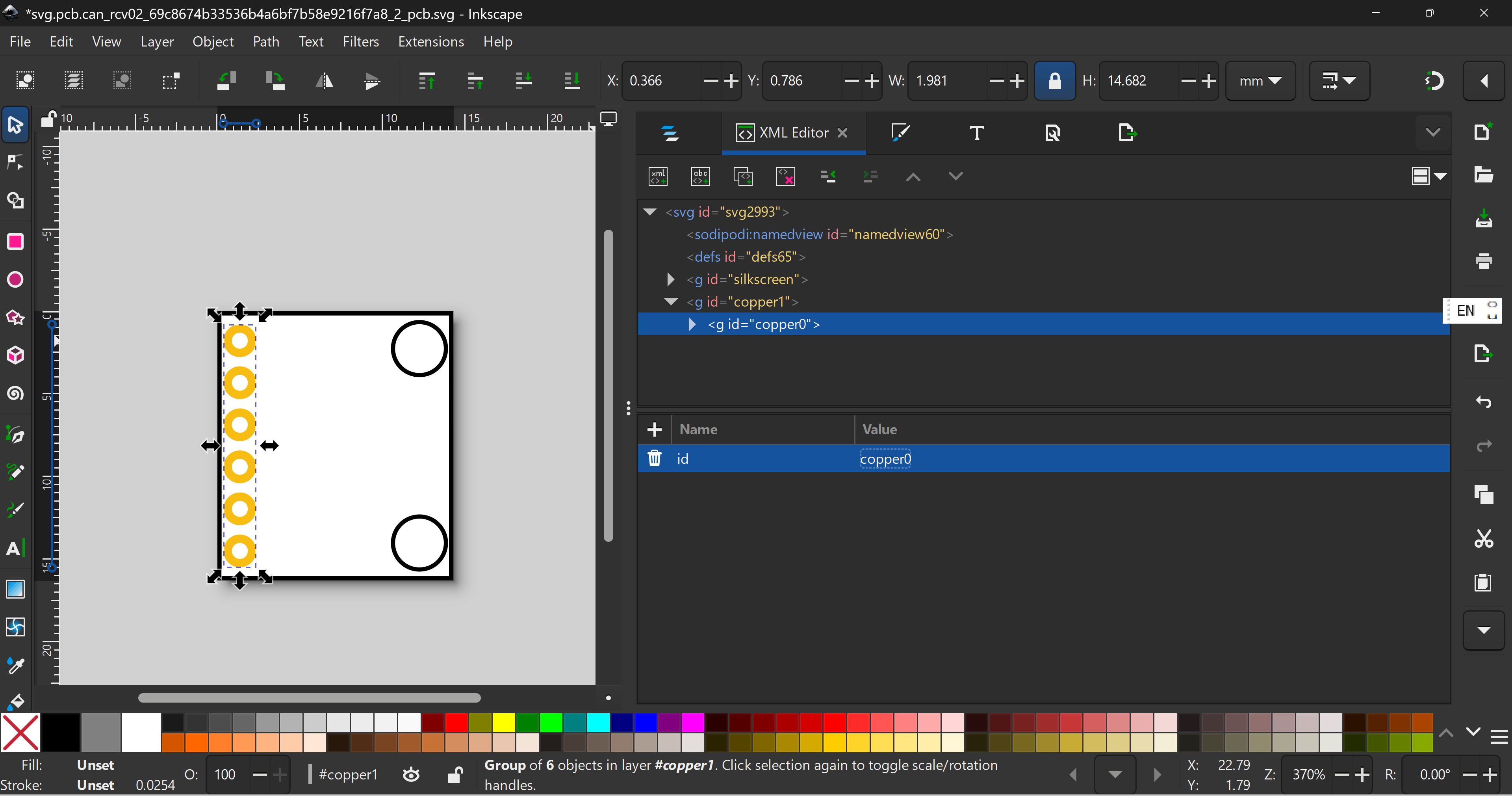
Group the connectors twice and rename like this
Save the file (my sample file here)
.fzp fileSorry because I don’t have time to explain, here’s the code
part.can_rcv02_7073f3b6b1c42326eba9654a7fc85623_20.fzp (5.0 KB)
Becuase of my edits, you dpn’t have to have a icon view anymore.