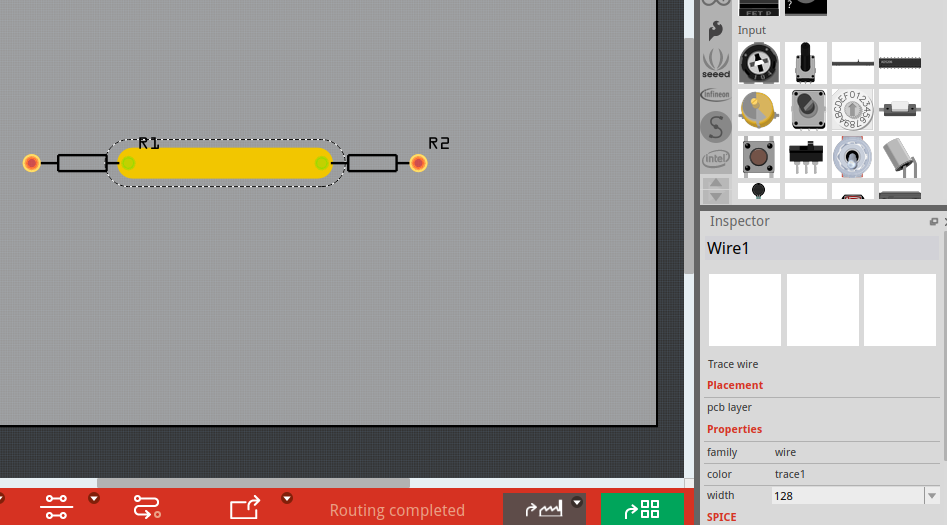
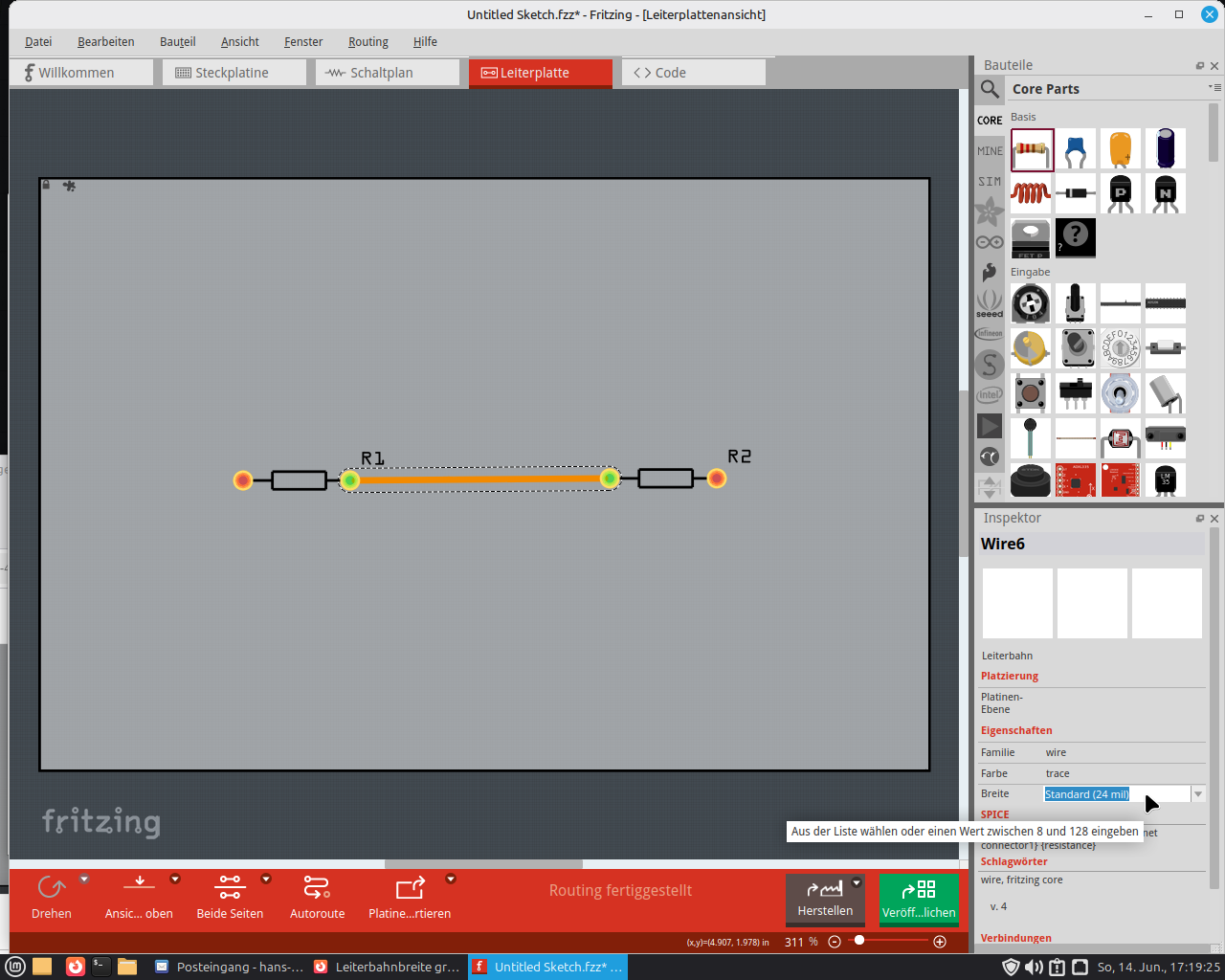
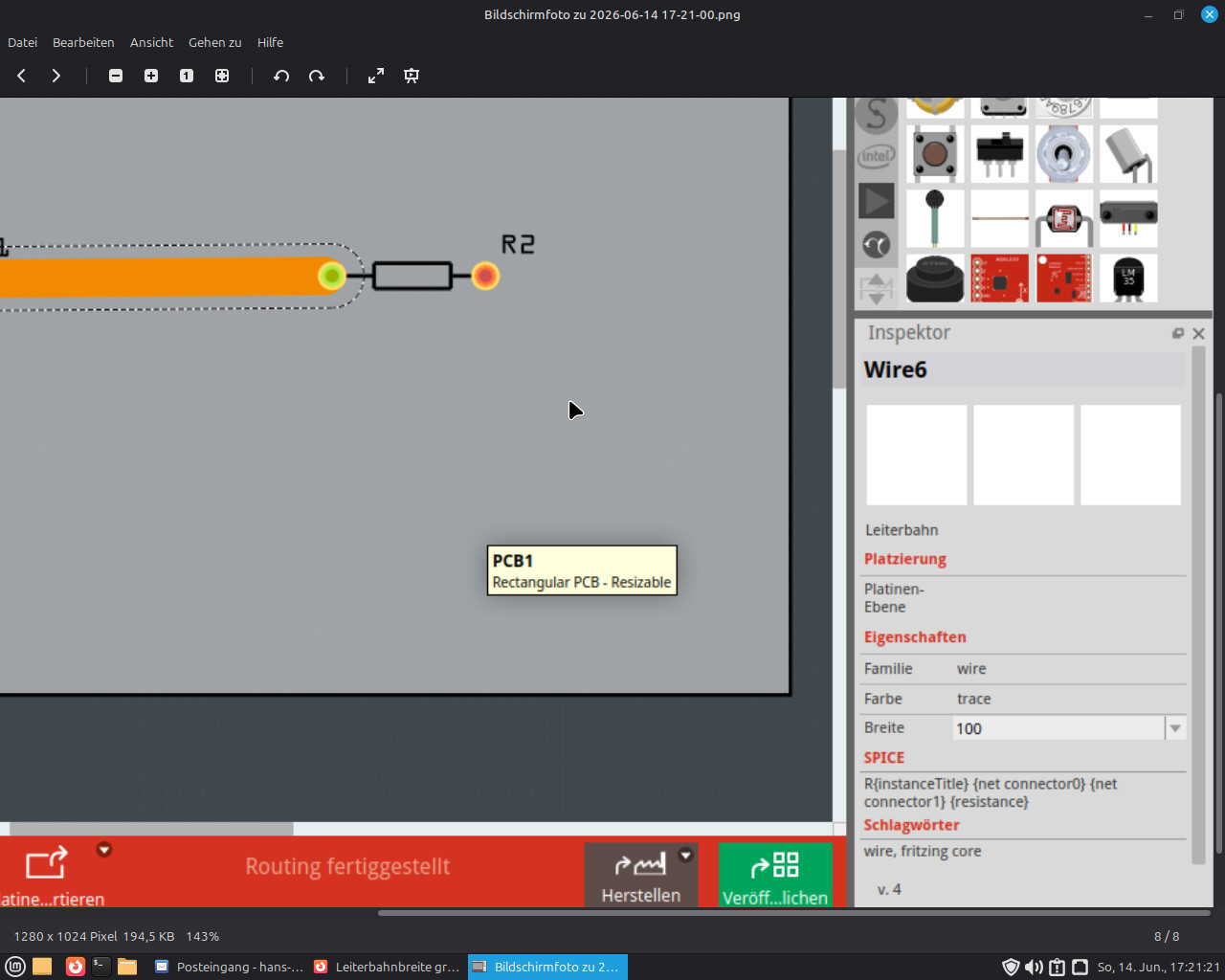
Puzzled how to make traces larger than 48 mil but did not got a clue.
Is it possible to make them thicker than 48 mil?
Puzzled how to make traces larger than 48 mil but did not got a clue.
Is it possible to make them thicker than 48 mil?
Jeeeezzzz! Is it that simple? I tried to modify that thickness by modifying the (48 mil) WITHIN the brackets without any change. So just removing that whole string and then type the required width does do the job.
Hey, it’s simple — just enter the required trace width in the selection menu = highlight the text, enter any thickness, and press Enter… and it’ll get thicker…
Thank you guys for your help. Much appreciated!