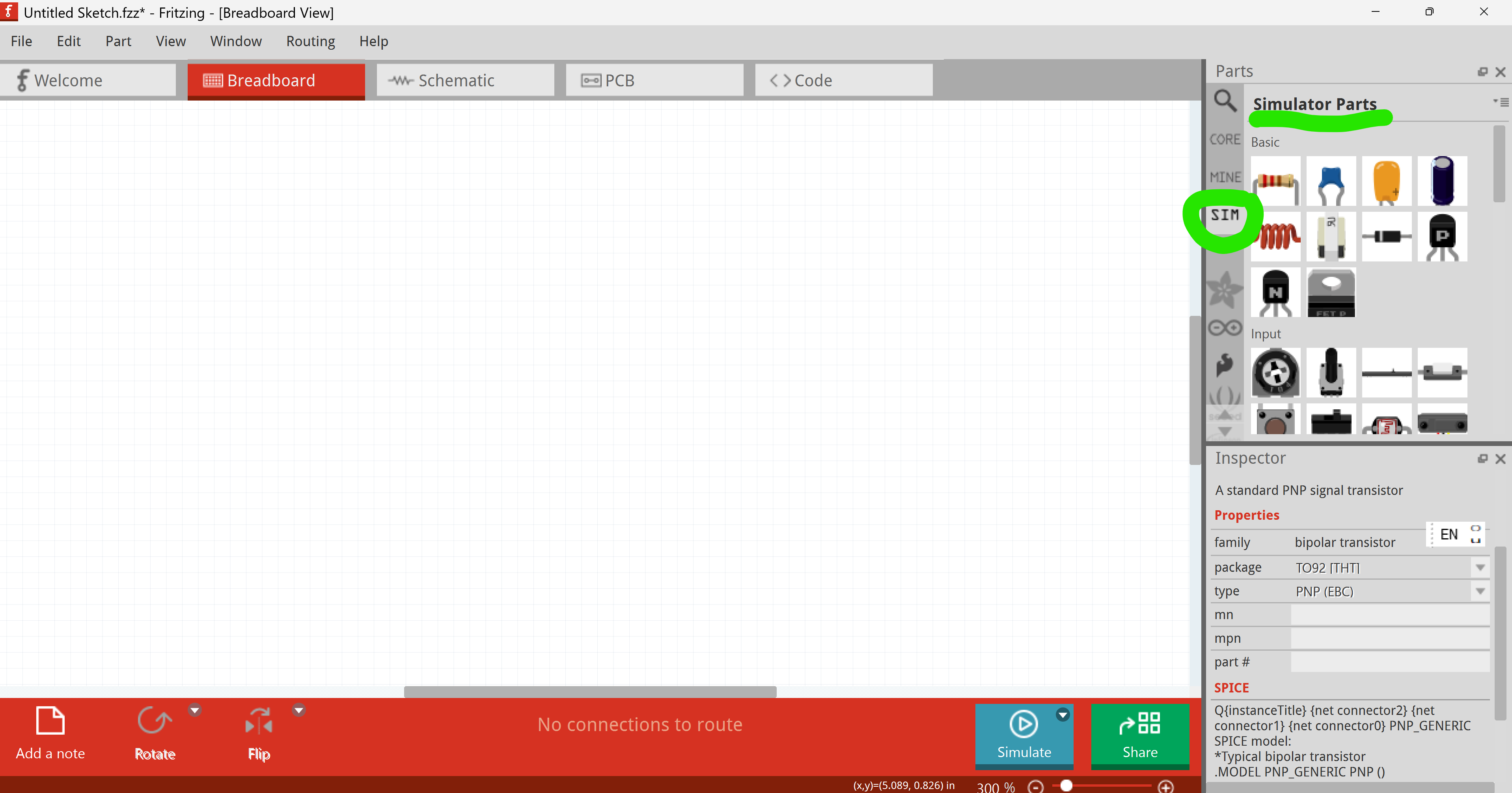
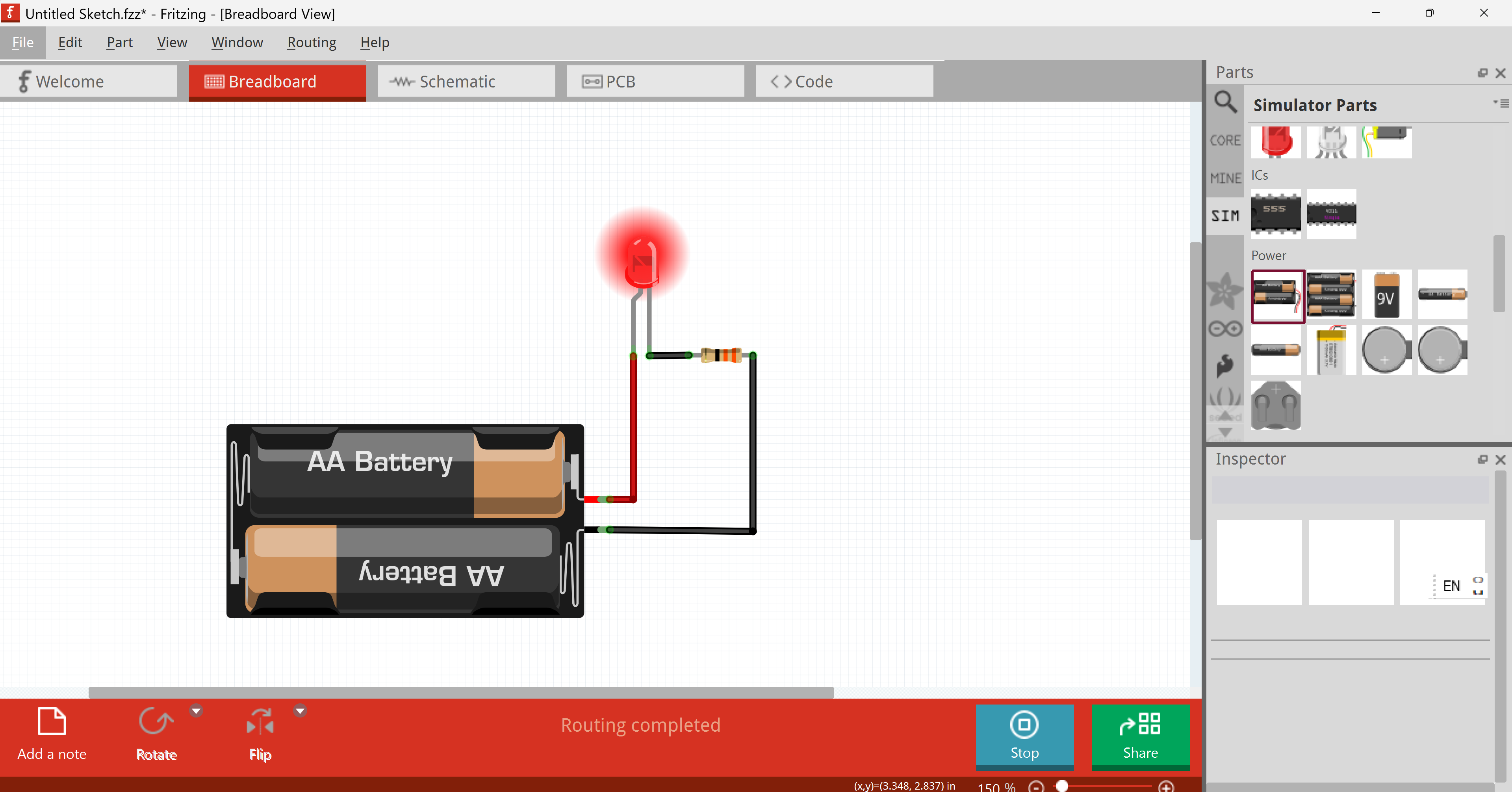
Hi there. I am totally new to this platform but really enjoying it so far. I’ve just built a simple LED timer circuit but I cant figure out how to simulate it. Is this possible? The circuit works from a push button.
Thanks for any help.
Hi there. I am totally new to this platform but really enjoying it so far. I’ve just built a simple LED timer circuit but I cant figure out how to simulate it. Is this possible? The circuit works from a push button.
Thanks for any help.
Fritzing is not a simulator. This is also made clear at our FAQ at https://fritzing.org/faq/ .
A feature request to add this functionality exists, and first basics are done using SPICE. However, a simulation would be limited to small subset of parts. LED and a Button would work, but not much more, which makes the feature quite expensive and not very useful.
Any progress on this request? I’m interested in an interactive simulation feature.
Having this feature would make Fritzing more useful to its target audience, as they can then test their project circuits interactively before building them.
Also would be useful for the education use case, as it would help save wasting valuable resources of the organisations running the classes of courses. As these components in physical form may be one of these things cut, for education organisations during budget cuts, or the price of them to the student may be increased.
(at least) DC analysis in recent versions of the code. Still limited number of parts that have the needed spice data. See https://blog.fritzing.org/tag/simulator/ for what has been documented. That is from 2022. Updates have been implemented. In release notes I saw a reference to transient analysis. None of that includes simulating a microcontroller sending changing signals to the circuit over time.
Hi @MrGrymReaper In the Fritzing app I think there are some examples on simulation. I have tried some and I think some may work for your case
Hi,
As they said, it is mostly for DC analysis and the main features are explained in the blog post. All the parts that can be simulated are in the SIM folder. We have kept improving the simulator a bit and now transitory simulations can be done in debug mode (launching Fritzing from the terminal with the “-d“ option), see examples of a 555 IC circuit.
The example is available at OpenExample→All→555_IC_astable
Hi guys , i am new to this and had the same problem. Why is there a simulate button? I want to compile a program and push it to the simulation. Is that possible, had anyone do this?
You have t play around with Fritzing, or open the exmples at file → open example. There is also a dedicated bin of simulator parts, and these parts will work in Simulation. As for 555 tmer silmulation, see @Fai Failiz’ comments
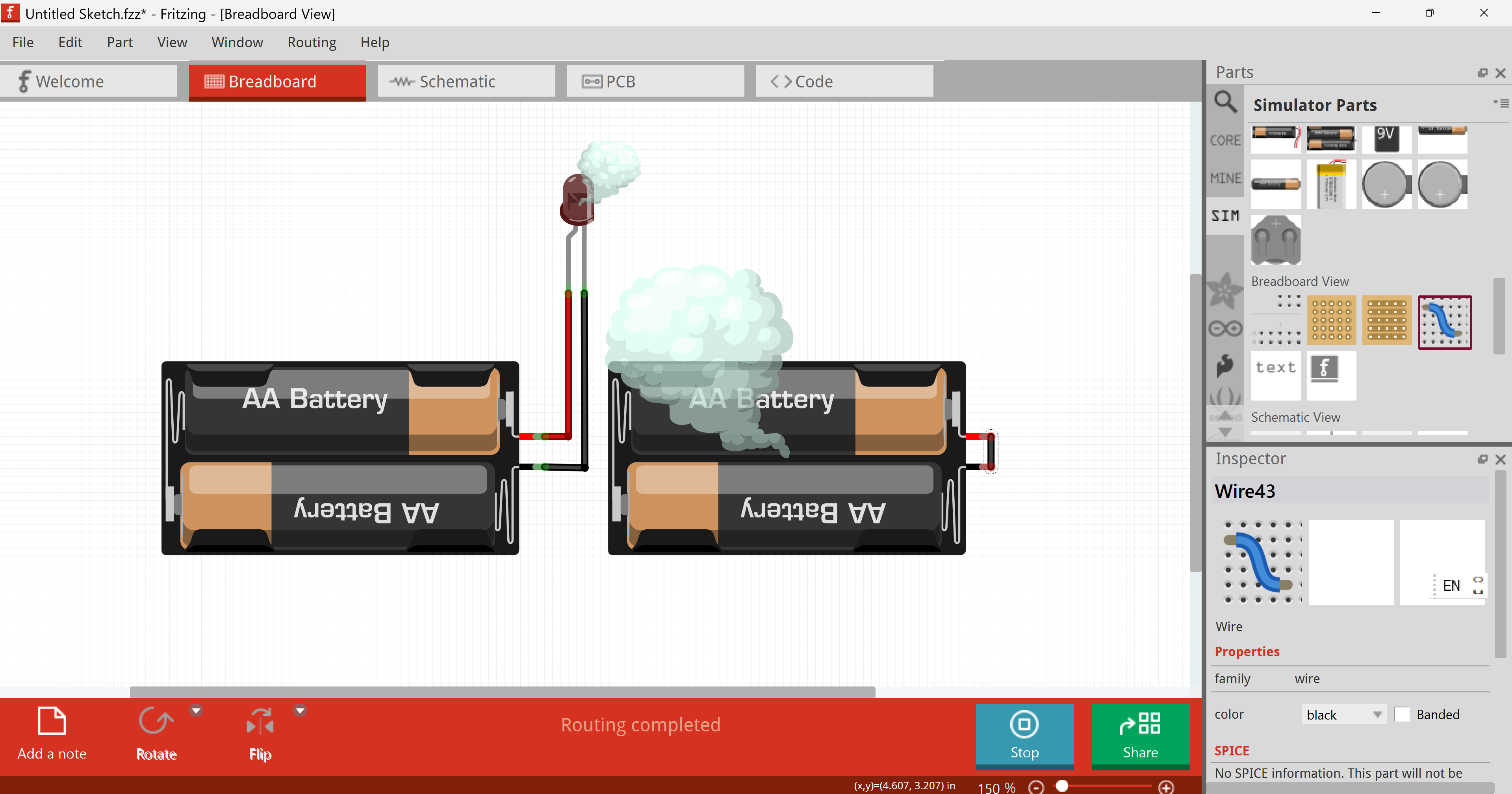
It also warns you if you have blown any components. In fact, my iconic profile picture was created using the simulator