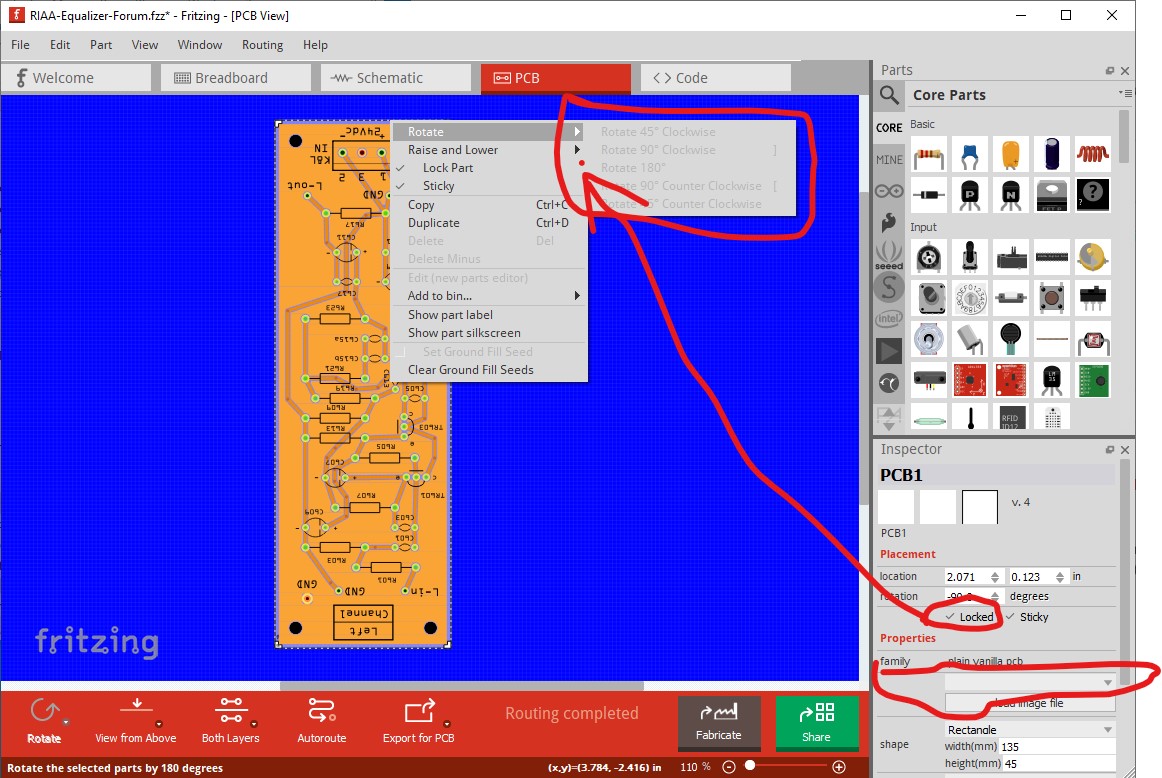
On 0.9.6 and 0.9.9 under Win10 I need to select the very edge of the pcb to get pcb (rather than ground fill) with locked set neither rotate nor cntrl-shift-r rotate the image. Note that the single / double sided field in Inspector is blanked out which it shouldn’t be.
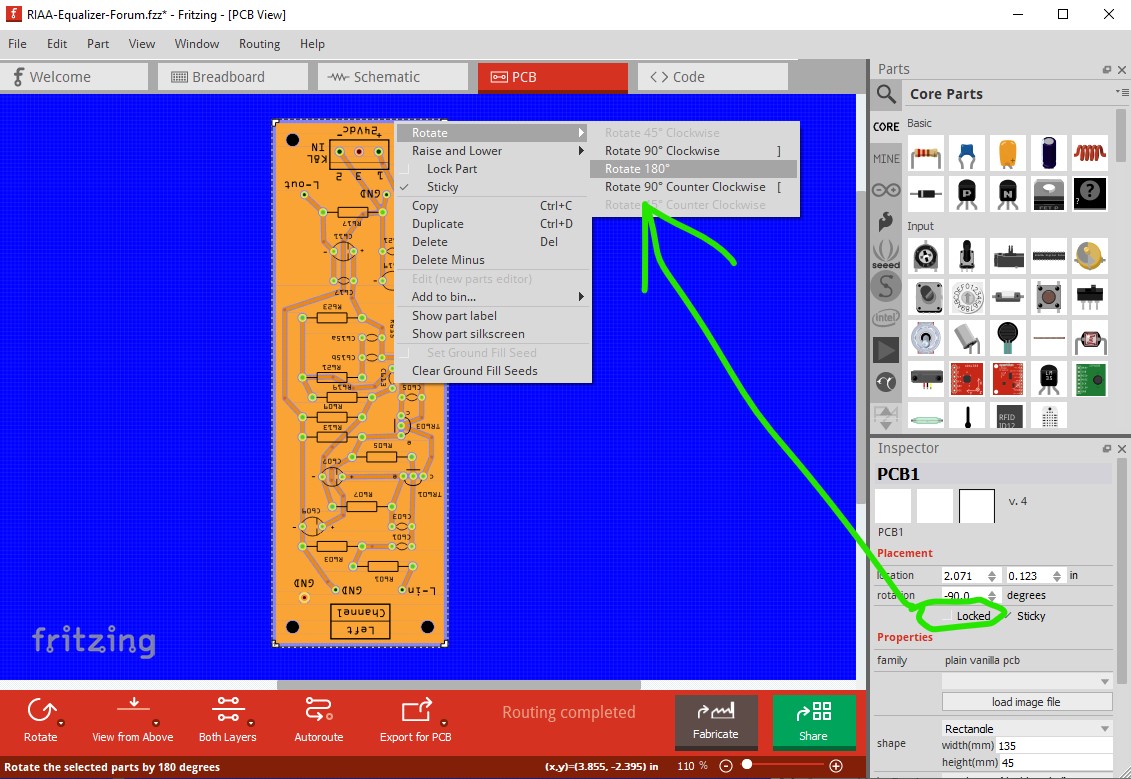
but unselect locked and cntrl-shift-R (or left click rotate) work both work
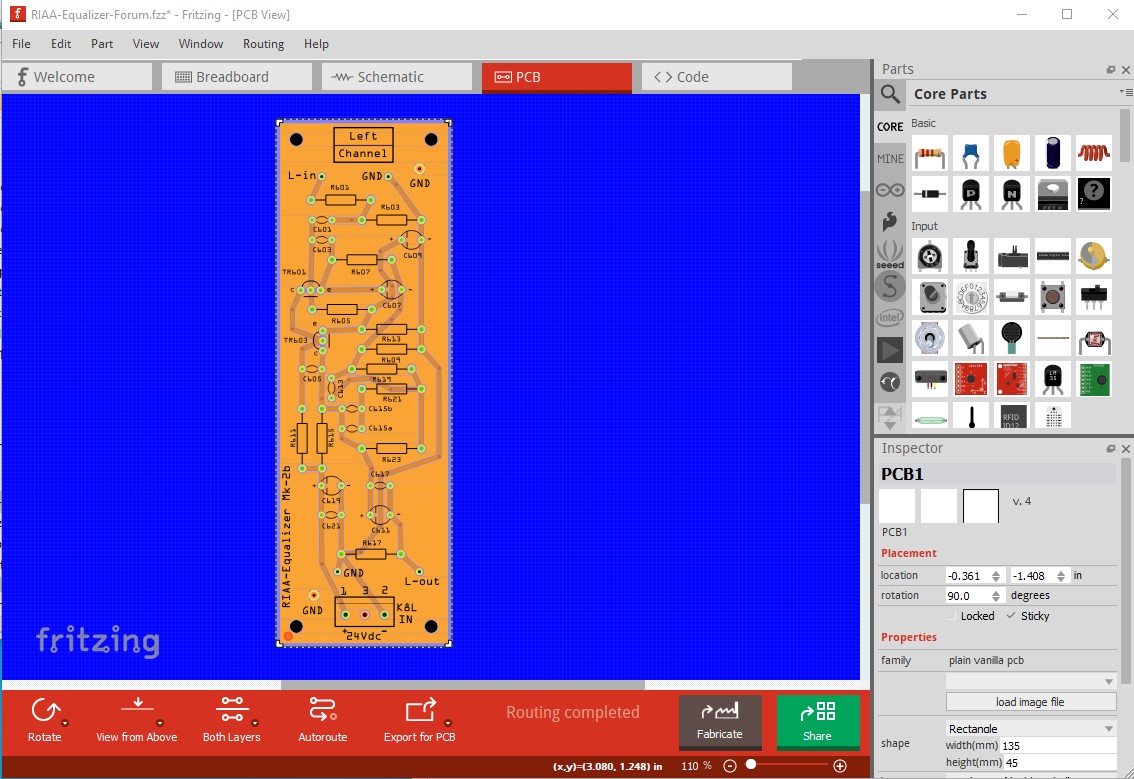
The blank Inspector panel I suspect is caused by losing the select. I need to have the cursor on the grey line just above the ground fill in order to select pcb, it blanks the Inspector field if that isn’t true.
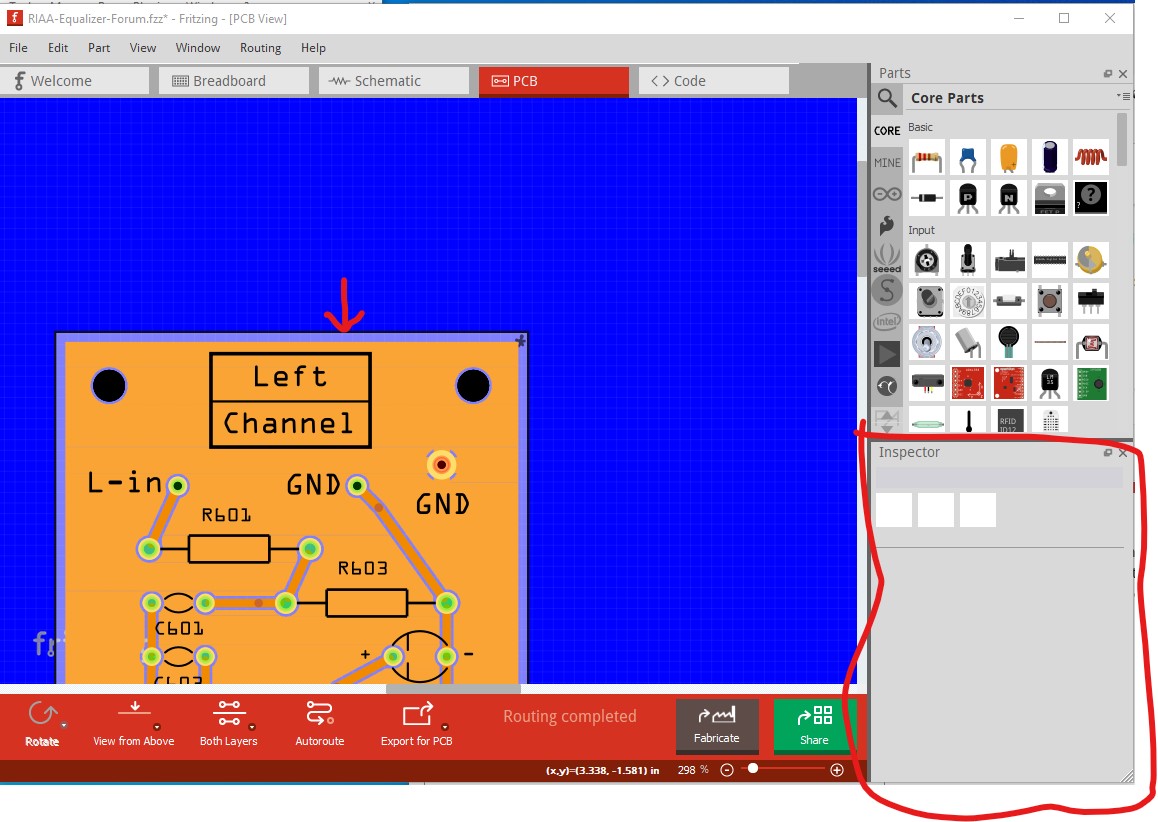
These are from 0.9.9, but 0.9.6 acts the same.
Peter