Hello, recently I am using SeeedStudio Groove E5 LoRa module for my project, but I can’t find the frizting file of SeeedStudio Groove E5 LoRa module when I want to design circuit.
Hello,
I am currently working with a Grove Wio E5, a LoRa module from Seeed Studio. I would like to create a schematic illustration of the prototype, which is why I started looking for available models, but I couldn’t find it in the Seeed Studio libraries.
That’s when I came across your discussion, where Mr. Peter provided a component model. By the way, thank you for sharing it.
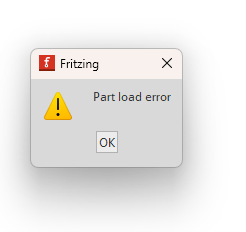
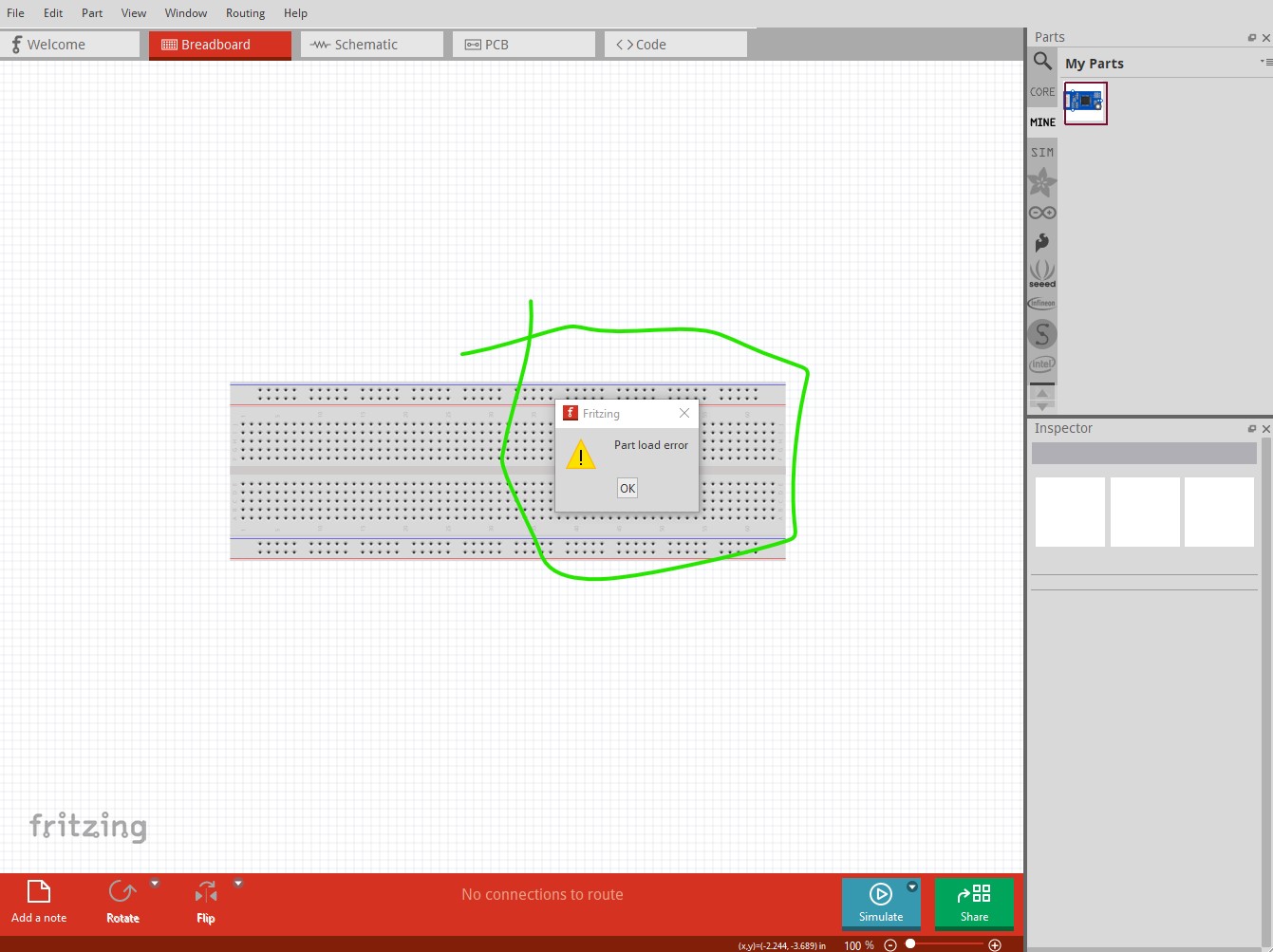
Unfortunately, when I try to import it into my Fritzing workspace, I always get error messages.
Could you please help me resolve this problem?
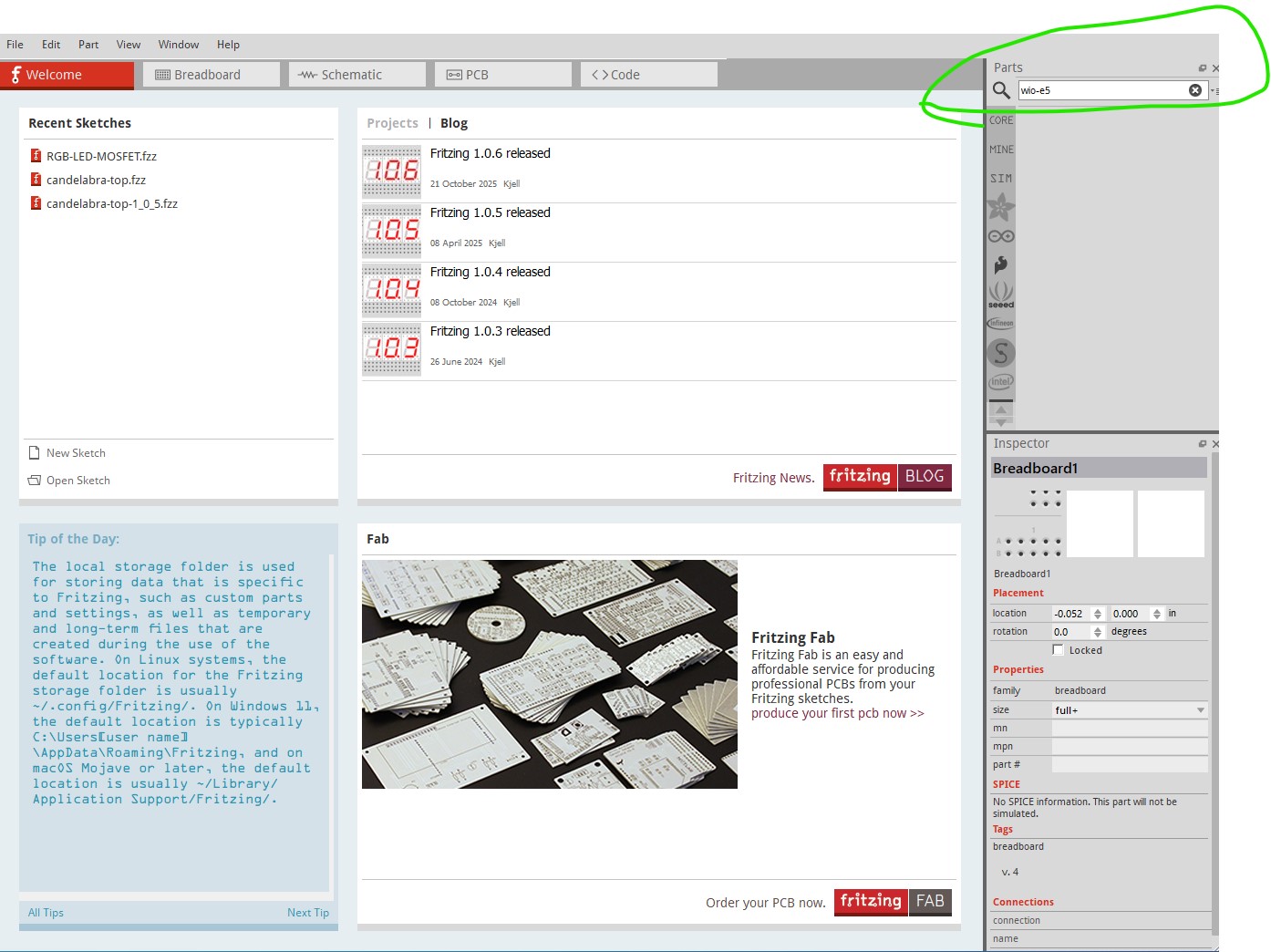
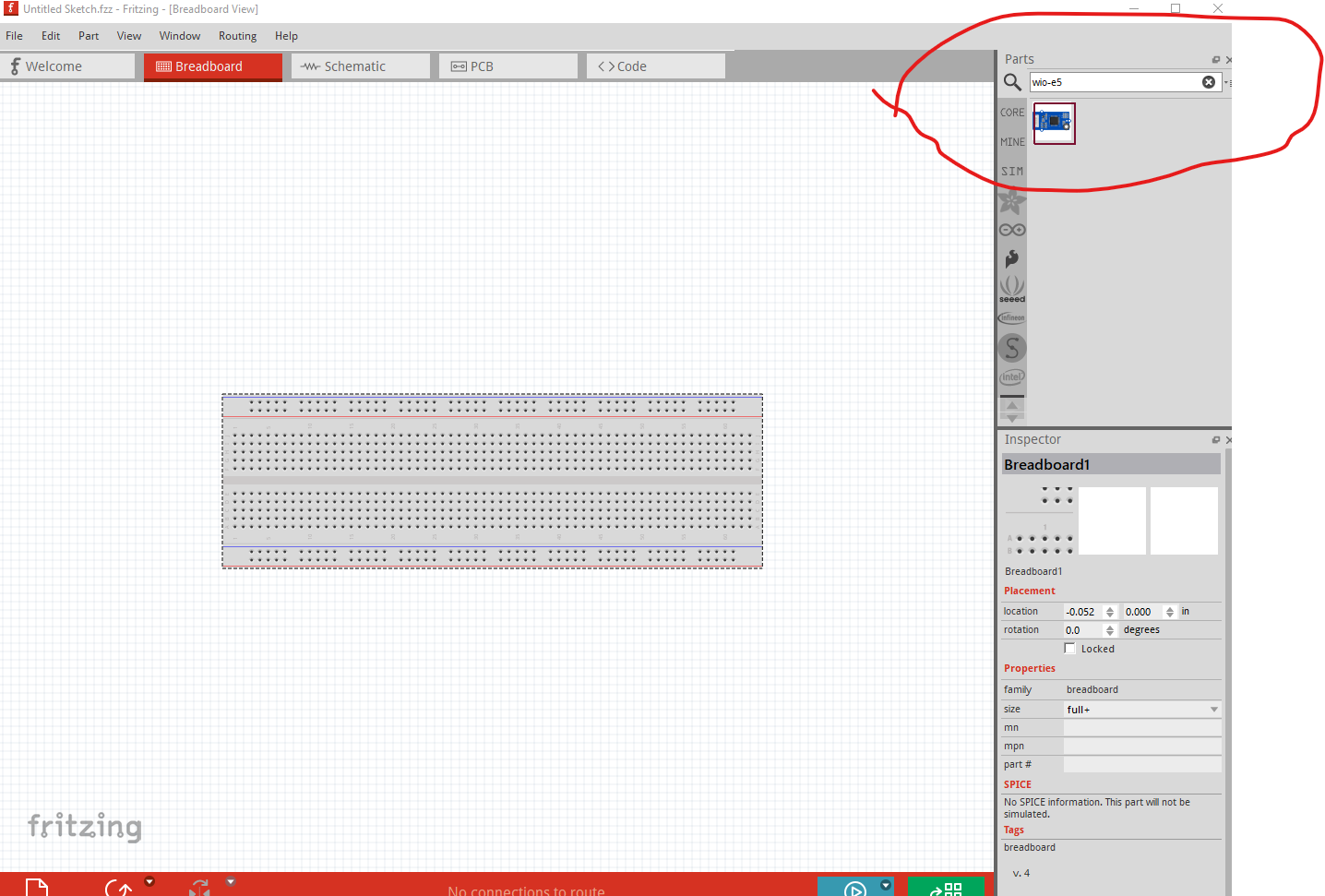
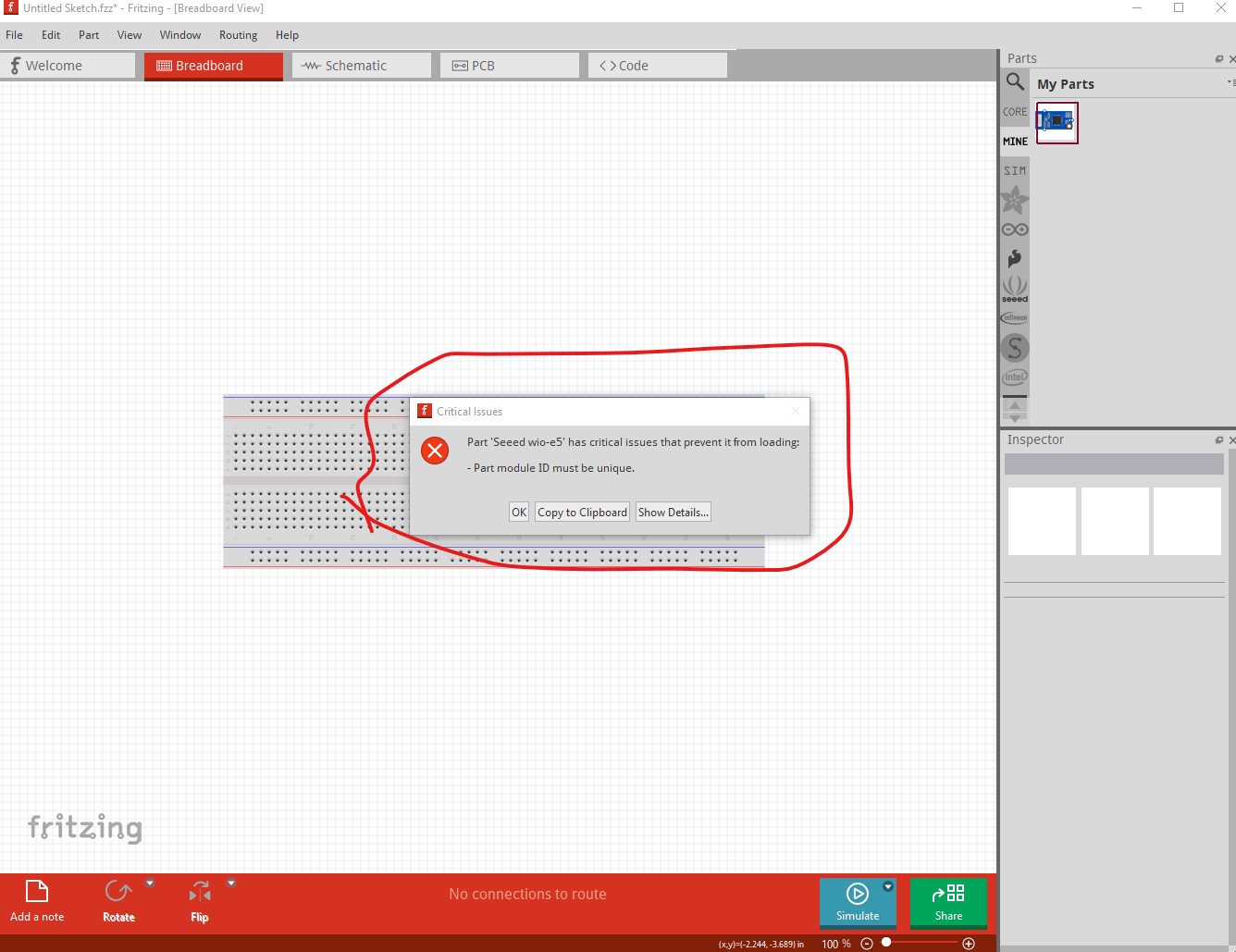
What happens when you click OK? I suspect the part won’t have loaded (although it usually gives more information than this.) Do a search in the parts search bar for wio-e5 to see if there is already a part loaded. Here the part is not loaded so nothing is found.
Dragging the part found in the original search in to a sketch should give you the part. If not delete the part from the mine parts bin by right clicking on it and selecting delete part, then shutdown Fritzing answering yes to the save parts and save parts bins prompts (you can answer no to the save sketch prompt) to really delete the part. You should then be able to reload the part successfully.