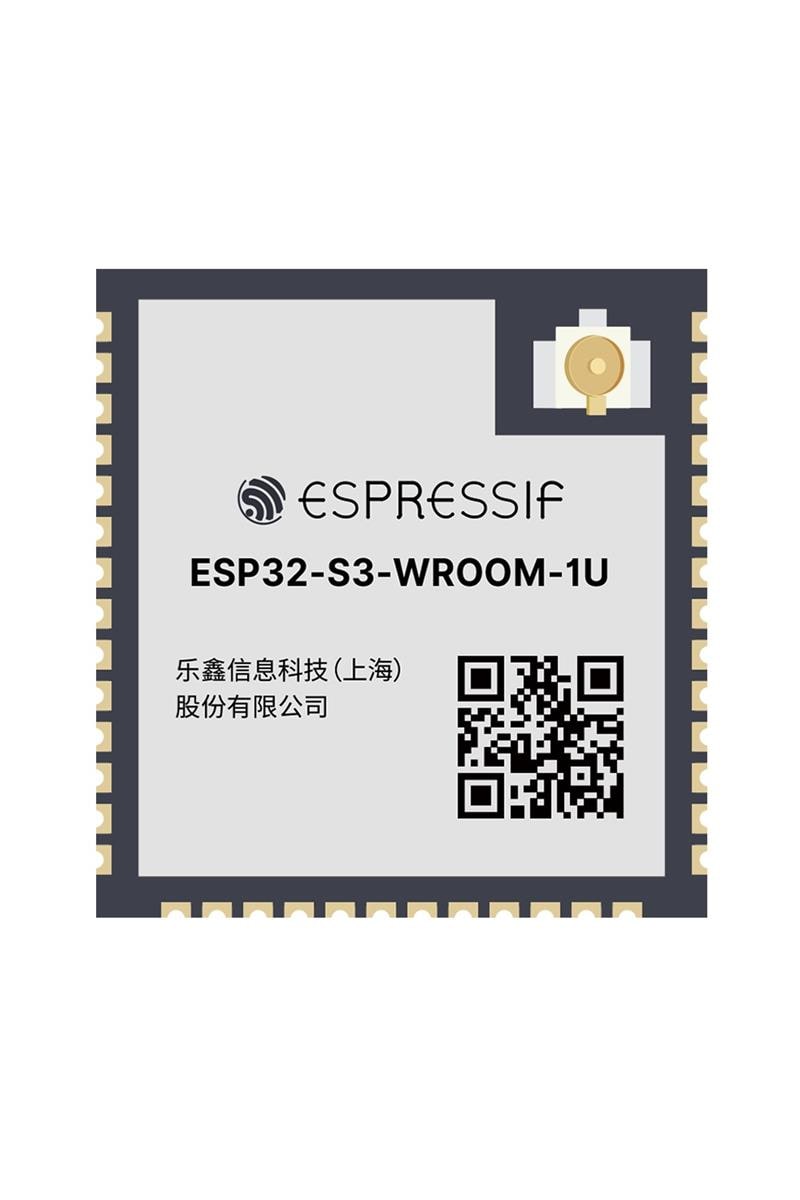
Name of the part
Previous work, similar parts This one from Vanep might be handy, the pinout looks to be different.
[Screenshot 2022-06-13 233137]
Top view
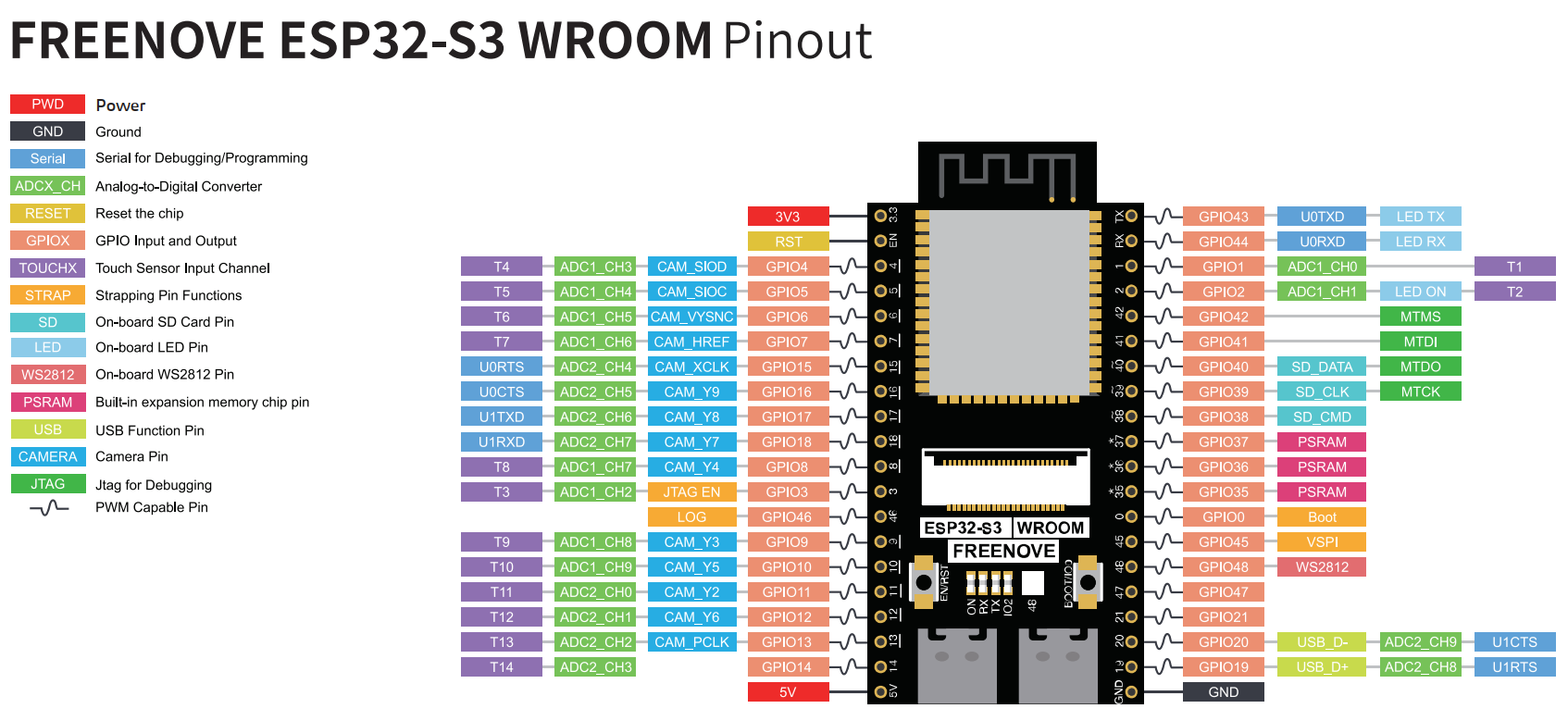
Github with good images and pinout guides There is also a version with no PCB antenna, it has an antenna connector instead.
Datasheet The official documentation of the part manufacture is linked here use pages 11 and 12.
Type
Footprint
vanepp
January 9, 2025, 1:37am
2
This part should do what you want. Note the vias are only in silkscreen (as it is too much trouble to include them in a SMD part) so you need to follow the procedure in
[Screenshot 2022-06-13 233137]
referenced above to add the necessary vias in your sketch…
I needed to set the grid size to 0.01in to align the pins (the bottom pins are on an odd offset)
ESP32-S3-WROOM-1.fzpz (10.2 KB)
Peter
1 Like
Im looking for ESP32CAM-S3-WROOM-1
Thankyou Peter!
I’ll dig into those posts about the vias.
1 Like
vanepp
January 10, 2025, 3:31pm
5
Then you would need to provide a web site with physical dimensions and pin out information for the exact board you want. Pictures are basically useless.
Peter
vanepp
January 11, 2025, 6:26pm
7
This part should do what you want.
ESP32-S3-1-N16R8-module.fzpz (18.9 KB)
Peter
4 Likes
This is perfect! Thank you.
This one is pretty spot on, only small issue is there are two Pin 40’s listed.
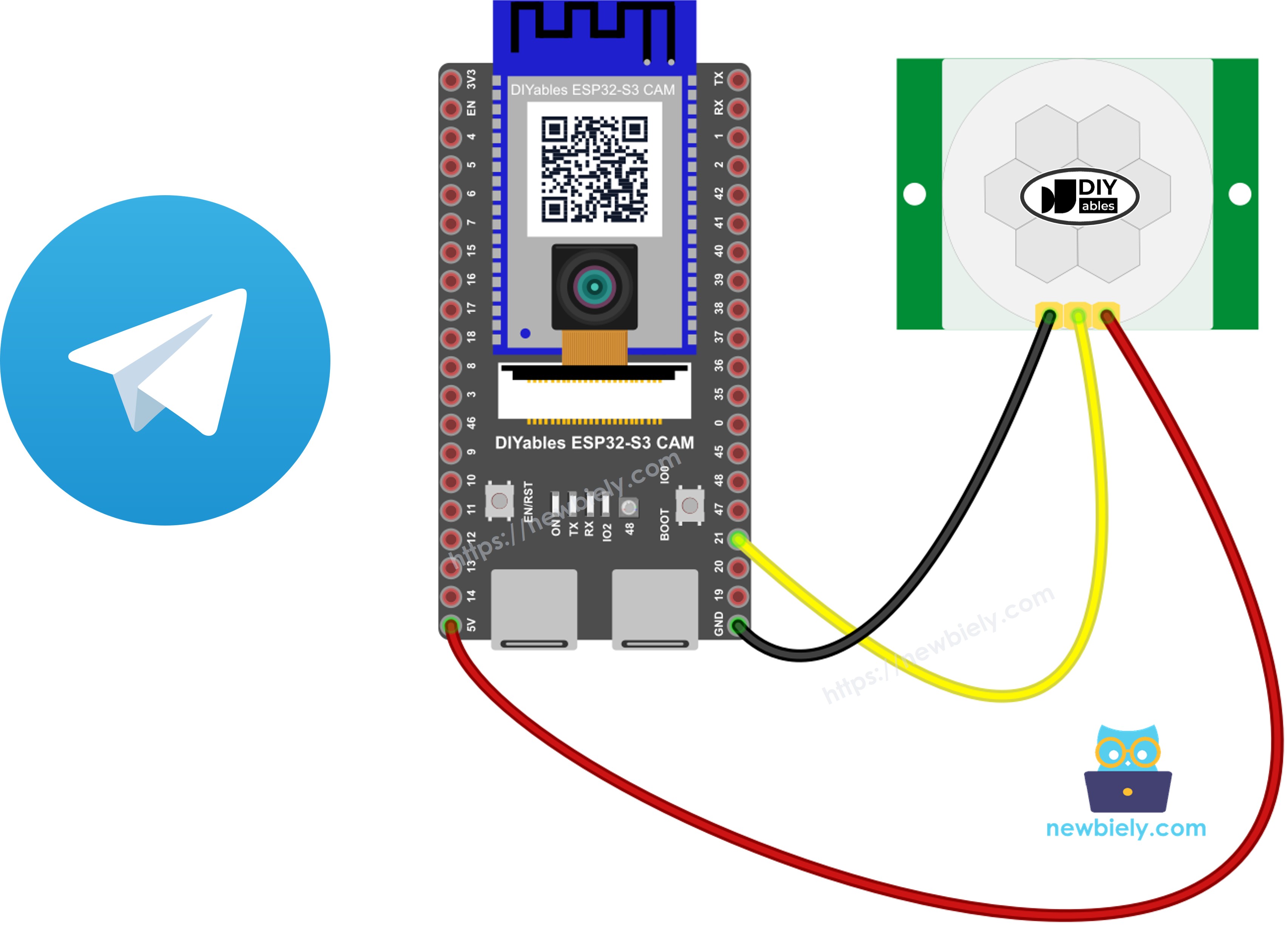
You can use the USB Type C version with camera included here:DIYables-ESP32-S3-N16R8-CAM-module.fzpz (17.3 KB)
You can also download from this ESP32 S3 CAM product page
It looks like this images: