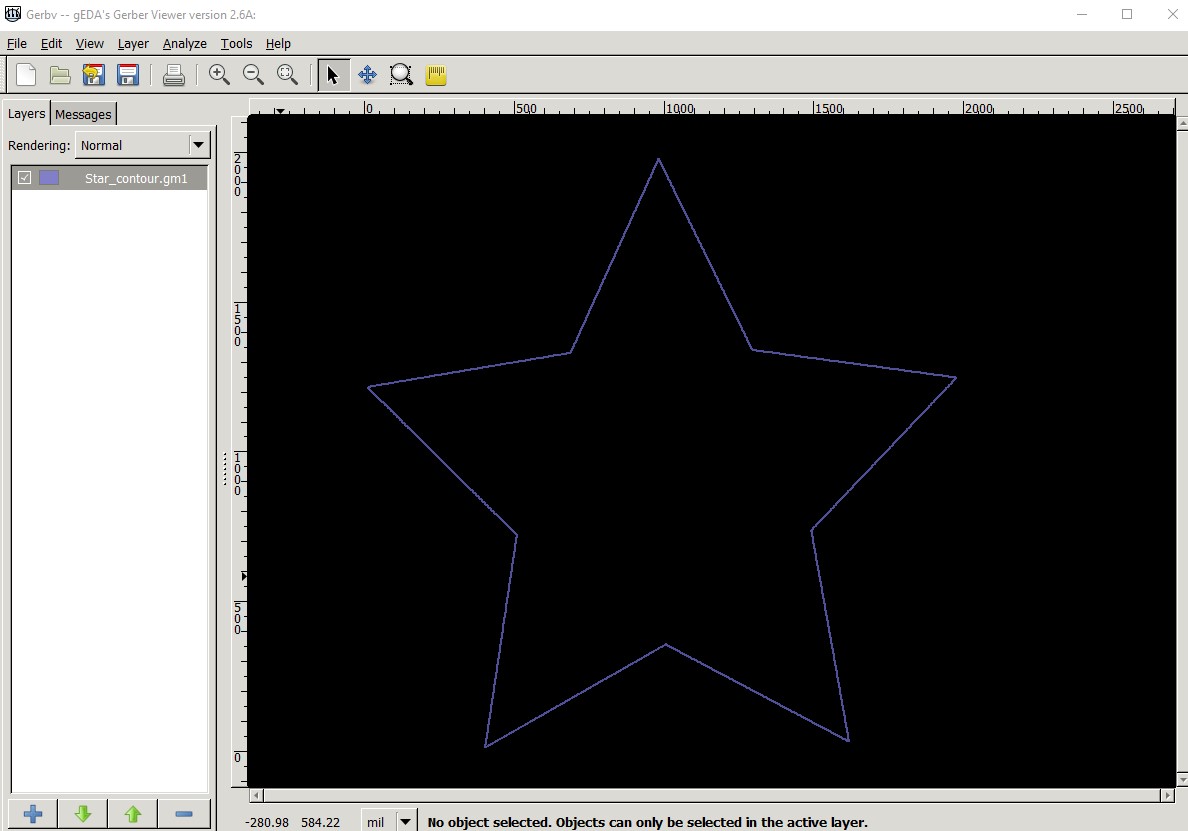
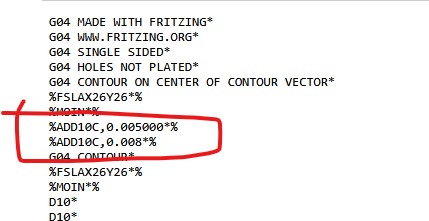
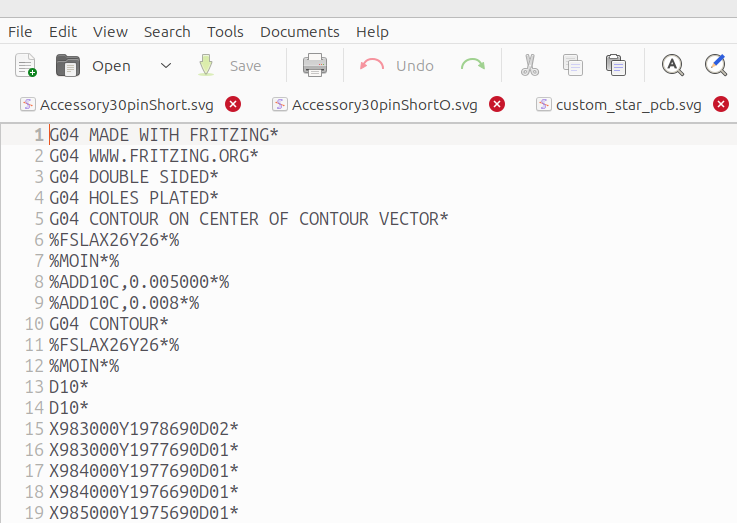
TL;DR 1.05 and 1.06 create duplicate %ADD10C entries in contour.gm1 making it malformed so it doesn’t work with JLCPCB online viewer.
Steps I took that resulted in the problem:
- Created a new PCB project
- Downloaded the custom PCB star example from Fritzing-Custom-PCB-HowTo/custom_star_pcb.svg at master · duff2013/Fritzing-Custom-PCB-HowTo · GitHub
- Used that PCB as a custom board shape
- Exported my project as extended Gerber
- Uploaded to JLCPCB. The online viewer showed a rectangle not the star
- Edited the contour.gm1 file. Saw that there were two different ADD10C command
%ADD10C,0.005000*%
%ADD10C,0.008*%
Also there were duplicate G54D10* commands. - Deleted the line
%ADD10C,0.005000*%and one of the duplicate G54D10* lines - Re-uploaded to JLCPCB. The online viewer showed the correct PCB shape, showing the duplicate entry was the problem.
…
What I expected should have happened instead:
It should have had only one %ADD10C entry in contour.gm1
…
My version of Fritzing and my operating system:
1.06 on Ubuntu Linux
Star.fzz (2.0 KB)
…
Please also attach any files that help explaining this problem