I’m working on a project that is using a 2.2” TFT0ILI9341.
There are several parts that are close to the one I’m using. e.g 2.8” ILI93410320x240.
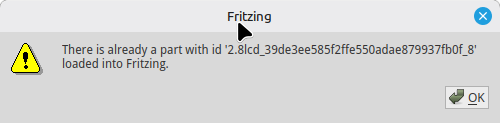
When I’m trying to load a part that I have found on the web (2.8 SPI TFT Module.fzpz) is shows the message
But I can’t find it in the parts section.
How can I find this part on the file system (Linux).
In which directories are the part stored?
Any suggestions?
Thanks in advance
The part is already loaded in Fritzing with the same name…
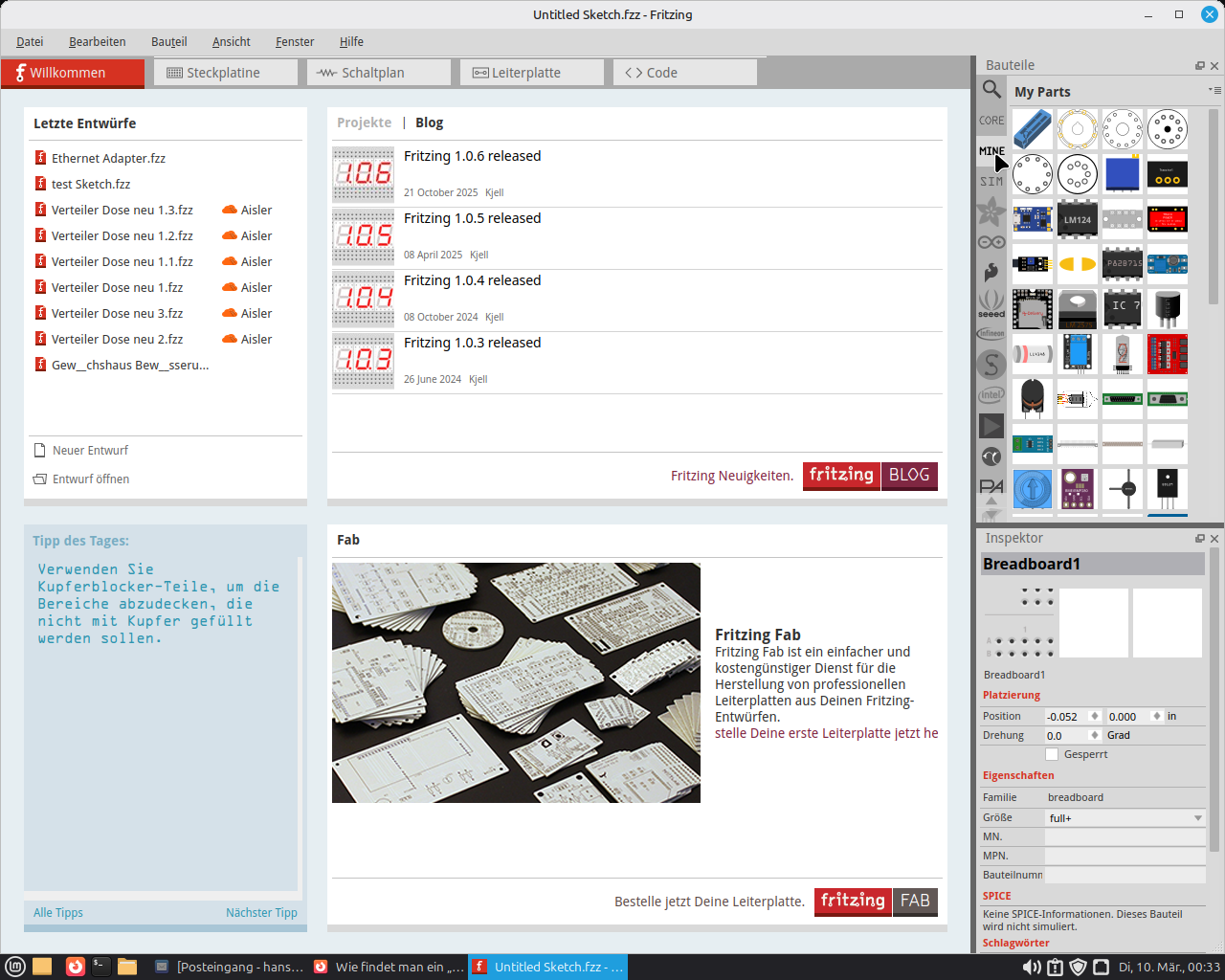
There is a tab in Fritzing…
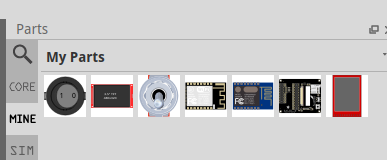
with the name MINE; if necessary, press the cursor arrow keys up and down, then MINE will appear. Click it and all installed parts will be listed.
1 Like
Thanks.
There are two displays listed.
But how can I find which one is the reported “2.8lcd_39de…..0f_8”?
At none of them this description appears.
These are 3.5” and 2.4” displays, not 2.8”.
Is it still somewhere hidden?
I want to delete it so that I can load a correct/better one.
try things out… take what fits I keep it very simple there I haven’t found any suitable part (2.8 mm) to date since for that part you only need the left and right pins I take a suitable pin header strip and slide it to wherever there’s space the wiring with a small ribbon cable is easier measure the distances then fix the strip on the PCB and that’s it… I do the same with the ICs… look up the pinout, take a bare IC, adjust the number of legs and assign them. saves laborious searching…
1 Like