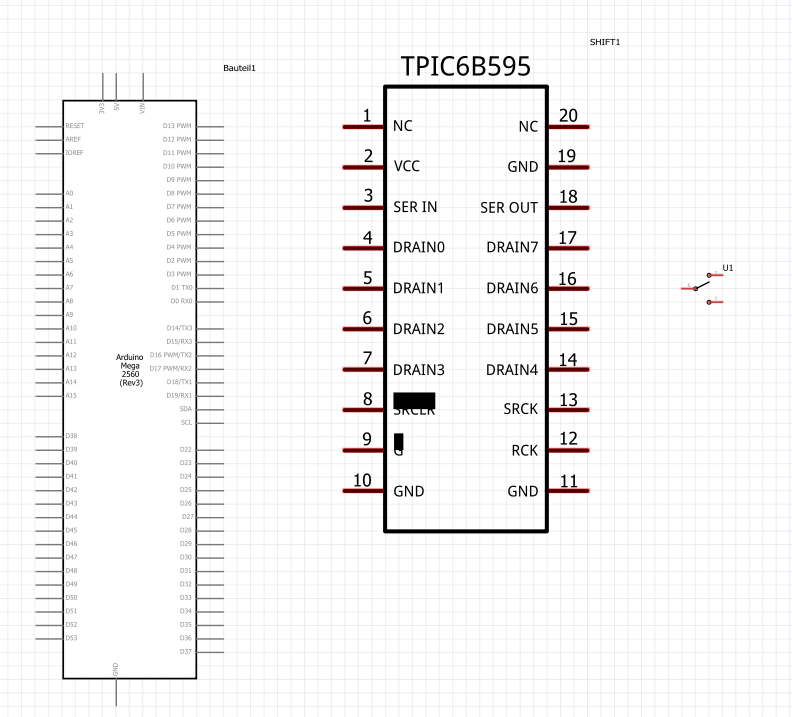
The <svg> entry at the top of the SVG should contain a viewbox , a width, and a height entry. Width and height should be in absolute dimensions, for example mm or in.
Adobe tools often remove these.
To re-size correctly, the connector lines can be used as orentation, they should be 100mil (1/10 inch, 2.54mm) long.
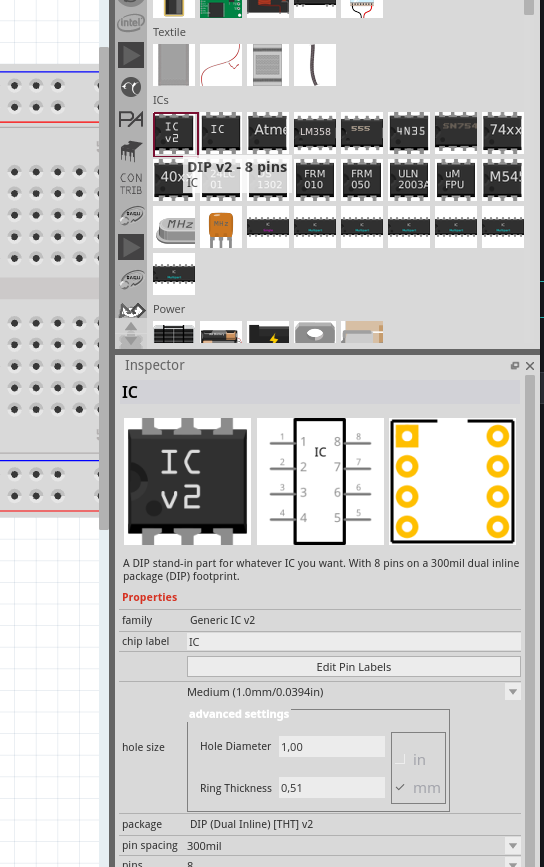
Another option to use the generic dip v2 instead. You will have to enter the 20 connectors names and the part name, and should get a nice schematic and 20 pin DIP.