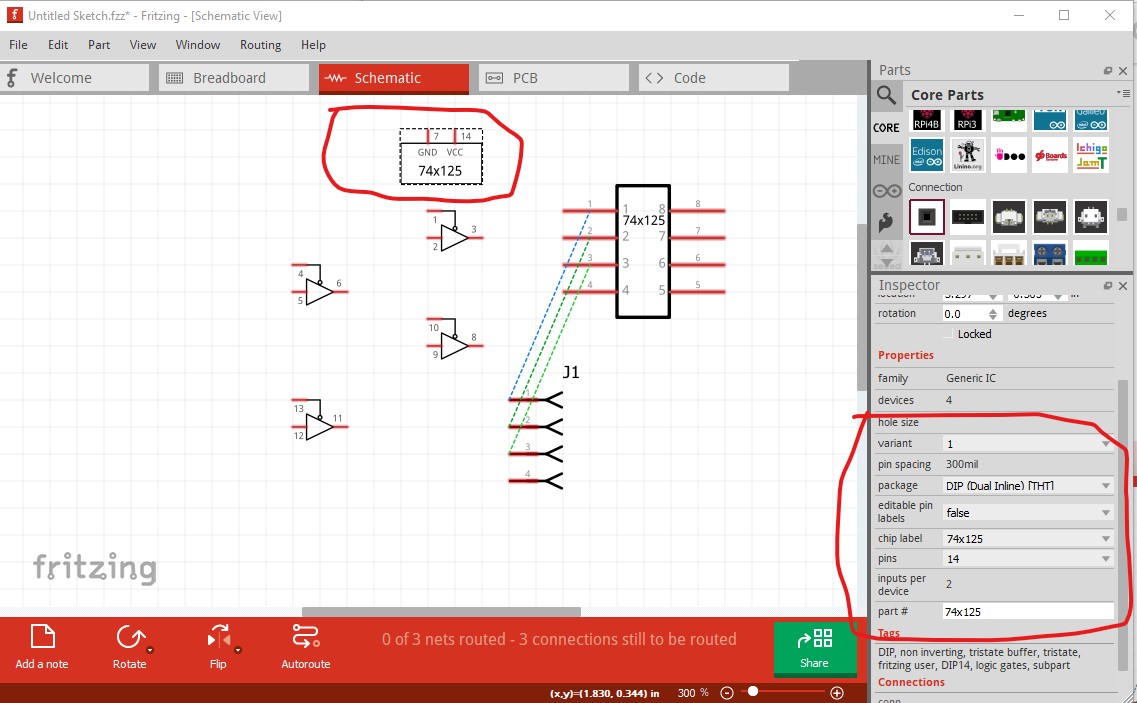
It is possible this may partly work. Here I modified a test copy of my 74x125 part (which has schematic subparts as does OPs new part, based on this one) with the family changed back to Generic IC from quad buffer and the pcb layer set to layers image=“pcb/dip_14_300mil_pcb.svg” as expected it loads correctly initially and trying to change the pins from 14 to 16 in Inspector gets this error message:
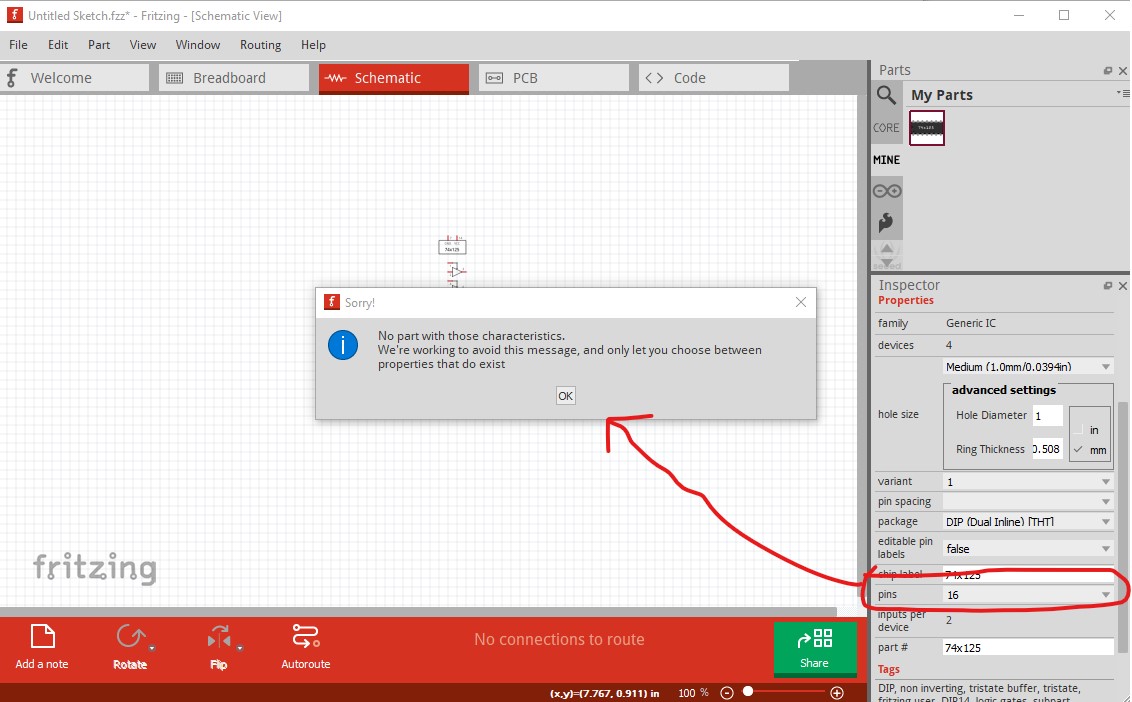
and leaves the package at 14 pins. So far so good. But now I changed edit pin labels false to edit pin labels true and the expected problem shows up (and an unexpected one too!):
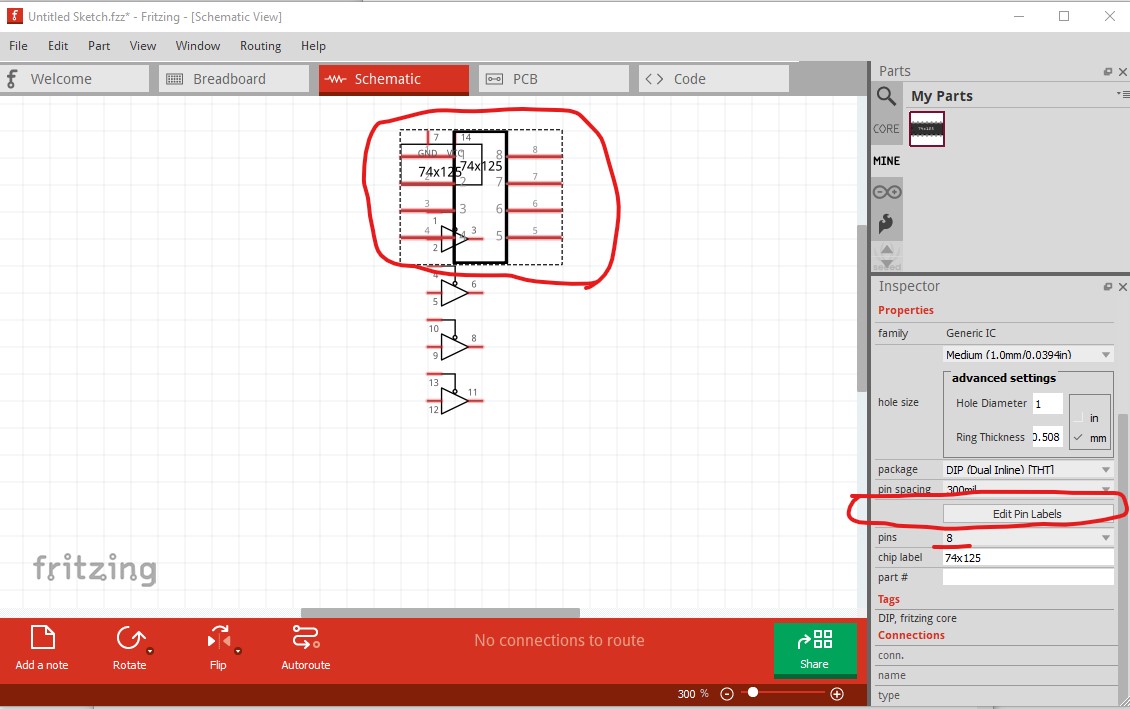
I expected to get the box with 14pins and labels, but instead get a 8pin box with labels. I expected this to break the subparts but I can move the subparts in the original chip around still as well as the new 8 pin part in schematic but I expect the sketch is now screwed up as it has a new unknown entity in it in the form of the 8pin part in schematic. Indeed it has screwed up breadboard (which used to be a 14 pin DIP):
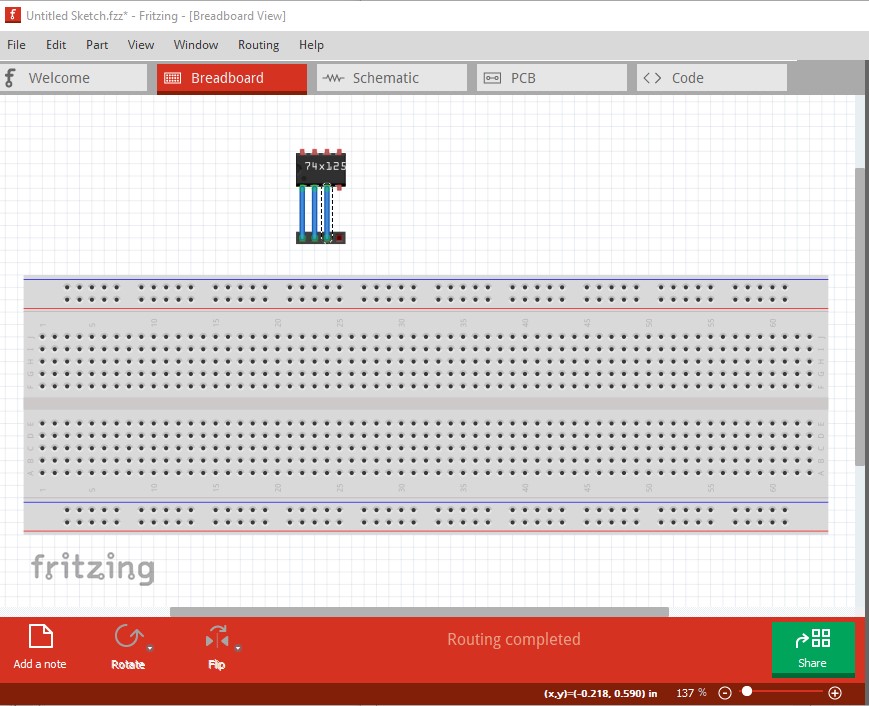
by replacing it with an 8 pin DIP which is tied to the new schematic part:
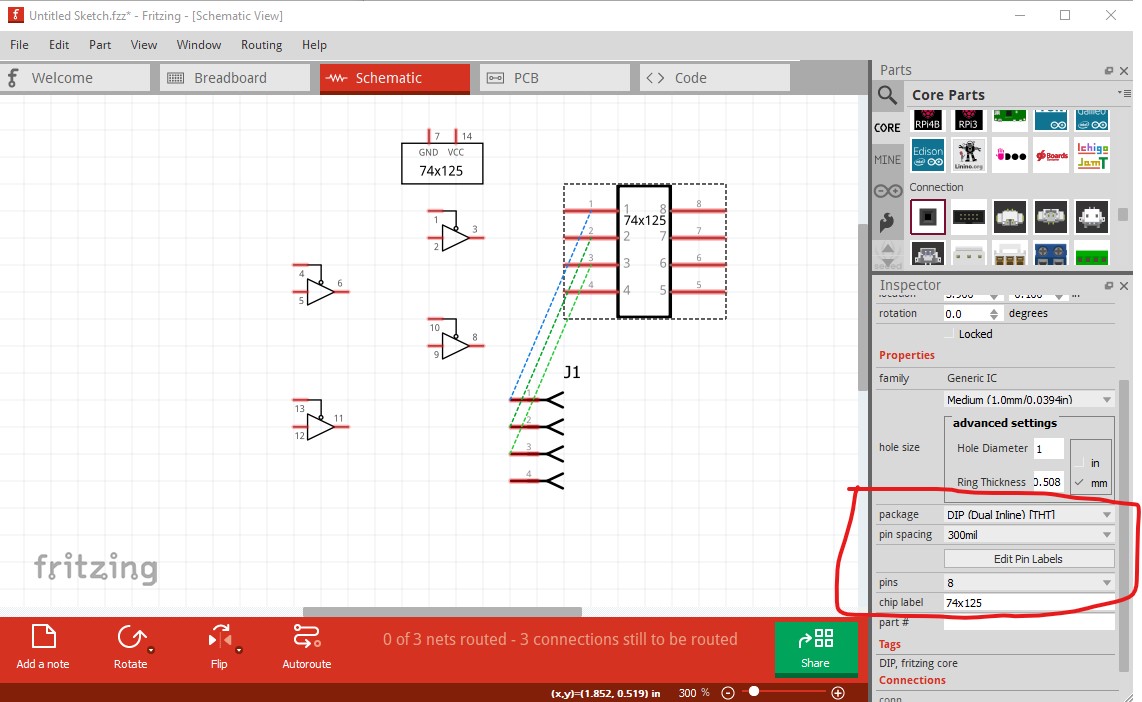
at the same time the subpart part still exists somewhere with the old settings:
I think this won’t be a problem when I set the family back to quad buffer:
property name=“family”>quad buffer
leave the pcb layerId
layers image=“pcb/dip_14_300mil_pcb.svg”
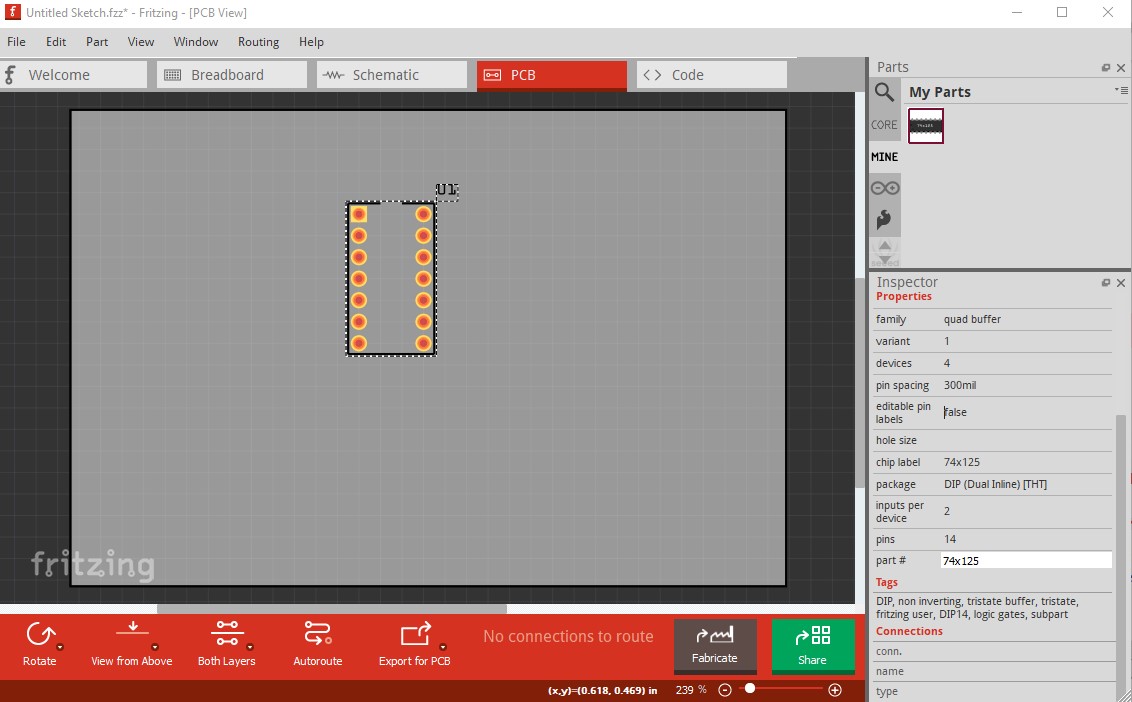
and copy my original pcb file in to core parts dip_14_300mil_pcb.svg so it exists there (this shouldn’t bother the parts factory because it doesn’t generate its pcb files in the parts repository but in a temp directory.)

then rebuild the part and try it. Indeed all seems fine, editable labels is false (and not setable because it isn’t a generic IC)
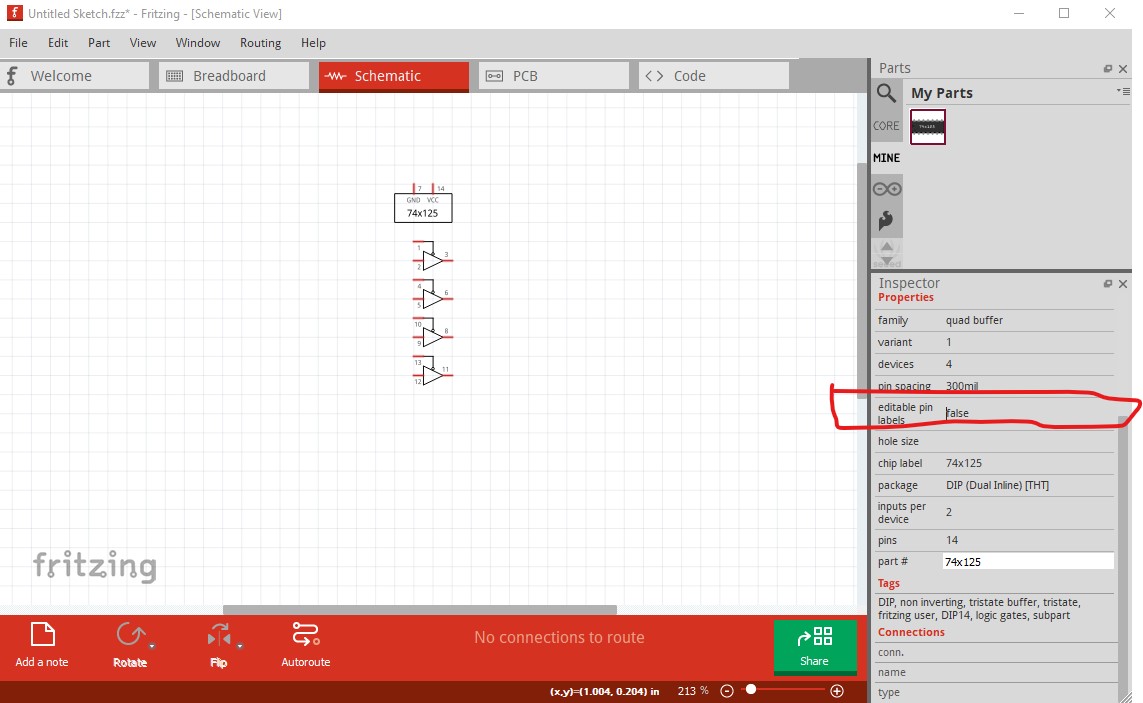
and pcb is a 14 dip without there being a pcb svg in the .fzpz file (but a new one in core parts!)
Peter