Hi community I starting now with Fritzing
because am done with designing my hobby stuff manually. I’m using pretty much the typical “2,54mm” circuit boards only.
I’d like to place my components onto it and see the spare holes as well as the copper lines. Because they are what I need to count when I soldier the stuff.
But how could I insert such a background?
I searched through, found some partial answers but not a complete one.
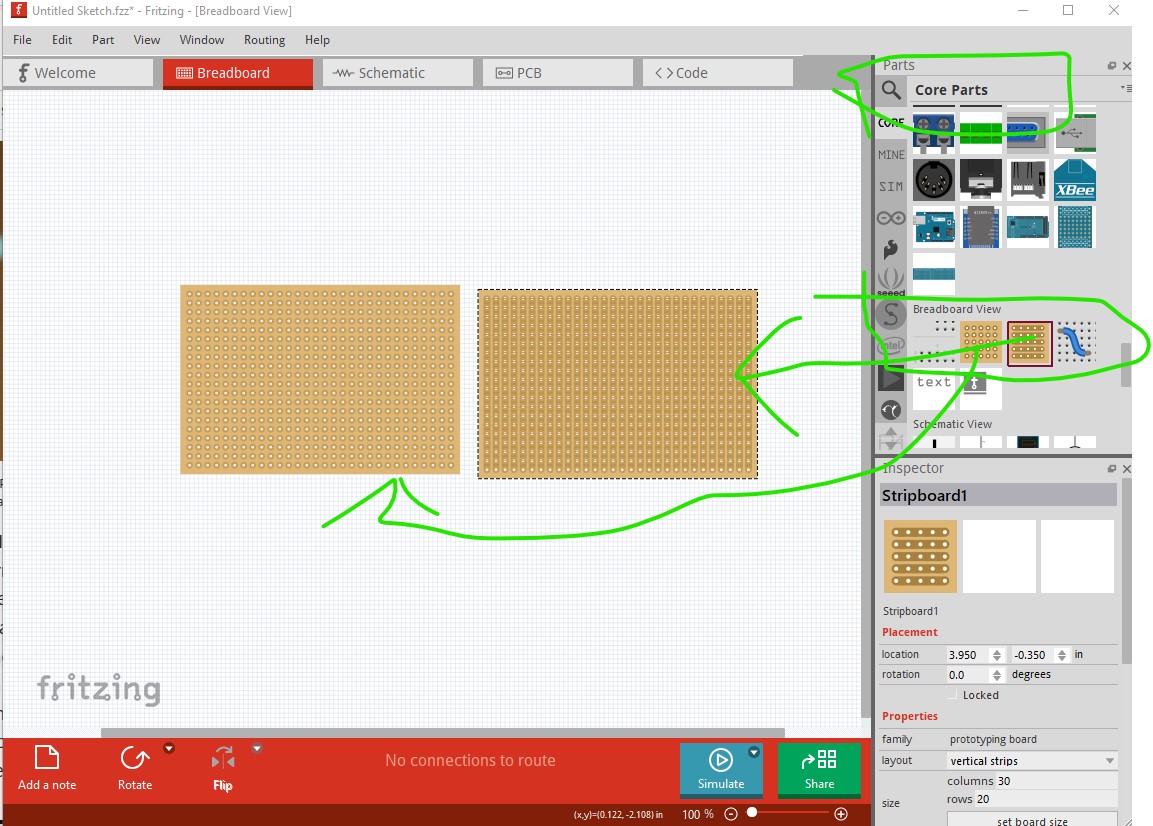
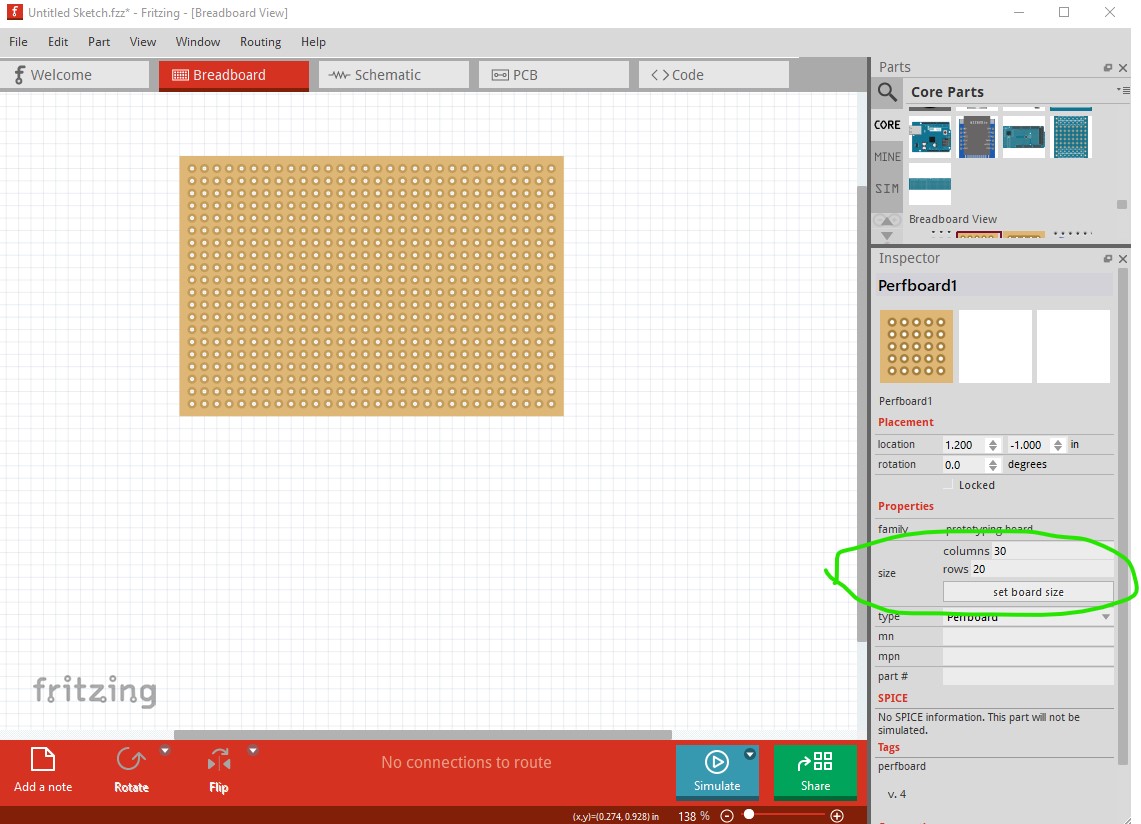
Use either perfboard or strip board which ever you prefer. You can change the number of rows and columns in Inspector (the lower right window.) After that you want to search the forum for “top view parts” which are parts that have been optimized for perf board / strip board use by using only their outlines on the perf board (unlike normal parts.) There have been a fair number made over the years and there are at least a couple of collections of parts. A google search of the form “fritzing part top view” (which is in general the best way to find parts) would also be a good bet. To access perfboard or strip board enter core parts and drag them in to breadboard view like this
then go from there. Some people also use pcb view for doing perf board as it will (unlike breadboard) allow you the do things on the bottom of the board.
Thank you very much. As usual starting with a new tool the most simple things are the inhibitor to autonomous progress (with Google and further).
Allow me two pints on which I still stumble:
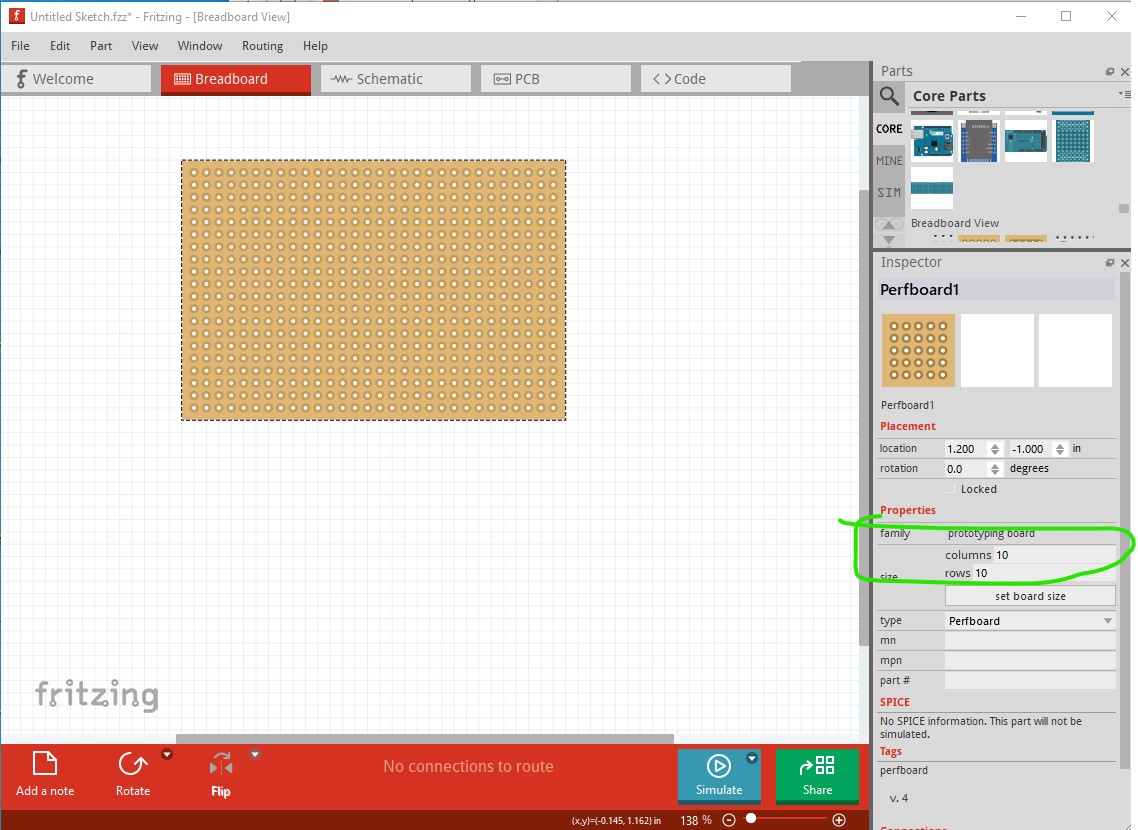
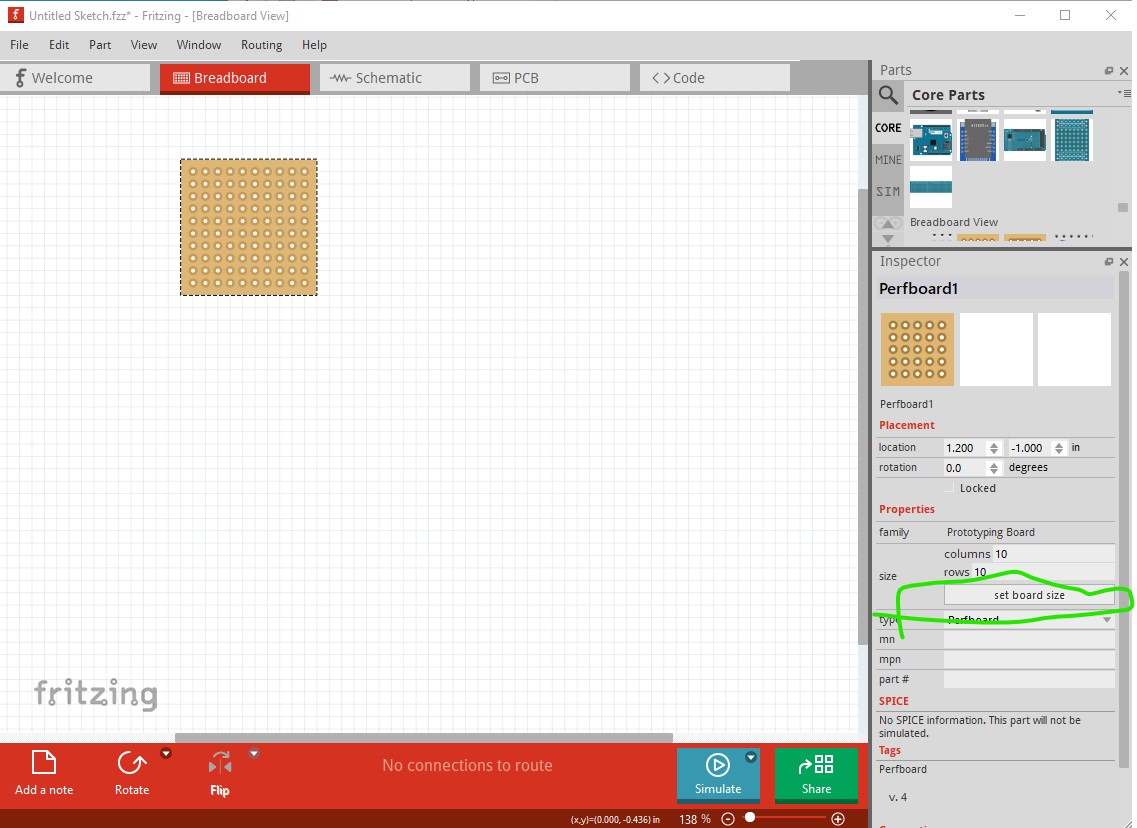
After inserting the Stripboard in Breadboard view there is no chance to modify the size (rows / columns). Eventhough I can change the numbers it doesn’t reflect them and reset them automatically back to original values. The button “set board size” has no effect (hard to say if it is greyed out).
In fact I’d like to use the perf board in pcb view but here again I stumble over some basics - I can’t move the strip board into the view nor did I visually find a similar element to use.
I would guess there is something wrong with your installation. For me on Fritzting 1.0.5 it works fine (and has on previous Fritzing versions as well.)
You need to have the perf board selected, but you likely do as Inspector won’t show the size and set board indicators if you don’t. I would suggest trying to reinstall Fritzing (and use the official version from Fritzing.org) as some of the Linux install packages have had issues in the past with incorrect configuration.
I don’t know of a pcb perfboard part nor have I ever tried to do it in pcb but other folks over the years have. It won’t be as convenient as breadboard because the breadboard implementation is powered by code that changes the size of the board and allows a click between pads to break the copper between pads neither of which will work in pcb as the code isn’t there. You could make a part for a perf or strip board but it would be fixed size, and would need a new part for a different size there is no support for making changes from the program to a part.