knefel
March 31, 2022, 8:51pm
1
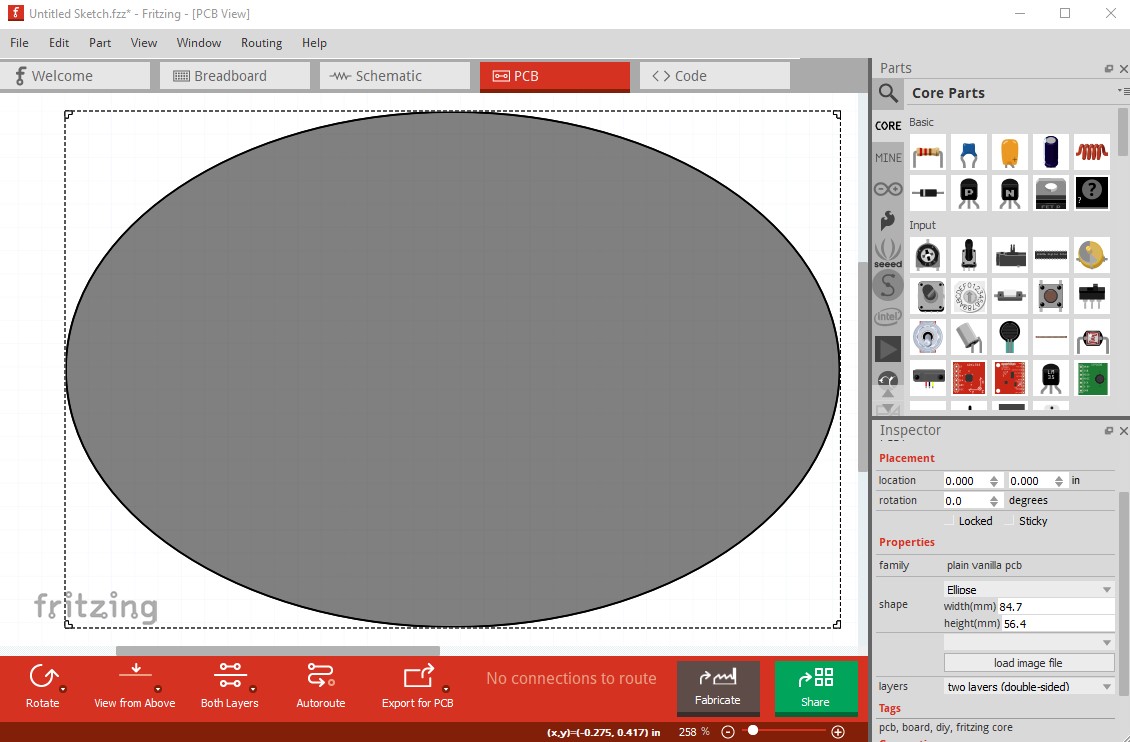
I created an elliptical PCB. The PCB has the wrong colour. It’s too dark and you can hardly see black lines.
The color should be like all other PCBs.
Version: 0.99 (Linux Mint 19.3)
vanepp
April 1, 2022, 12:31am
2
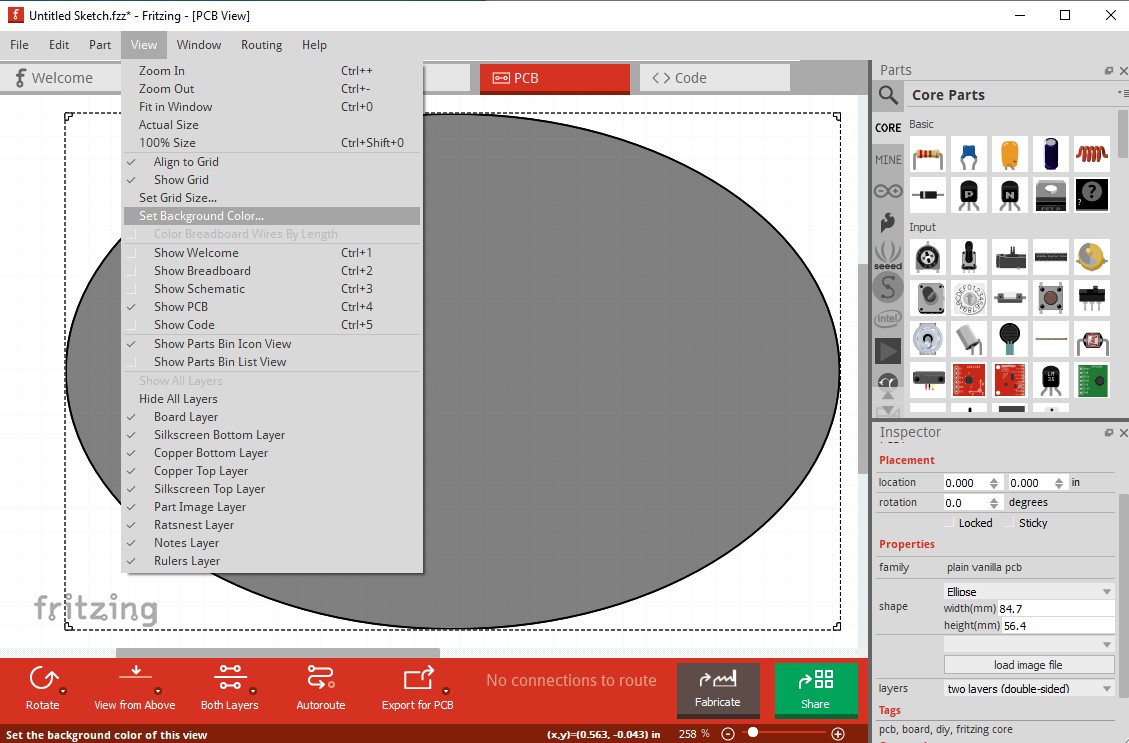
In pcb view click View->background color
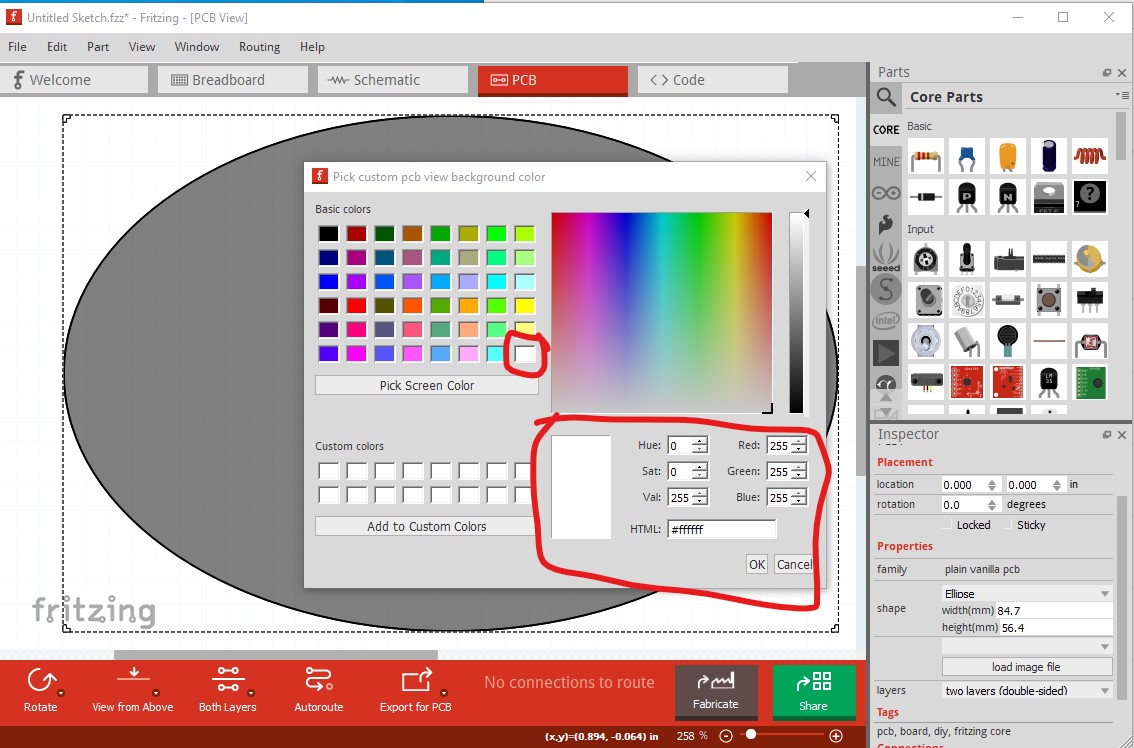
then pick custom color
then select a white background and click OK.
That sets the background to white and lightens the ellipse image. You could also load an ellipse (and set the color in the svg) via load image file I expect but that is more complex to do.
edit:
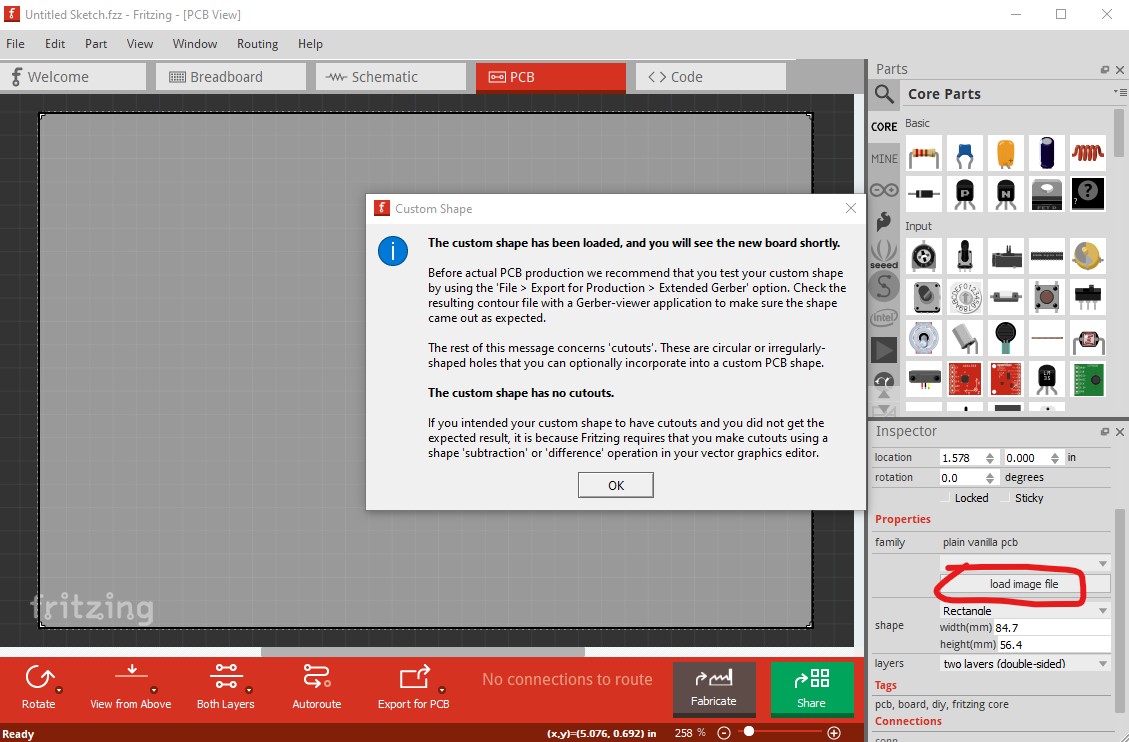
Alternately you can load this svg via load image file which creates an ellipse identical to the rectangle.
click OK here to accept the svg and you get
which came from this svg:
right click on the image above and “Save image as”
edit:
Reported in issue
opened 03:40PM - 01 Apr 22 UTC
bug
solved
## Current Behaviour
In pcb view the ellipse shape is the incorrect color:
…
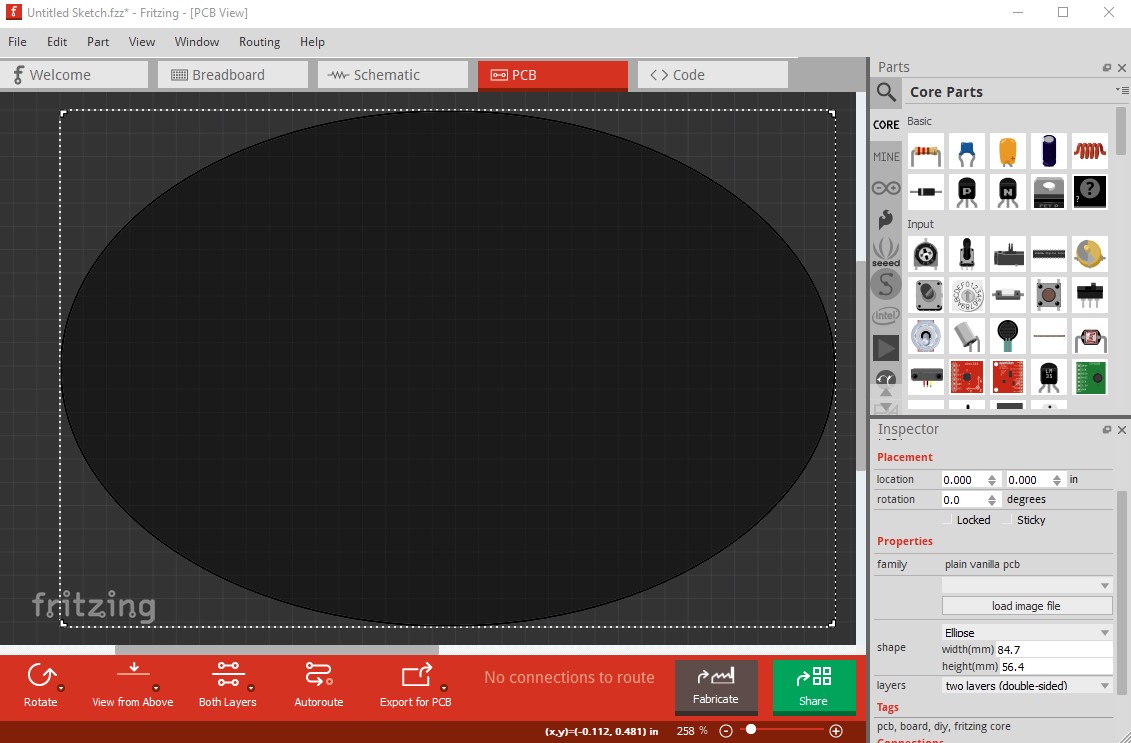
as opposed to the rectangle (and all the other shapes!)
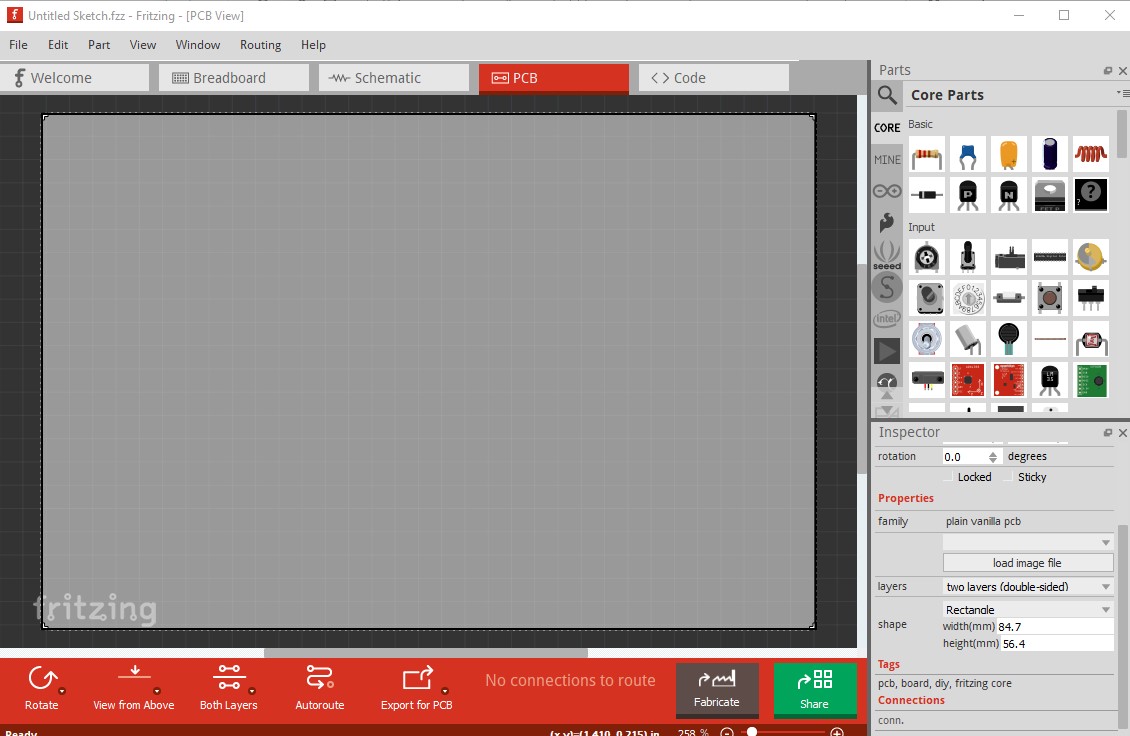
**Build:**
Version 0.9.9
(bCD-348-0-f0af53a9 2021-09-22) 64 [Qt 5.15.2]
**Operating System:**
Windows 10
**Steps to reproduce:**
- set shape to ellipse
## Expected Behaviour
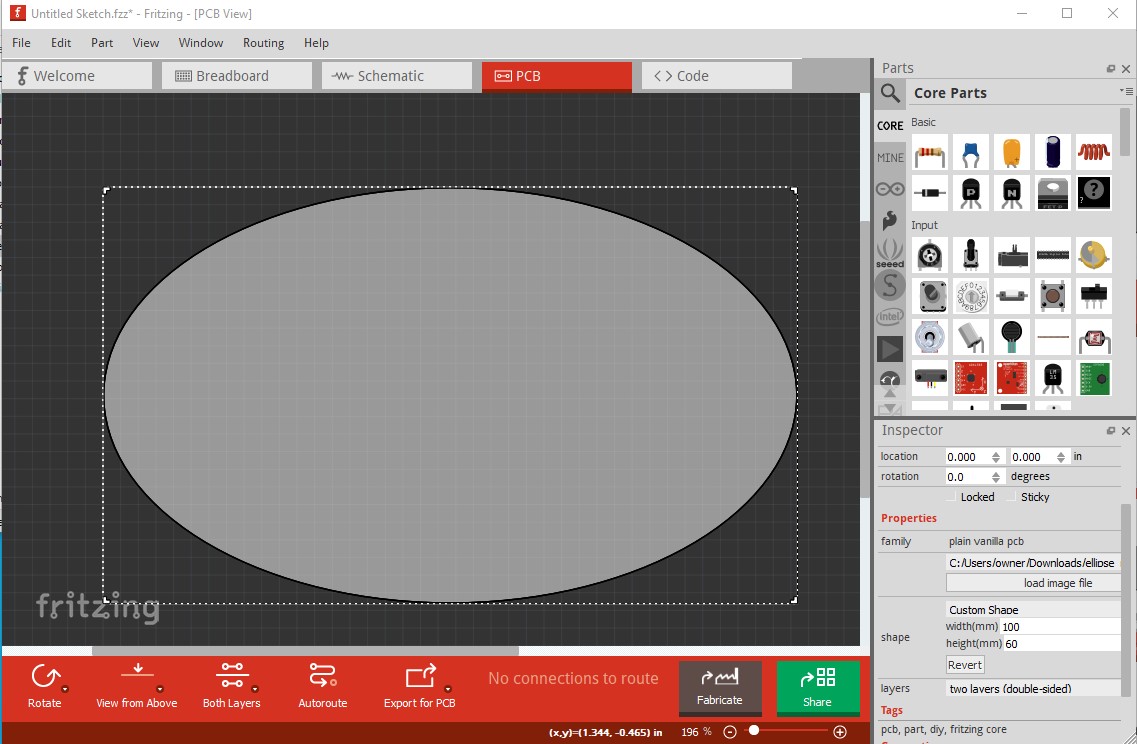
to achieve this, change
fritzing-app/resources/parts/svg/core/pcb/ellipse_pcb.svg
from
`<g id="board">
<ellipse id="boardoutline" stroke-width="0.2032" stroke="#ffffff" fill="#000000" cx="50" cy="30" rx="49.8984" ry="29.8984" fill-opacity="0.5" />
</g>`
to
`<g id="board">
<ellipse id="boardoutline" stroke-width="0.2032" stroke="#111111 fill="#ffffff" cx="50" cy="30" rx="49.8984" ry="29.8984" fill-opacity="0.5" />
</g>`
to match the rectangle svg which fixes the problem
Set to be fixed in Fritzing 0.9.10 (as the fix needs a source file change.)
Peter