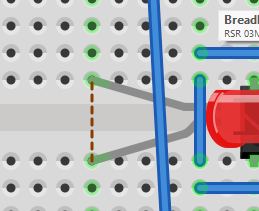
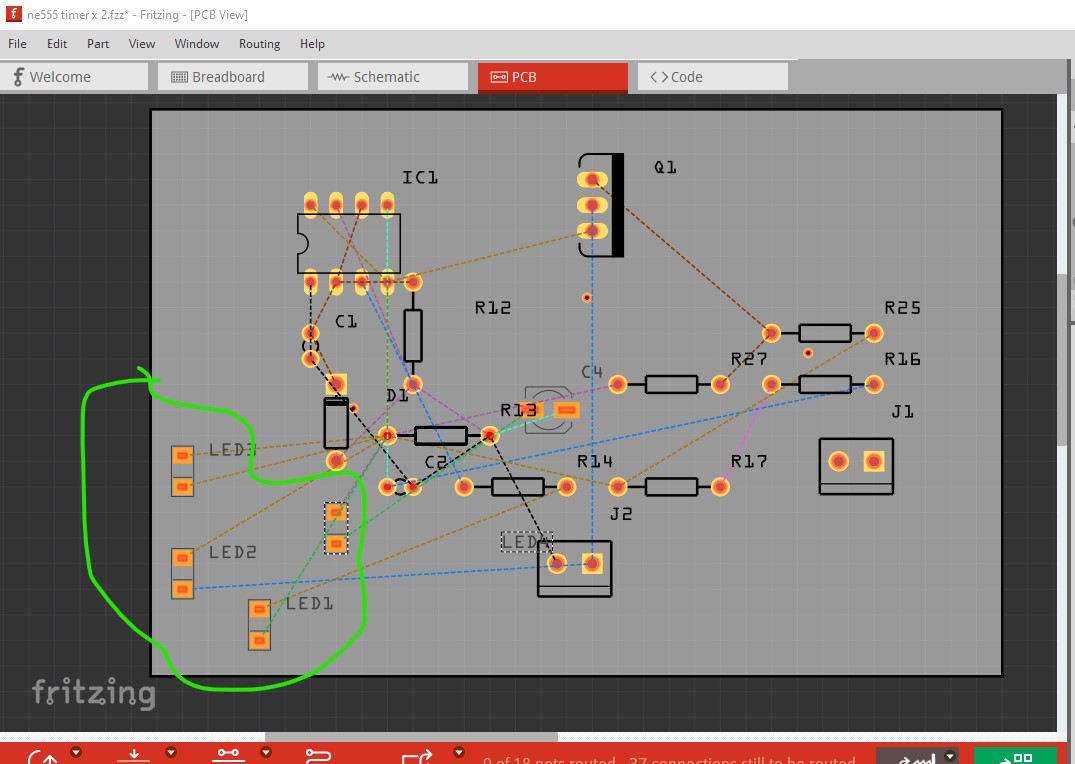
I’ve got dotted lines between LED legs, any ideas why??
@gray_b Send the .fzz file
Because there is a short in another view between the pins. As @RAPTOR7762 suggested upload the sketch (the .fzz file, upload is 7th icon from the left in the reply menu) and we will tell you why there is a problem. In general images are useless to diagnose errors.
Peter
This one is fairly easy, you have an error in pcb (although I don’t immediately see where.)
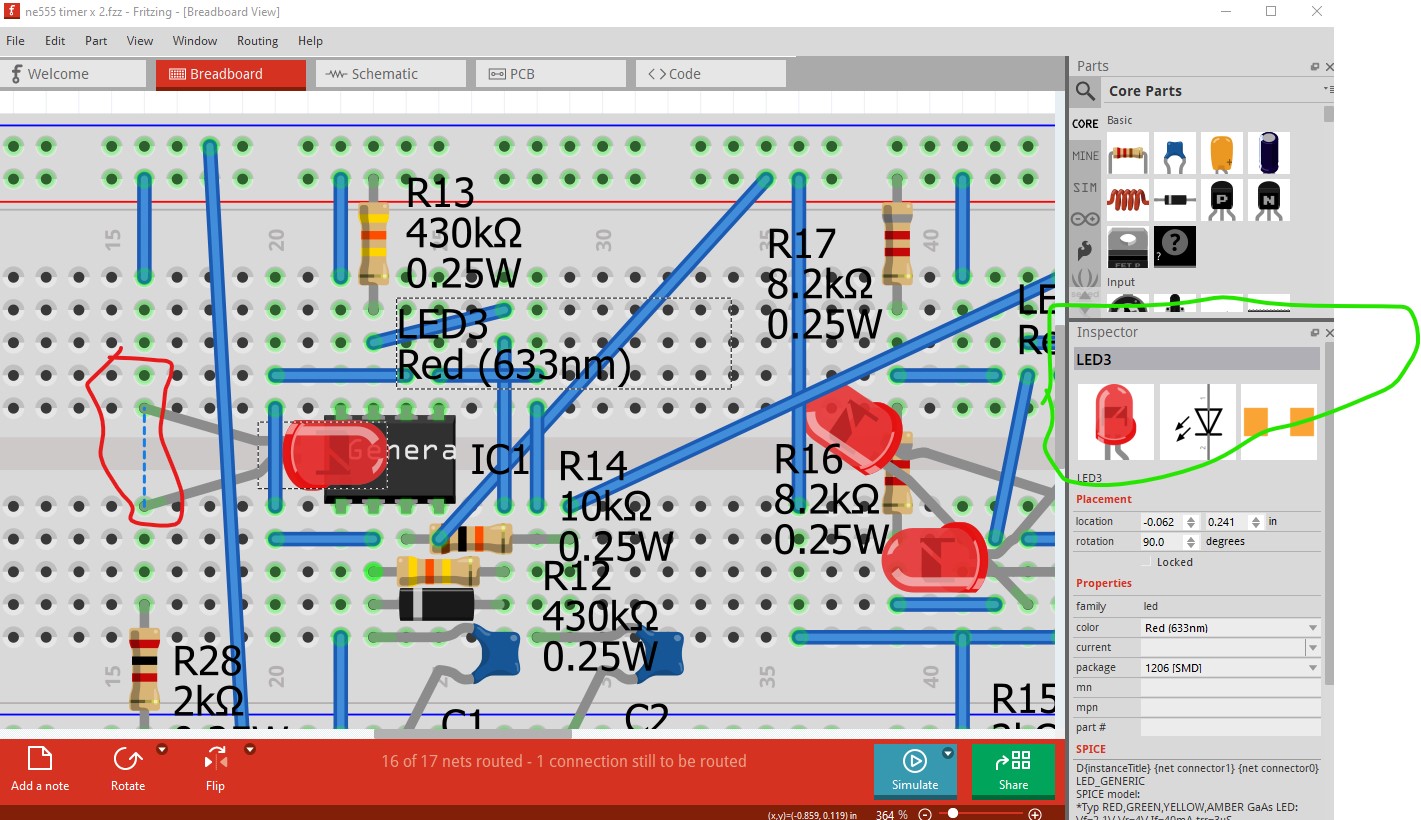
in breadboard we have a rats nest line indicating a short. Schematic is not routed (although it should be as it provides an indication that breadboard is wired correctly!) so the problem appears to be in pcb.
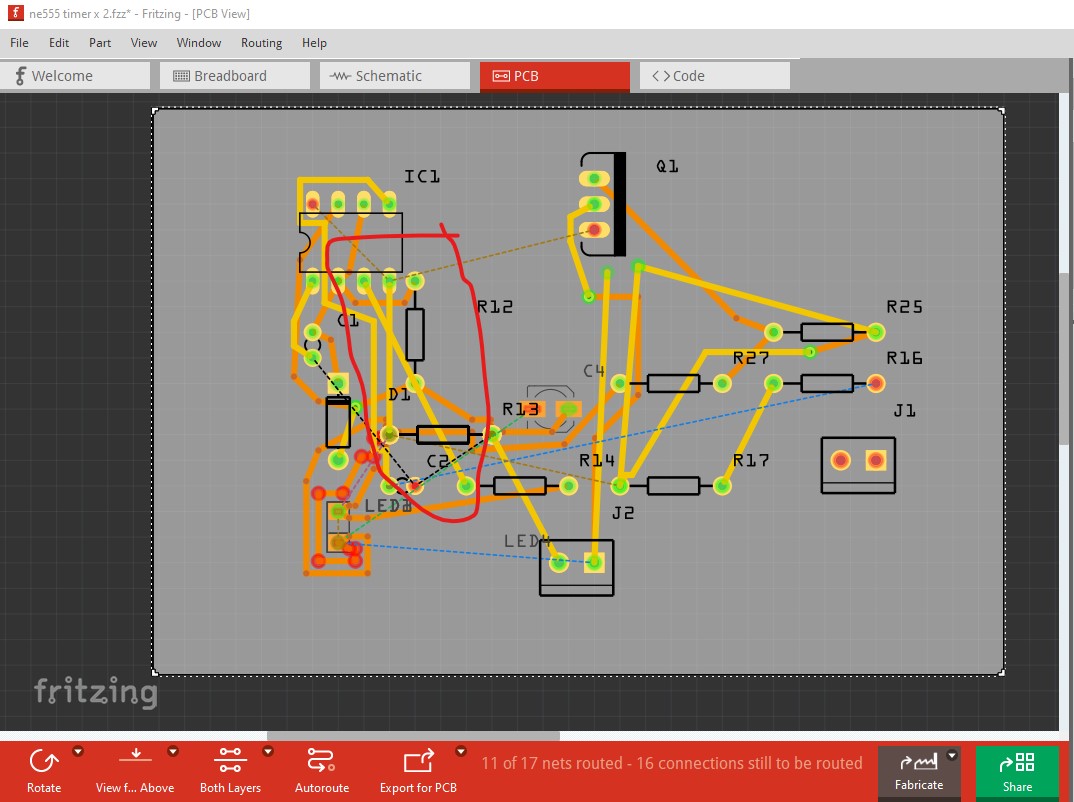
The trace on the top layer will short those two traces (although Fritzing will not notice that unless you run DRC.) So remove all traces
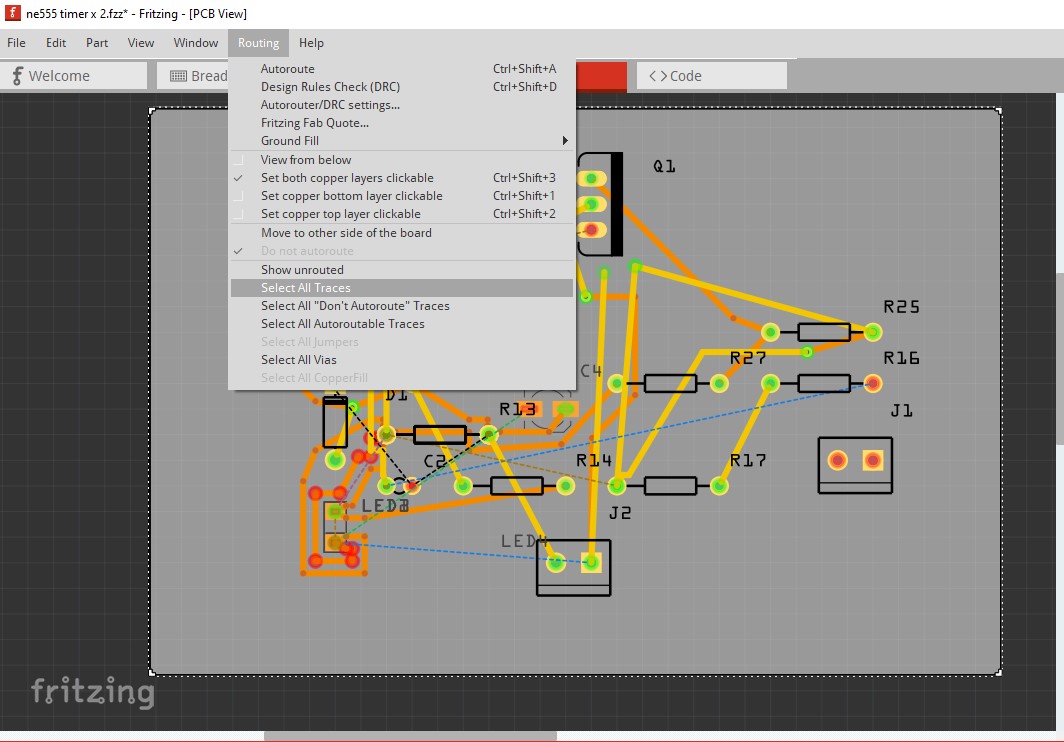
by clicking on select all traces and hitting the delete key.

the LEDs are all placed on top of each other (although that should not create the short) so move them apart
Now breadboard routes correctly because the short reflected in from pcb is no longer present. To proceed you need to move the parts in pcb in to a sensible order and click on the rats nest lines from breadboard and route them so no traces overlap. That should produce a working board. As noted it would be wise to route schematic first and make sure the created schematic matches what you think the connections should be (it is very easy to make wiring mistakes in breadboard which will reflect in to the other 2 views.)
Peter