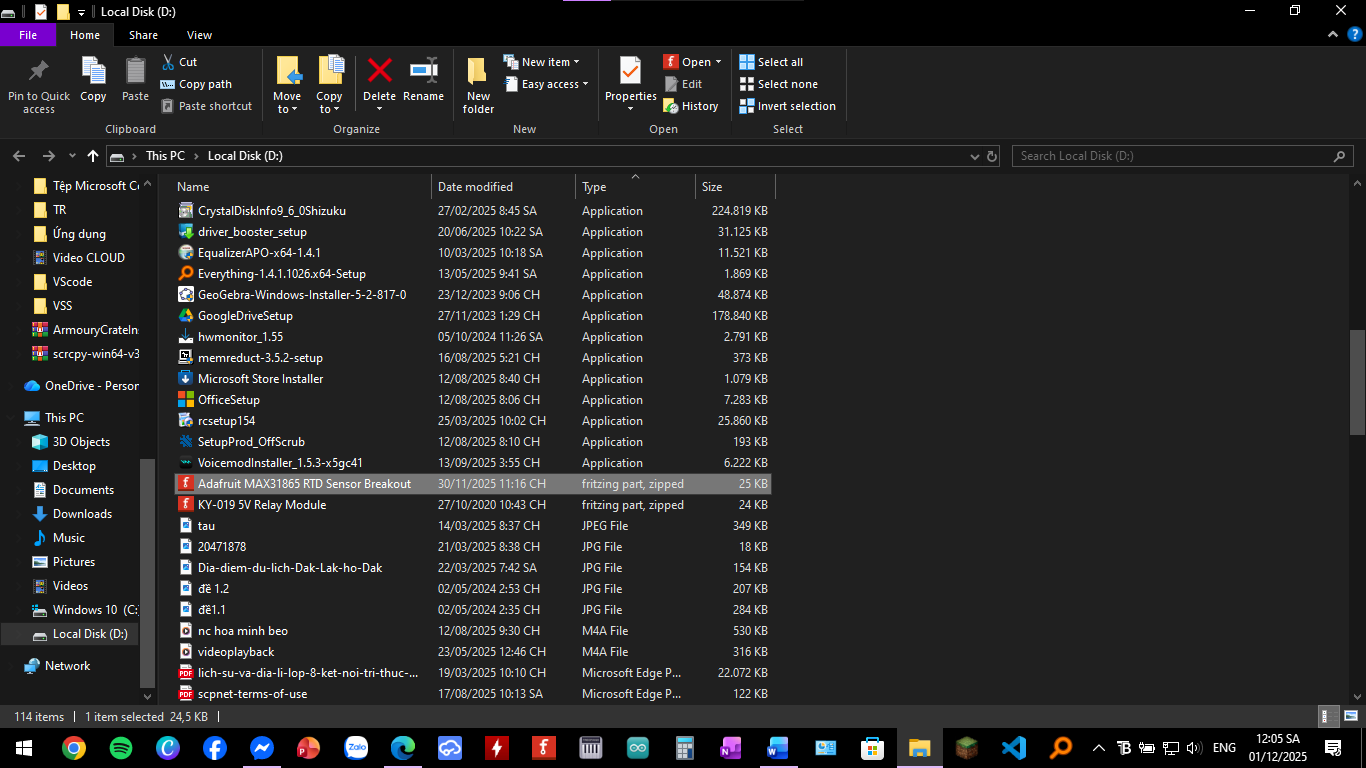
I tried to import a .fzpz file (Relay module and MAX31865) downloaded from the Github and internet. I moved the file to the D:/ to avoid file path issues with special characters (Vietnamese), but when I clicked Import, the error “Cannot read the file %1:2%” still appeared.
…
What I expected should have happened instead:
The part should be successfully imported into the “Mine” parts bin without any error.
…
My version of Fritzing and my operating system:
Fritzing 1.0.4. Operating System: Windows 10 (64-bit).
…
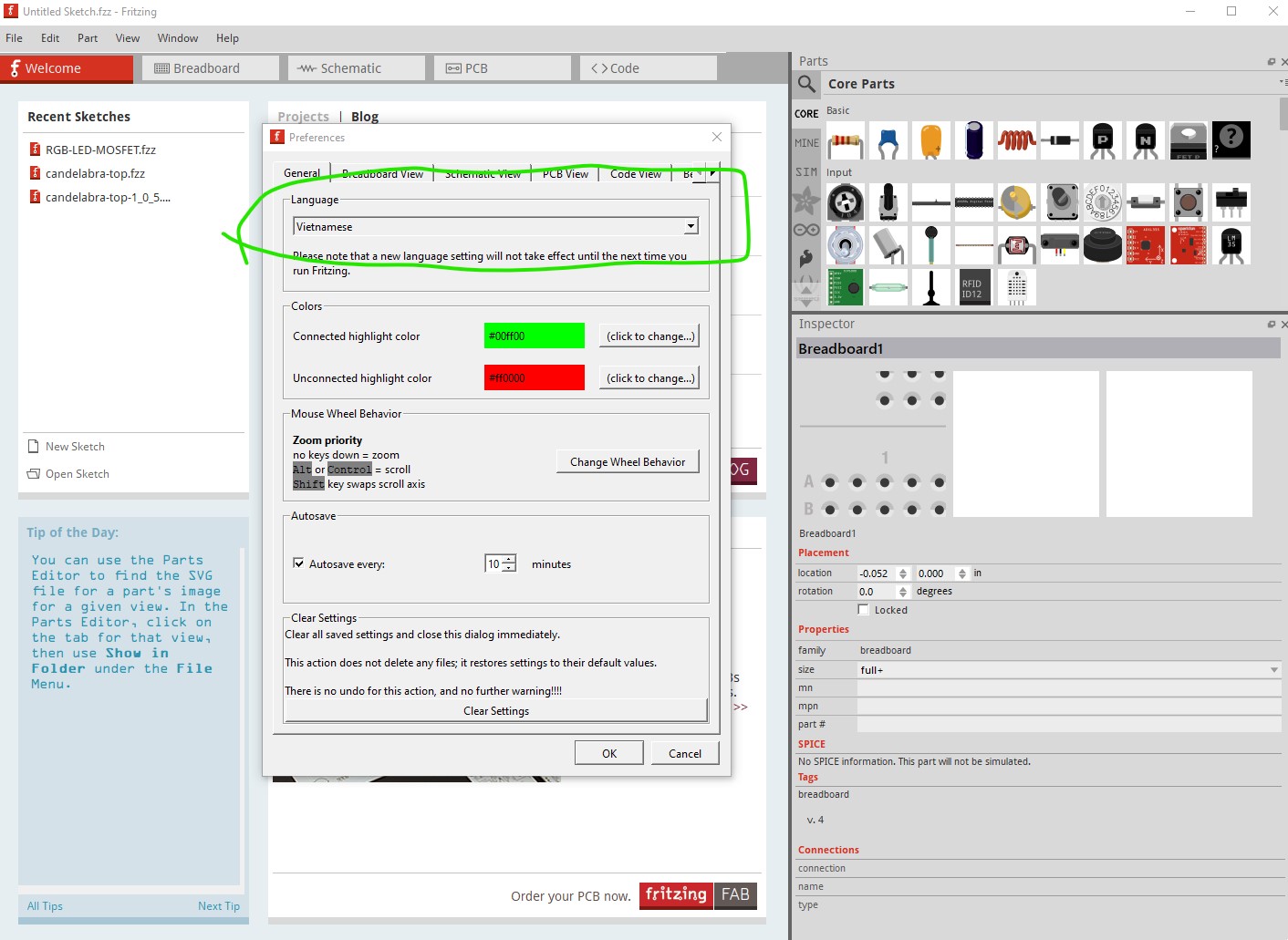
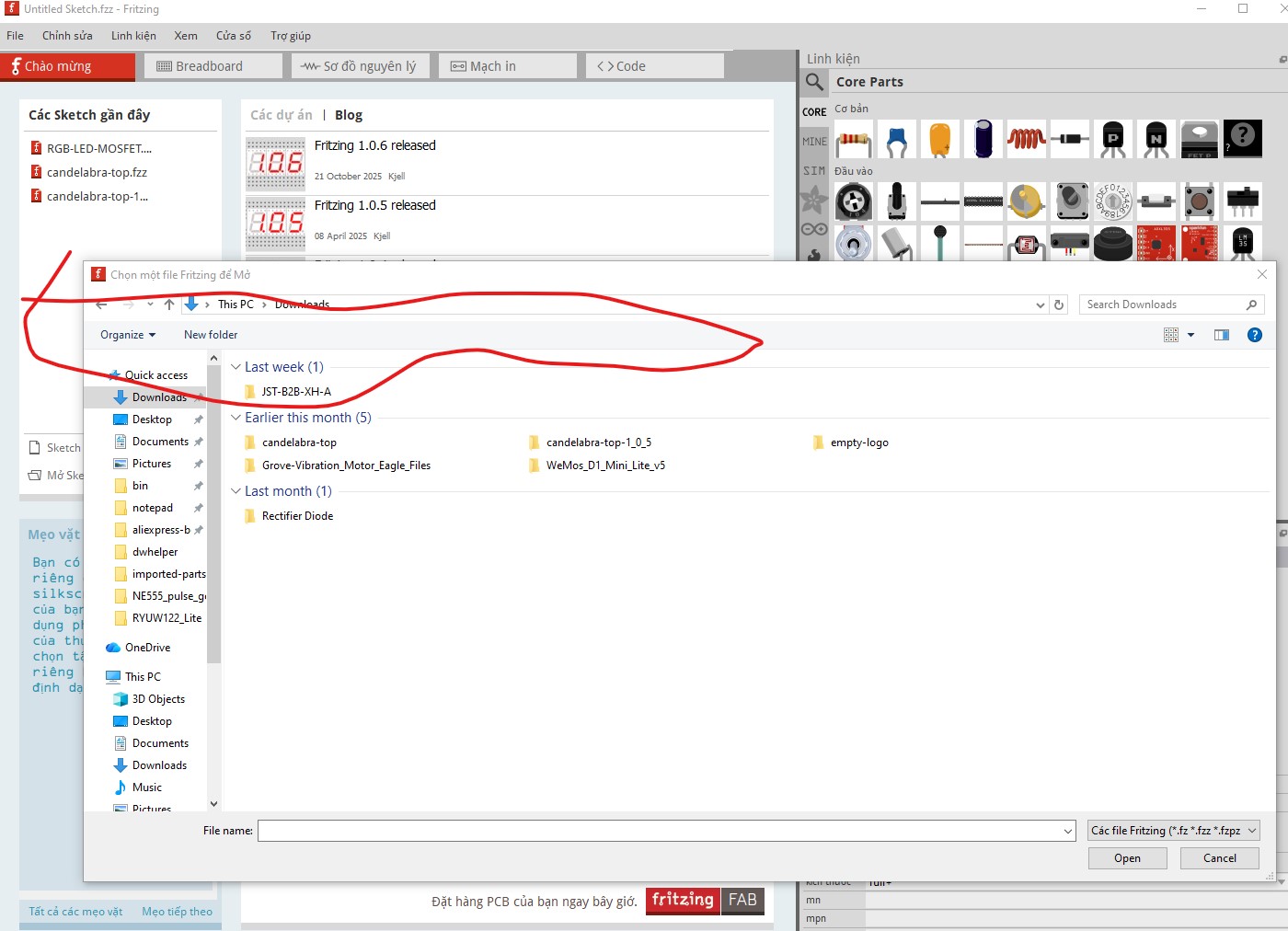
Both parts load fine for me on Fritzing 1.0.6 on Win10. The relay part complains about no version number in the .fzp file but loads fine when you click OK (that won’t occur on 1.0.4!). However what I change the language to Vietnamese and restart Fritzing, the files do not show up at all in the open menu:
The .fzpz files don’t appear in the open menu. I will try version 1.0.4 and see what it does. For me the same thing, no .fzpz files appear in the open menu. So my first suggestion is change the language to English and see if the files load for you. If that works report this as a bug on Github here:
If the files will load with language set to English, they may still work from the mine parts bin in Vietnamese which would give you a work around. If they don’t add that to the problem report.