… couple of things…
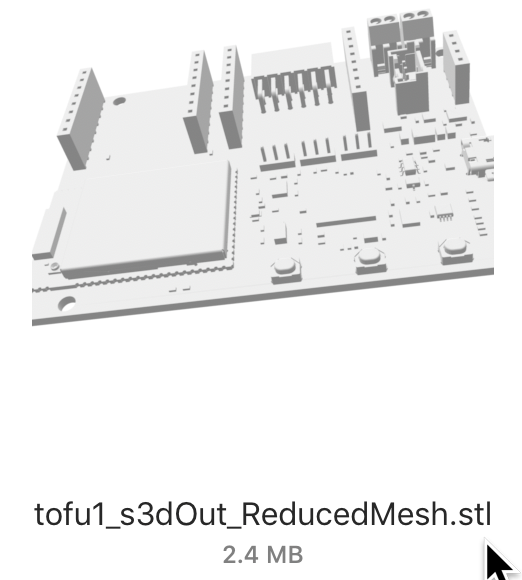
You can Import the .STEP into FreeCad and create an .STL
(requires knowledge of how to do it…). Resulting .STL shown below.
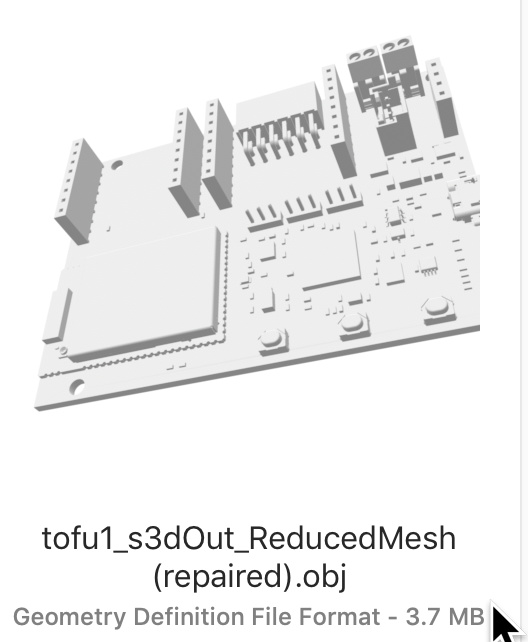
Then, open .STL in a program that Heals .stl (such as NetFab).
Then, export the Healed file as .STL or .OBJ
Then, (from reading Posts, Inkscape has an extension to load .OBJ but, not my older Mac version (“Share”, referring to below link is not available to me).
Here’s a link http://goinkscape.com/how-to-import-3d-models-into-inkscape/ , see Step#3
There must be other apps to open STL/OBJ/etc that can make a 2D drawing from it.
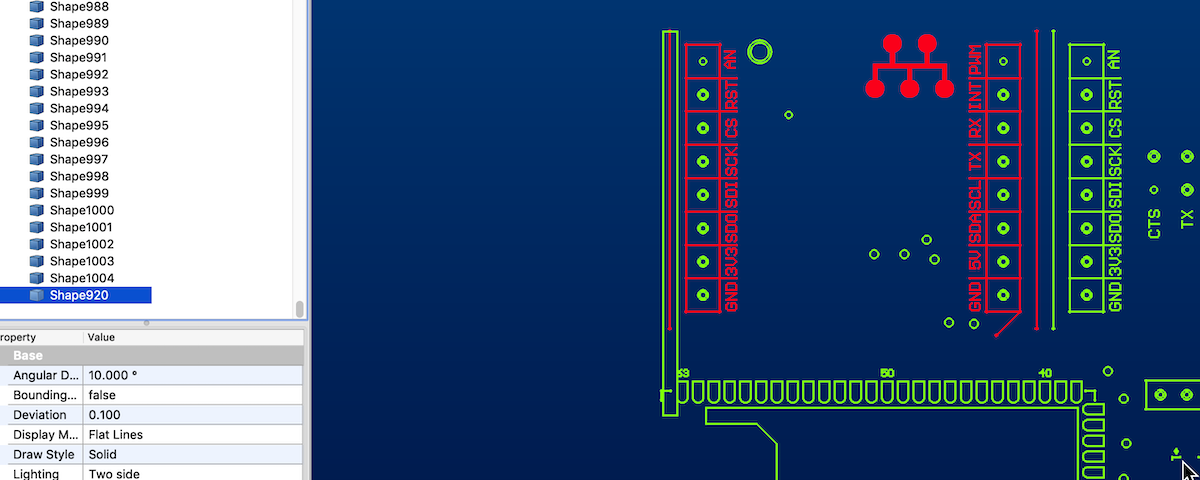
Lastly, in FreeCad you can import the DXF, clean it up (delete the stuff not needed) and if it’s clean enough, you can export .SVG from the Draft workbench. (NOTE: Though FreeCad has plugin’s that work in some common workbenches, while having common aspects, they are not reliable across all workbenches!!!)
Below show DXF loaded into FreeCad and some elements selected as if desired to delete them…